iconBIT XD290HDMI User Manual
15
3.4 Copy Function
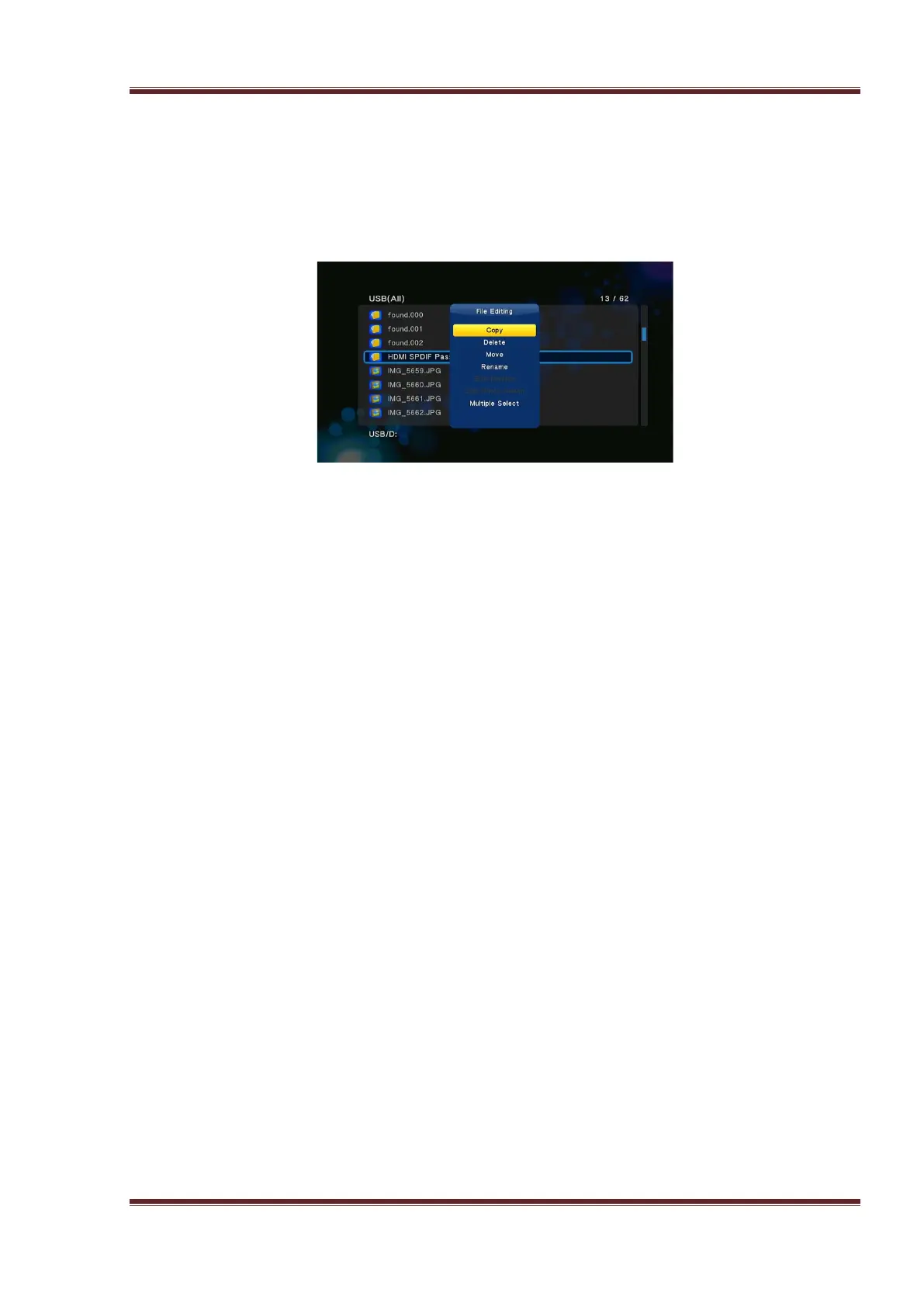
3.4.1 Copy under File Manager
Press Edit button to enter file editing menu, choose Copy and follow the prompt on screen
to finish the process. If you want to select more files and folders, please choose Multiple
Select to enter the file selecting menu.
3.4.2 Copy button
If the player is working with an internal HDD and USB HDD or USB Flash Disk, then press
the copy button of the front panel. You could copy the files of mobile HDD or USB Flash
Disk to the internal HDD.



 To Next Page