iconBIT XDS73D mk2 User Manual English
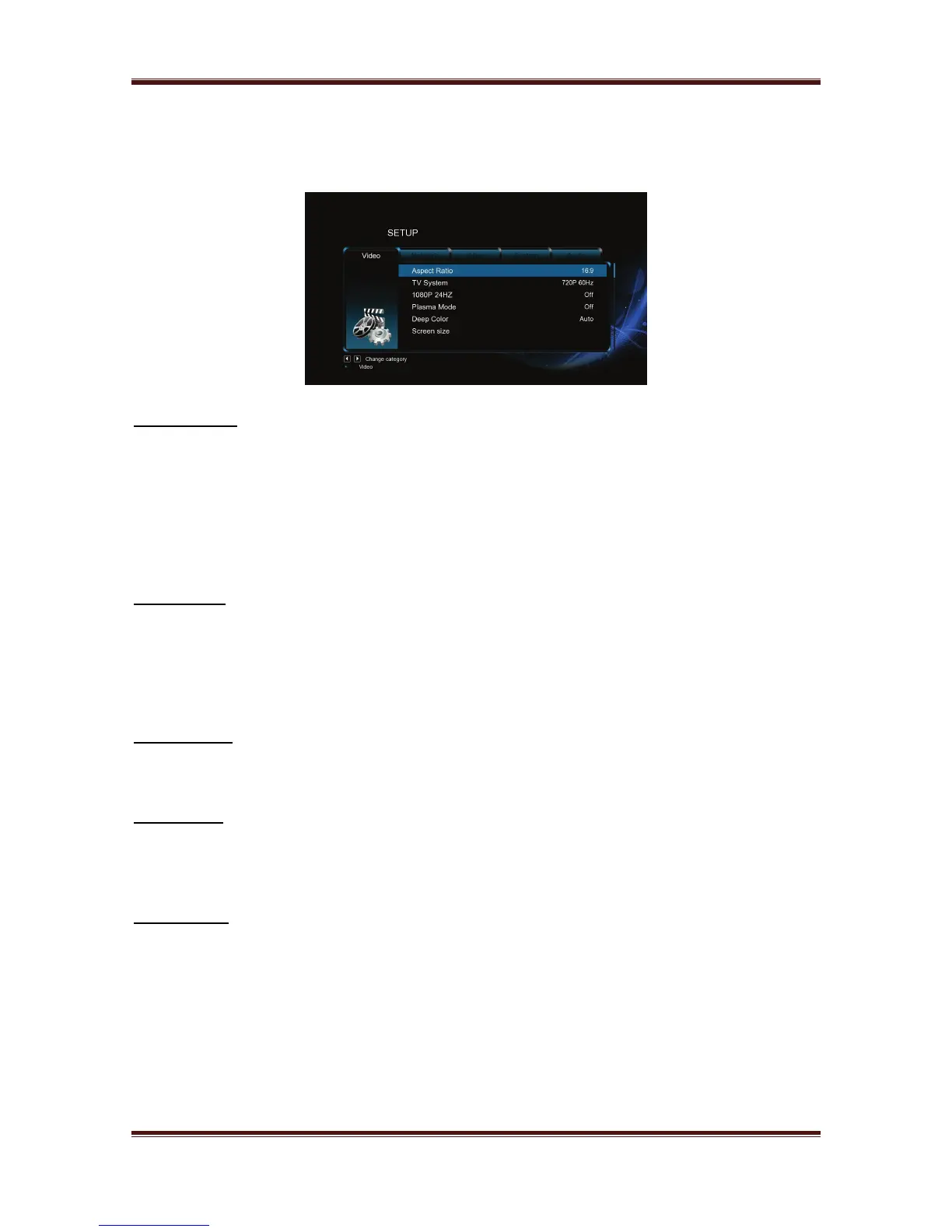
3.1.3. Changing Video Settings
Use this menu to configure video settings.
Aspect Ratio
- Pan Scan 4:3: Display a wide picture on the entire screen and cuts off the redundant
portions. Select when a standard 4:3 TV is connected.
- Letter Box 4:3: Display a wide picture with two black borders on the top and bottom of
4:3 screen. Select when a standard 4:3 TV is connected.
- 16:9: Compress the image to convert the whole image. Select when a 16:9 TV is
connected.
- 16:10: Select when a 16:10 TV is connected.
TV SYSTEM
- Select to adjust TV Type and video output resolution. This setting depends on your
regional location. Include:
- NTSC – United States, Canada, Japan, Mexico, the Philippines, South Korea, and Taiwan.
- PAL – Europe, Greenland, parts of Africa and South America, the Mideast, China, India,
Australia, and Indonesia.
1080p 24Hz
- Choose this option to enable or disable 1080P 24HZ support. A TV set with 1080P 24HZ
(24P) mode is needed.
Deep Color
- Help to perform more detailed level of color depth, make continuous color change
smoother. You can get more vivid color effects.
A TV set with deep color support is needed.
Screen Size
- Adjust the video output size according to the size of TV screen. Press Left/Right button
to adjust the width of the screen, and Up/Down button to adjust the height of the
screen.
- In Casablanca, this option is used to adjust the video image size during video playback.
Press Zoom button to fit the screen size you have set.
- In Android, this option is used to adjust the UI image size.
12



 To Next Page