iconBIT XDS73D mk2 User Manual English
3.7.1. APK Installation
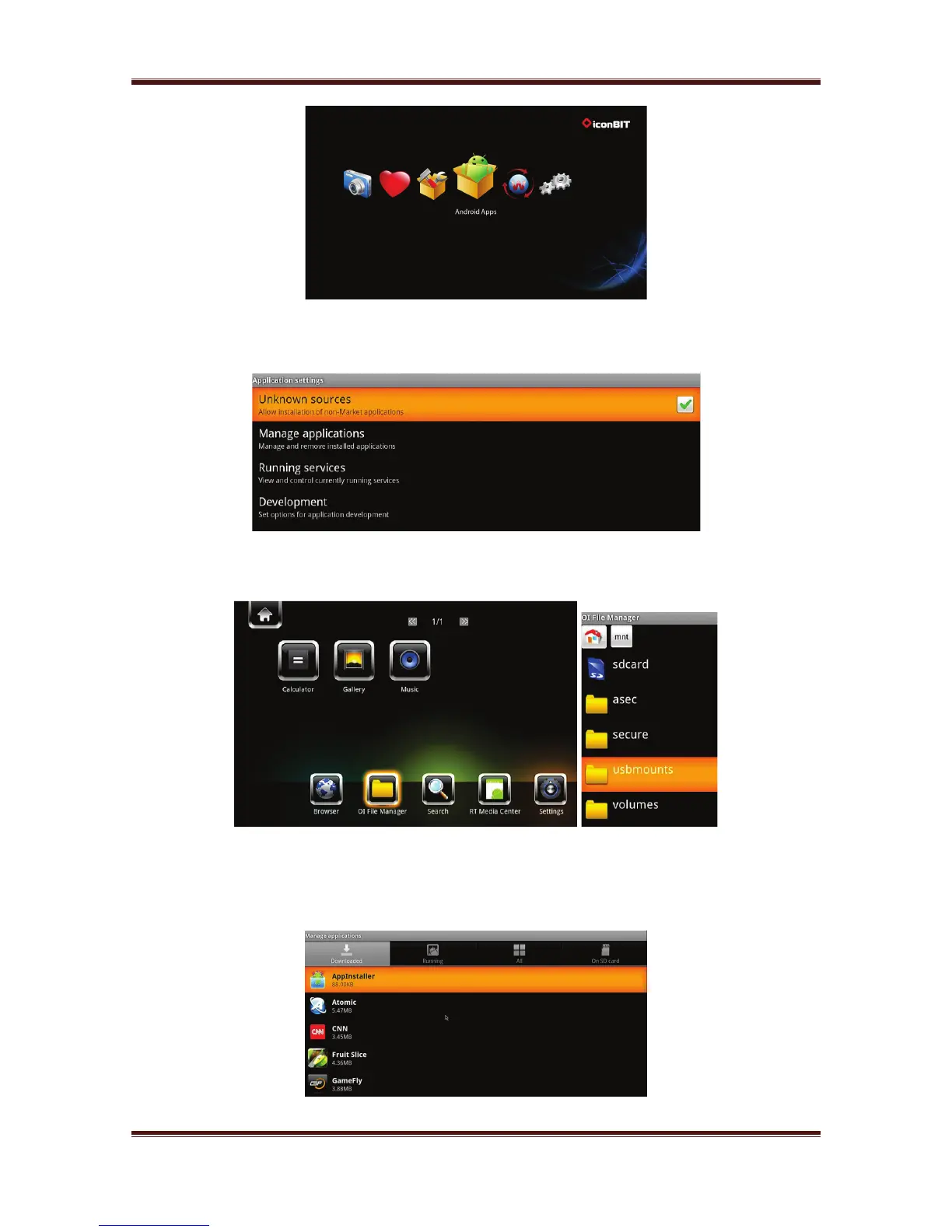
Step 1, Enter into Android Settings Applications, turn on Unknown Sources.
Step 2, Enter into OI File Manager mnt Usbmounts to find the .apk stored on your
external USB device. Select and install the .apk.
3.7.2. APK Uninstallation
Enter into Android Settings Applications Manage applications, All apk installed
by yourself are list under Manage applications Downloaded menu. Here you can
uninstall the apk which you want.
19



 To Next Page