iconBIT XDS73D mk2 User Manual English
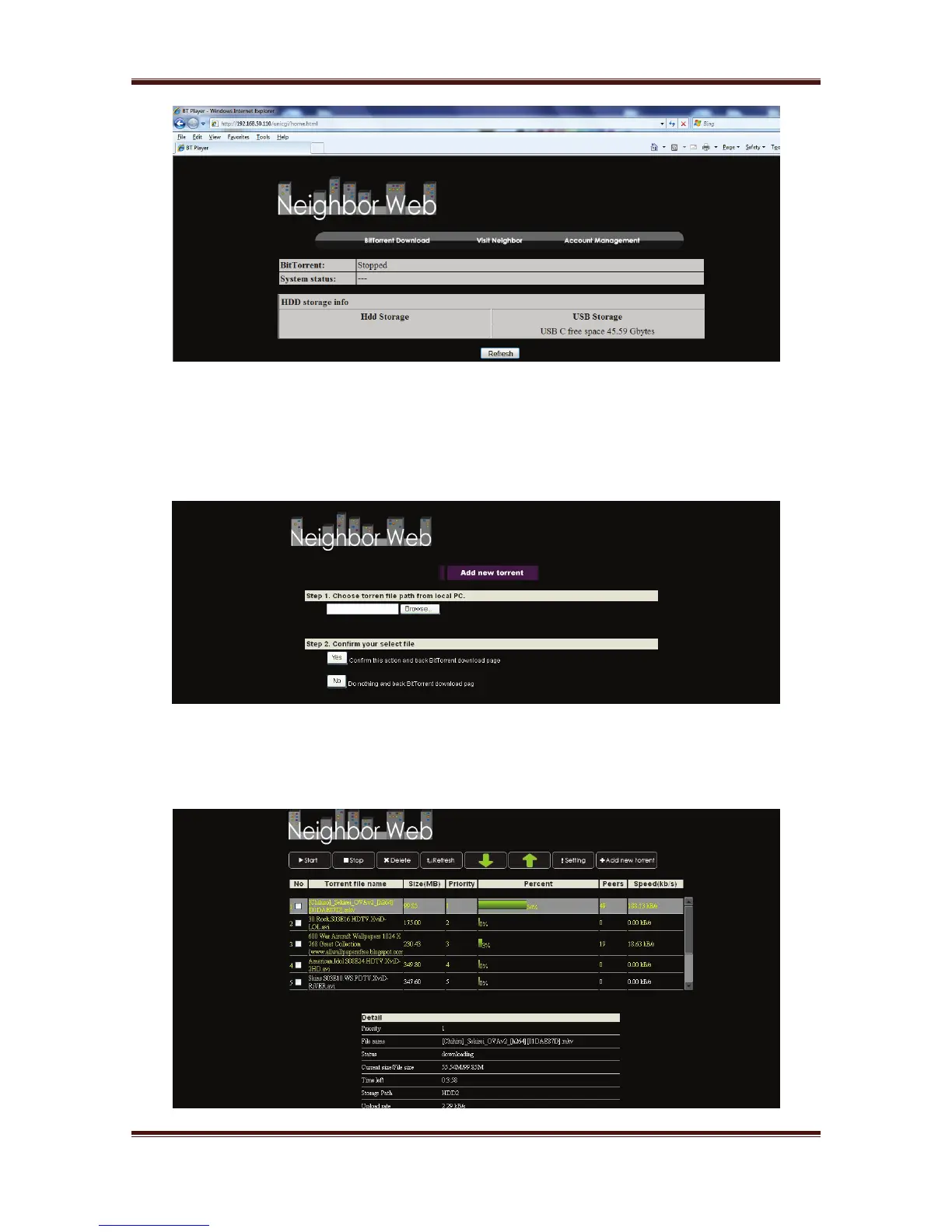
Click BitTorrent Download on the home page of Neighbor Web, then you will enter the
BitTorrent Download page.
3.14.1. Add New Torrent
- Click Add new torrent on the BitTorrent Download page.
- Click Browse to upload a torrent file, and click Yes to confirm.
-
3.14.2. Managing the Downloads
The BitTorrent Download page also allows you to start, stop, delete torrents, and set
priorities for torrents, as well as view the status of current torrents.
23



 To Next Page