iconBIT XDS73D mk2 User Manual English
3.2. Browsing Files and Media Playback
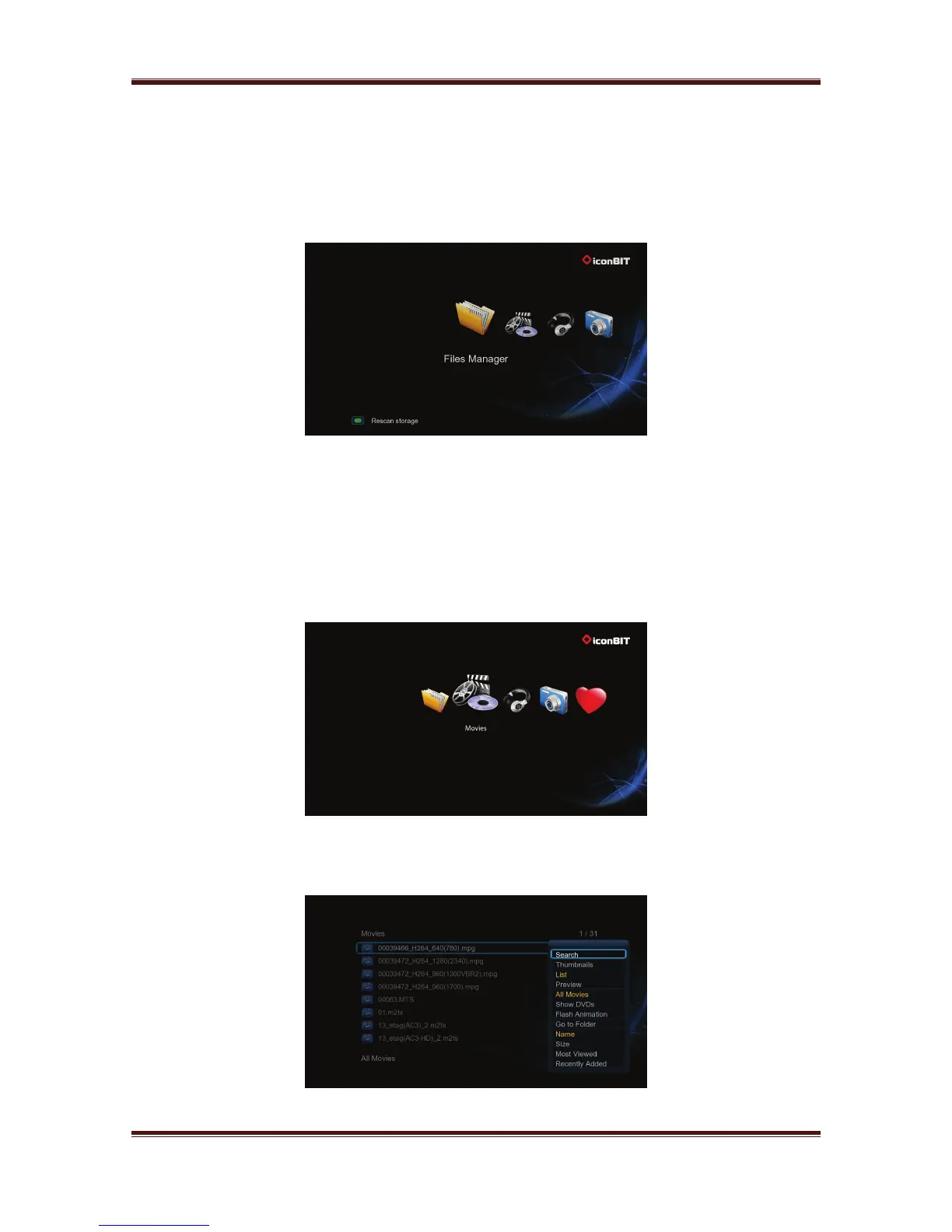
3.2.1. Browse via File Manager
The File Manager allows you to browse and play music, photo and movie files stored on an
external USB device and network.
In File Manager, press Menu button, you can choose different review mode, Thumbnails,
List or Preview.
3.2.2. Browse via Media Library
Enter into Movie/Photo/Music interface; only supported files will be displayed.
In media library, press Menu button to display the option menu, you can get following
functions though the option menu.
15



 To Next Page