iconBIT XDS73D mk2 User Manual English
Quick-Search
- Choose the Search option in the option menu, you can search for a media file by filter
media library to locate the specific media file.
Review Mode
- Choose a review mode among Thumbnails, List, Preview from option menu.
Sorting Mode
- Choose to sorting files by Name, Size, Most Viewed, Recently played or Recently
Added from option menu.
Flash Animation
- Choose to display .swf files in media library.
BD/DVD
- Choose to display DVD IFO, BD MV and ISO files directly in media library.
Go to Folder
- Choose to locate the file in file manager.
Folder Directory / Leaf Folder View / Date View
- Different mode to view photos in photo library.
3.2.3. Playback Option
Press Menu button during playback, you can get following functions though the Option
menu.
Title menu
- Useful for DVD IFO and ISO playback. Return to the main menu of entire disc.
Root menu
- Useful for DVD IFO and ISO playback. Return to the root main of each title.
Video Setting
- Adjust Brightness, Contrast, Saturation and Hue.
Slide Timing / Slide Transition / Select Music
- With these three options, you can choose the Interval, Transition effect and
background music during the photo playback.
3.3. Favorites Manager
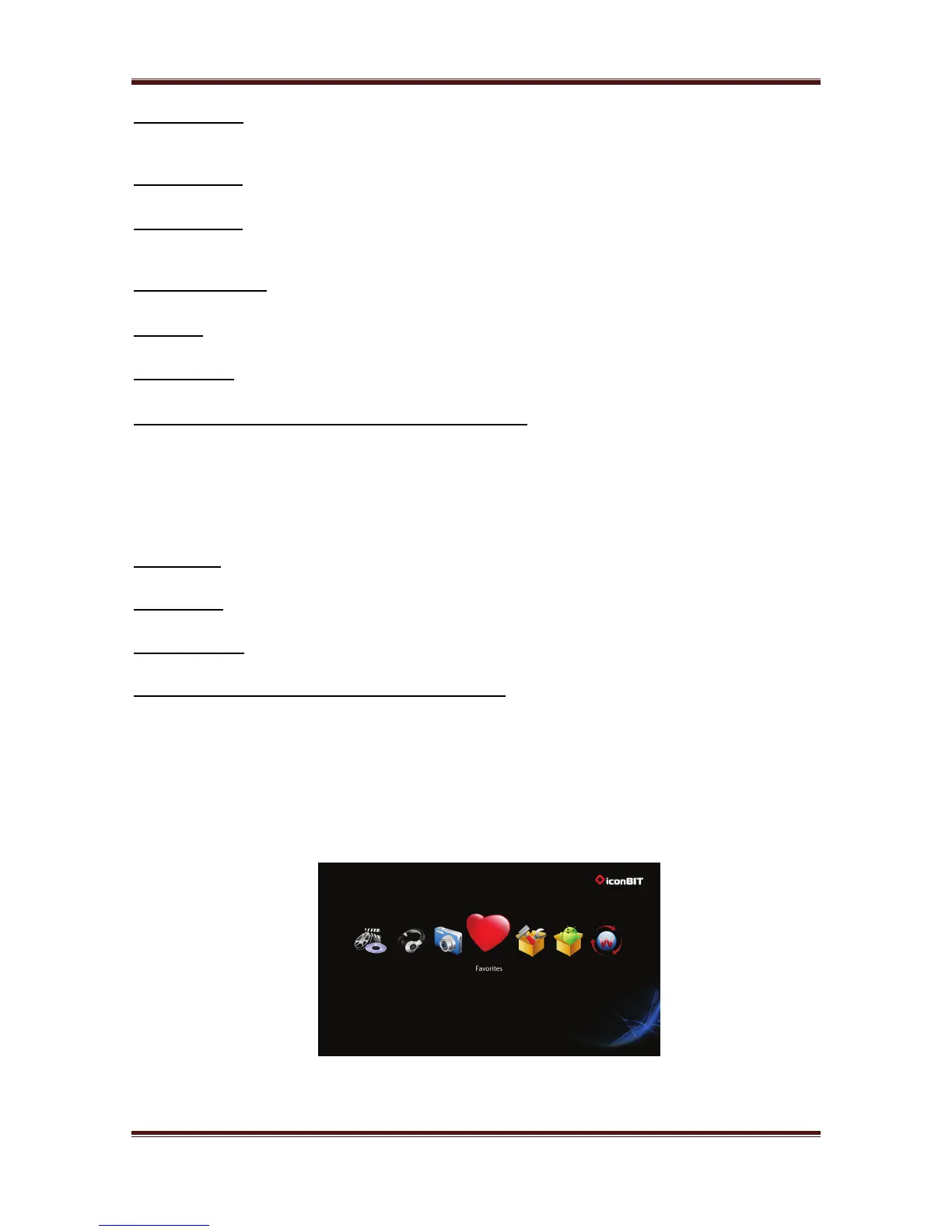
This player is equipped with a powerful function that we call Favorites. Actually it is a list of
Shortcuts that you the user easily create yourself. The Favorite Link works as a shortcut to
show folder on your Local Hard Drive, hosted USB Drive, Samba network share.
Navigate to the file or folder in file manager, press the Menu button on the remote control.
The menu dialogue will open and you will see the option “Add to Favorites”. Select this and
the folder will path will be added to the Favorites.
16



 To Next Page