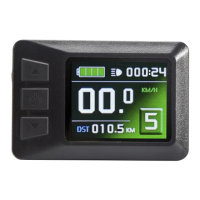
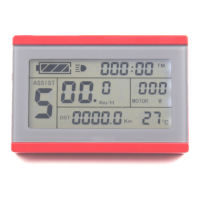
ELECTRIC BICYCLE METER KT—LCD3 Product User Manual
- 34 -
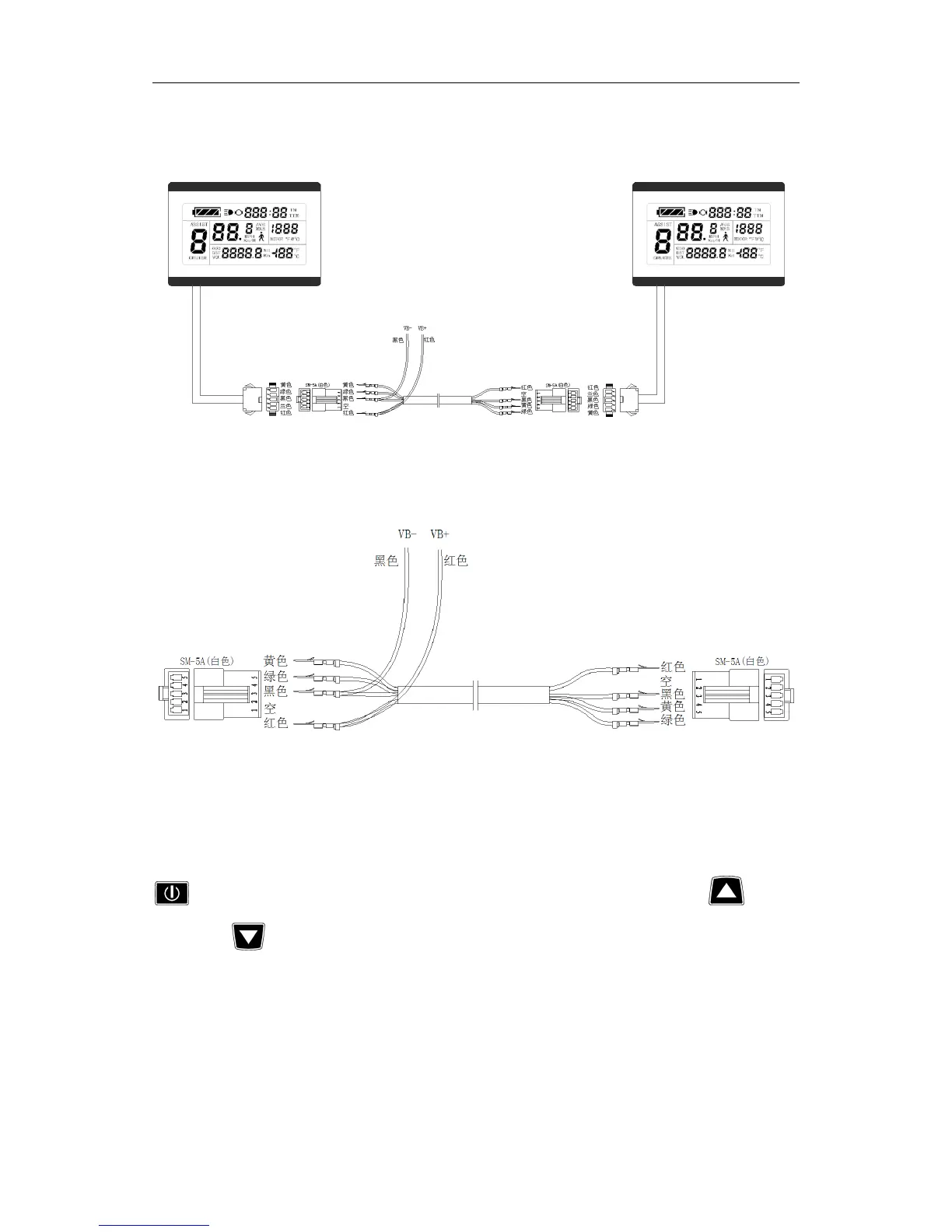
Use special wiring cables to properly wire to LCD3 meter needs to be copied
according to the diagram.
Meter parameter copy wiring diagram
Special wiring cable
Turn on meter power supply of data source. Power supply of 48V or 36V or 24V is
available (VB + positive power supply). After wiring the meter needs to be copied, hold
button long till meter is startup. Within 5 seconds after startup, hold button
(UP) and button (DOWN) simultaneously for about 2 seconds, meter parameter
copy is completed. If the copy operation is correct, the meter subject to be copied will
display as follow.
w
Wm
EH
Um
Mf_
UQ
‘N
A
fig
“D
0
3
Um
%%
HM“
UH
mmflmuuw
Em%WmWUm
3
HM“
WM
ti
HM“
mm
"HQ
3
S
‘W
Ha‘
H
anan
UmUm
5
ND
II
DD
an
HHHA
“MU
HRH
mm”
fig
E
Q
w
EDDDUUE
%%%%fi
HE
E
flE%fifi
W
L?f
Q
/_
__
EEE
i%%Efl
E
_
Hm
I
fig
ééfiéé
ifi%;fl
_flfiflfifl:
+
mu
L’
_
mu
‘V
gm
%
J
é
Him
my
fiufiéé
g%%fifi
Aw
\N\A_A/
WWW
W
__
______
@@@
E
fi%g§g
)
fit
Hm
Hm
--
.1
E
E


 To Next Page