33Installation and Servicing
Section 2 - Installation
INSTALLATION
WATER CIRCULATION SYSTEM
1.
With the system COLD, check that the initial pressure is
correct to the system design requirements.
For pre-pressurised systems, this should be 1.0 bar.
2. With the system HOT, examine all water connections
for soundness. The system pressure will increase with
temperature rise but should not exceed 2.5 bar.
3.
With the system still hot, turn o the gas, water and
electricity supplies to the boiler and drain down to
complete the ushing process.
Note. A ushing solution should be used during the ushing
procedure. Flushing solutions: Fernox Superoc, Sentinel
X300 (new systems) or X400 (existing systems).
4. Rell and vent the system, add inhibitor (Refer to section
1.17), clear all air locks and again check for water
soundness.
5.
Reset the system initial pressure to the design
requirement.
6.
Balance the system.
7. Check the condensate drain for leaks and check that it is
discharging correctly.
8.
Finally, set the controls to the User’s requirements.
Note The pump will operate briey as a self-check once
every 24 hours in the absence of any system demand.
WATER TEMPERATURES
Temperatures can be selected using the CH and DHW
thermostats.
Temperature Knob CH Flow Temp DHW Outlet
Setting
o
C
o
C
Max 80 65
Min 30 40
2.28 GENERAL CHECKS - WATER CIRCULATION
Due to system variations and seasonal temperature
uctuations DHW ow rates/temperature rise will vary,
requiring adjustment at the draw o tap : the lower the rate
the higher the temperature, and vice versa.
Refer to Section
1.17
Refer to Section
1.18
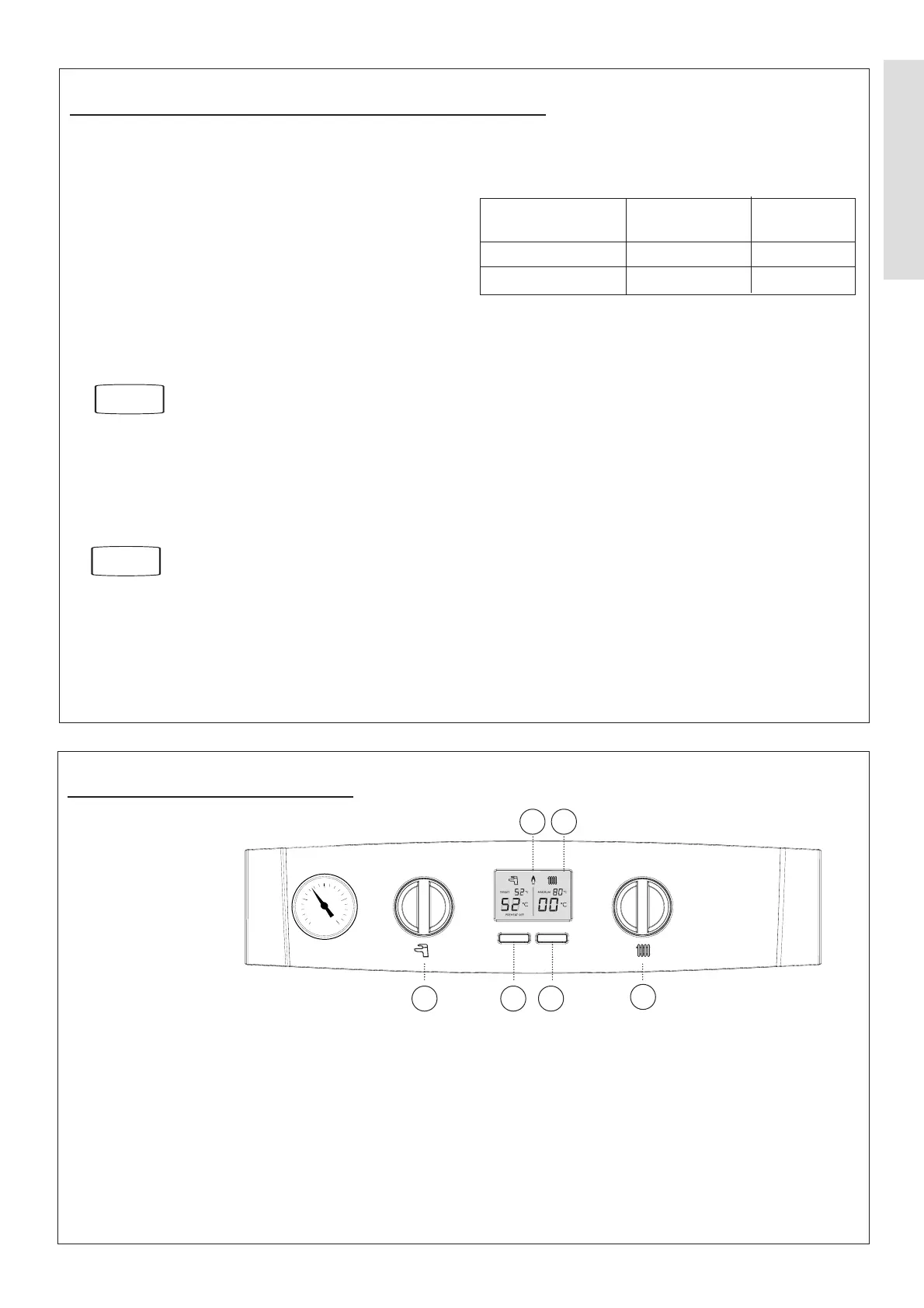
2.29 RESTART PROCEDURE
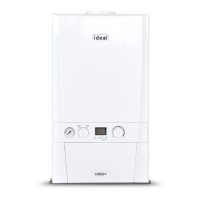
Legend
A. Domestic Hot Water
Temperature Knob
B. Central Heating
Temperature Knob
C. Mode Button
D. Boiler Status Display
E. Burner On indicator
F. Restart Button
1
0
2
3
4
bar
A
D
B
C
E
F
If an L code is shown on the display then the boiler can be restarted by pressing the Restart button (F).




 To Next Page