User's
9
User Guide
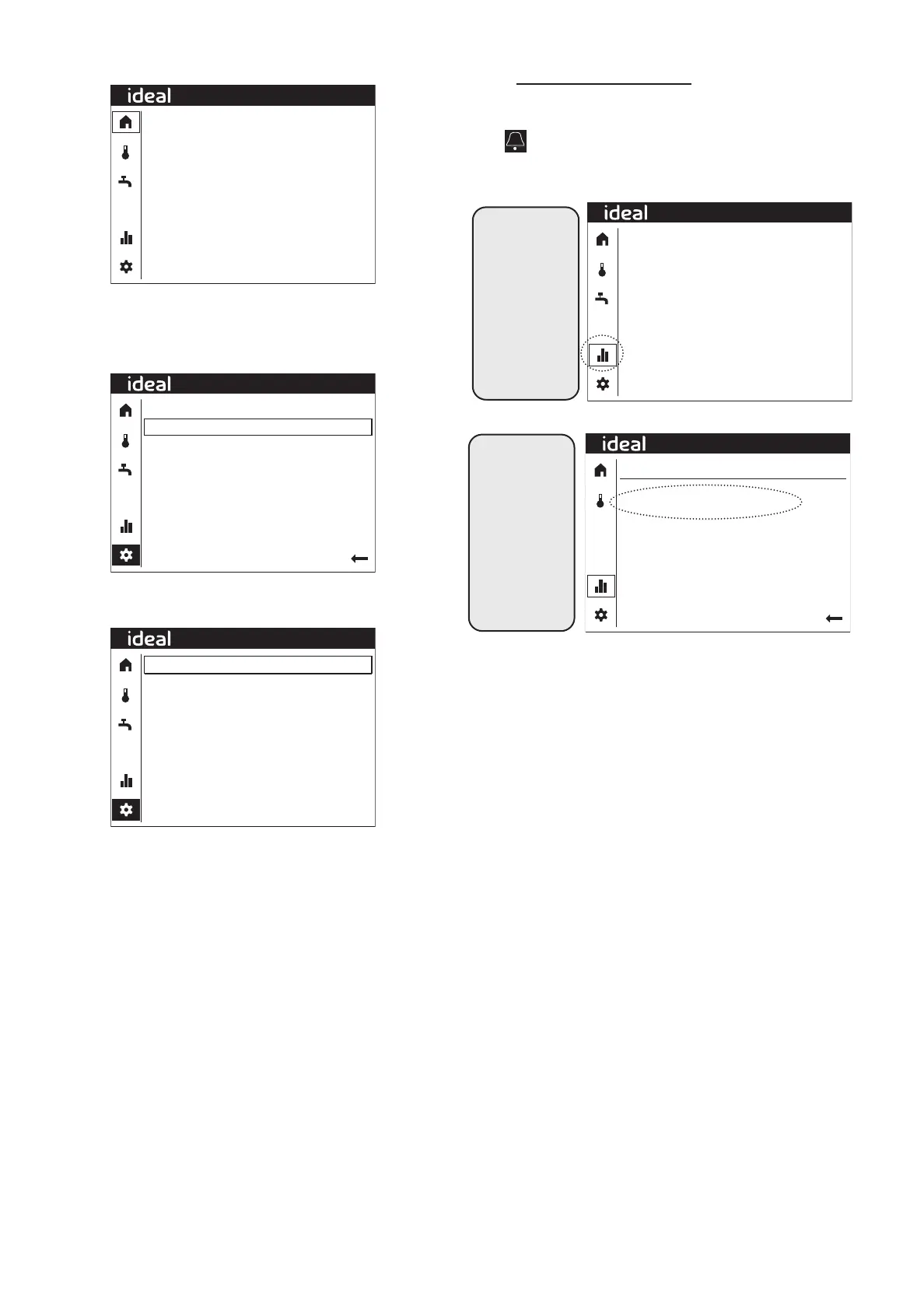
CHANGING THE COMFORT SETPOINT
20.0ºC
20.0ºC
3.1ºC
0l/min
0%
Off
Off
CH
Off
Primary flow temp
Hot water temp
Outside temp
Primary water flow
Compressor
CH1 Pump
CH2 Pump
Diverter valve
Immersion heater
08:32
Starting from the Home Screen (see above), to change the
Comfort setpoint, rotate the dial until the settings icon in the
left-hand column is highlighted and press the dial. The following
screen will be shown:-
Set Time/Date
Special operations
User settings
User information
Installer
08:32
Rotate the dial until User settings is highlighted and then press
the dial and the following screen will be shown:-
Back
Schedule
21.0ºC
18.0ºC
Heating zone 1
Operating mode
Comfort temp’ setpoint
Reduced temp’ setpoint
08:32
Press the dial and rotate the dial until the desired central
heating zone is shown then press the dial. Rotate the dial until
the temperature is highlighted and press the dial then rotate the
dial to change the temperature and press the dial to save.
7. LOGIC AIR ALARMS
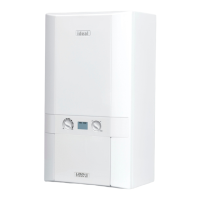
Any active faults will be displayed on the home screen.
A bell icon will display in the upper part of the control screen.
Active alarms can be viewed by following the instruction below:
Starting from the
Home Screen,
navigate to
the System
Information in the
left-hand column
and select. The
following screen
will be shown: -
20.0ºC
20.0ºC
3.1ºC
0l/min
0%
Off
Off
CH
Off
Primary flow temp
Hot water temp
Outside temp
Primary water flow
Compressor
CH1 Pump
CH2 Pump
Diverter valve
Immersion heater
08:32
Any active
alarms will then
be displayed. If
multiple alarms
are active at the
same time these
will be shown
on additional
screens which
can be navigated
to individually.
Error
33 Flow Thermistor (indoor)
08:32



 To Next Page