i-MARK 2 / i-MARK 3
USER MANUAL
VISIBILITY DELIVERED. PAGE 42 OF 55
8 INITIAL OPERATION
8.1 General
Do not open the housing.
Opening the housing is not necessary in order to set the i-MARK2/3. The unit has no internal setting
elements or displays. All settings are performed using software via the service interface.
8.2 Tools required
Service PC running Microsoft Windows or compatible Mobile PC or handheld running Windows
Mobile/CE
ILR Configuration Tool (software)
USB to RS422 Converter, order code: 292 771
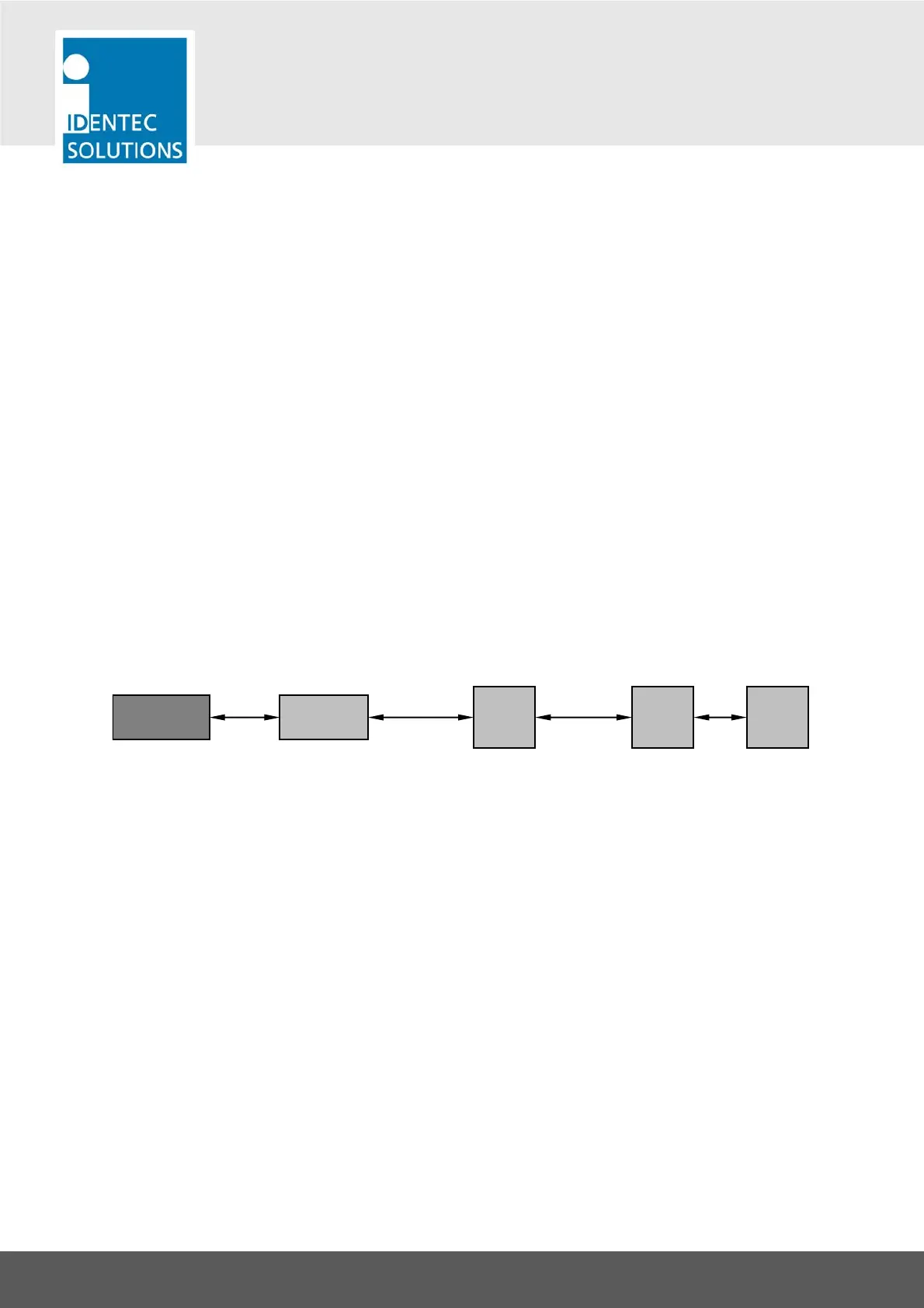
8.3 Connecting to the i-MARK 2/3 for configuration
i-BUS
(to Master)
Up to 8 bus units
i-BUS
(to Slave)
USB
i-MARKi-MARKi-MARK
Converter
USB-RS422
Service PC
Service Software:
ILR Configuration Tool



 To Next Page