8A3xxxx 144BGA EVK User Manual
© 2019 Integrated Device Technology, Inc.
2.2 Using Timing Commander to Control the Board
Once the default operation is successful, complete the following steps to configure and program the ClockMatrix device per your specific
application requirements using Timing Commander GUI tools:
1. Power up the board and set the main serial port in I
2
C mode by GPIO9 = “high”. Set GPIO8 = “High”. Connect the board to the PC.
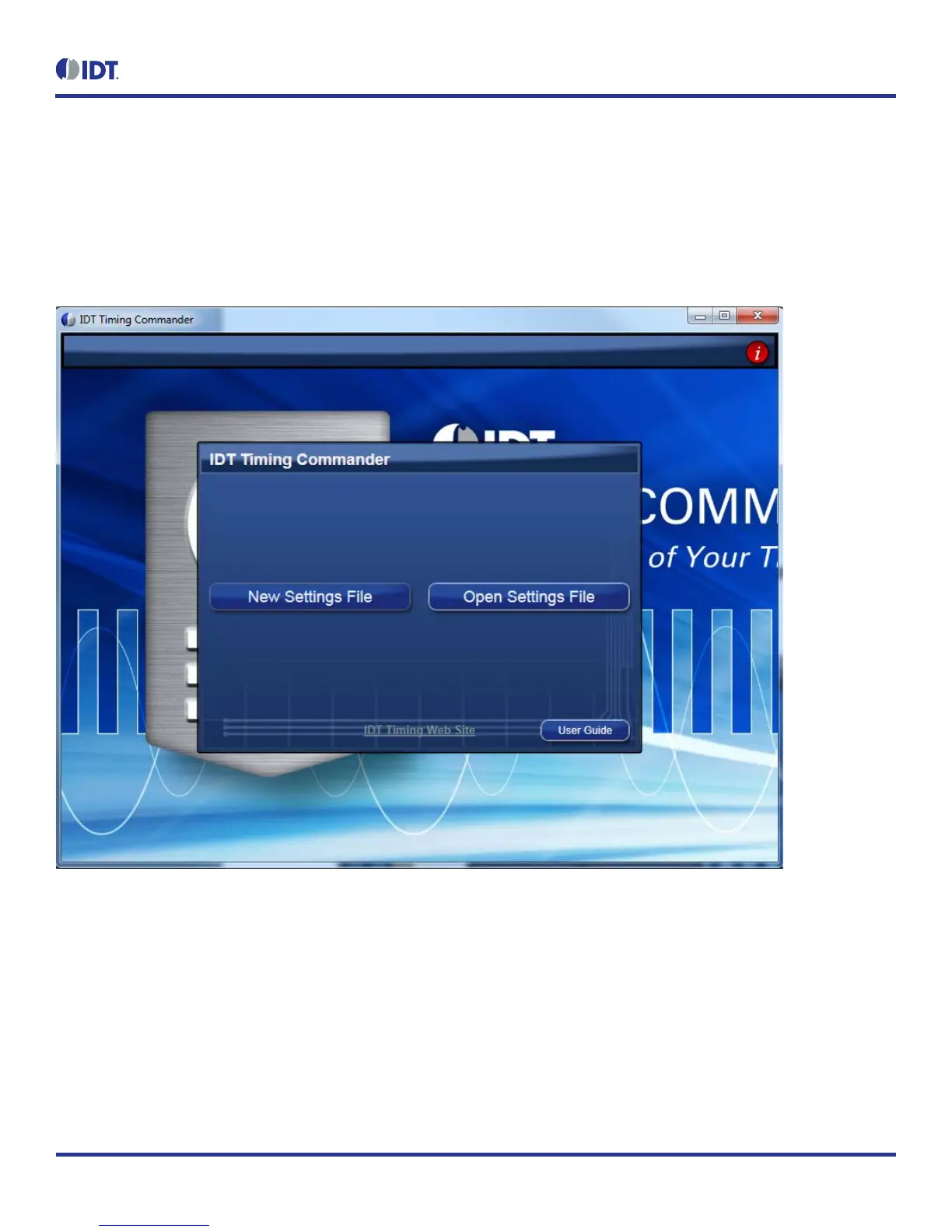
2. Start the Timing Commander software. You will see options of “New Setting File” and “Open Setting file”. For a new configuration, select
“New Setting File”.
Figure 5. Starting Up Timing Commander GUI


 To Next Page