Quick Installation Guide
Jun. 2011 Copyright © IDTECK Co., Ltd.
(14) Tamper Alarm = Disable, Tamper Alarm output port = 02 (Alarm Relay)
(15) Toggle Mode: Disable
(16) Unlock followed by Door Contact: Disable
8. OPERATION
8.1. Normal Operation Mode (Safe Mode)
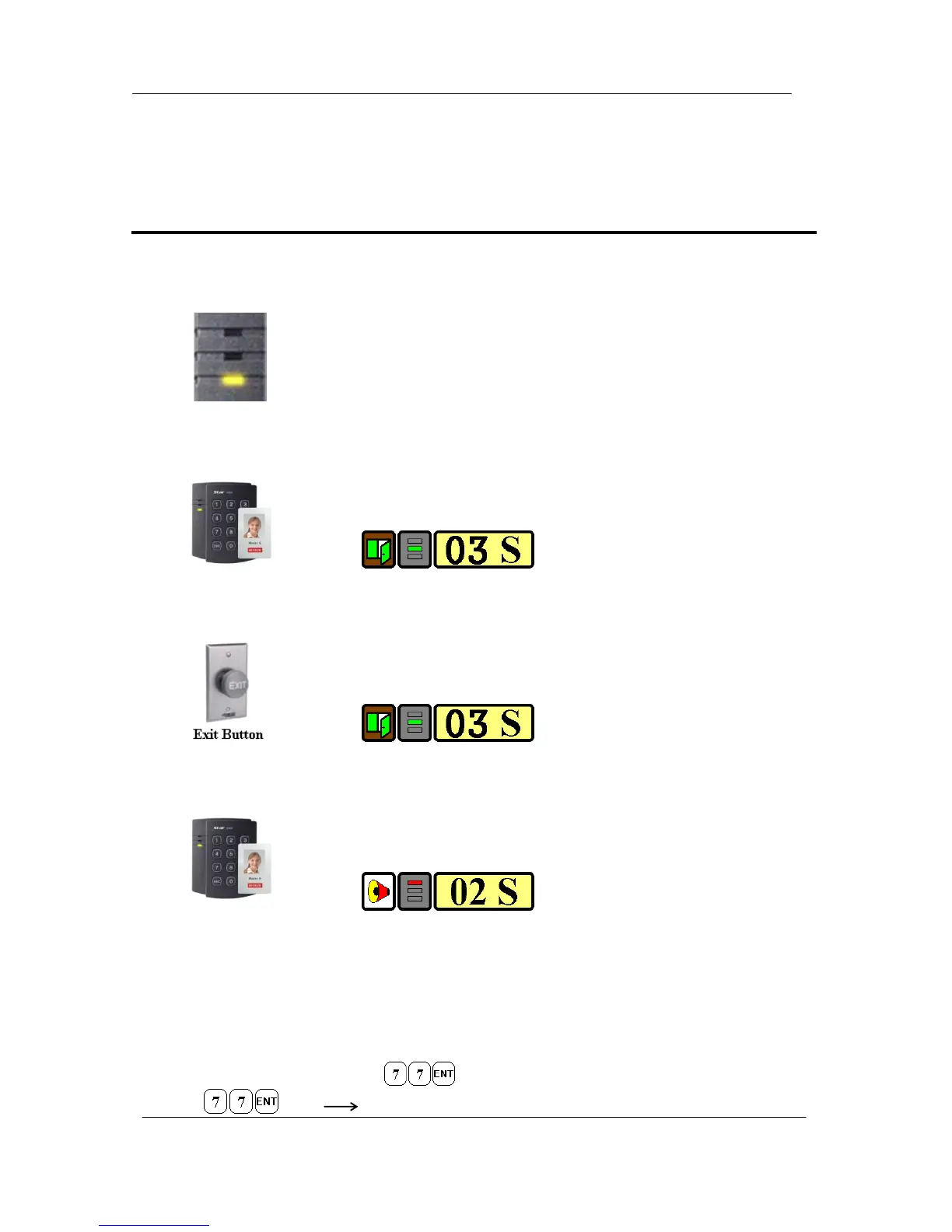
When the Main Unit operates in normal mode, the yellow LED is flashing every
second.
8.2. Open the Door
When a registered Card (or PIN) is read, the Door will open for 3 seconds
along with the"do-mi-sol-do" melody.
Registered Card (or PIN)
8.3. Exit (Open the Door)
To request for exit from the inside, an Exit Button can be used to open the door
for the same duration as in 11-2.
8.4. Action and Alarm Caused by Unregistered Card (or PIN)
When an unregistered Card (or PIN) is read, thus, access is denied and the
Alarm can be activated for 2 seconds along with "sol-do-sol-do" melody.
Unregistered Card (or PIN)
(If you do not want to activate the Alarm in case of unregistered access attempt, then you can change
this setting as shown in section 12.)
8.5. Secure Mode
The last person to exit can change the operation of the unit from Normal Mode to Secure Mode by
entering the Secure Code of onto the keypad.
Change to Secure Mode.



 To Next Page