10
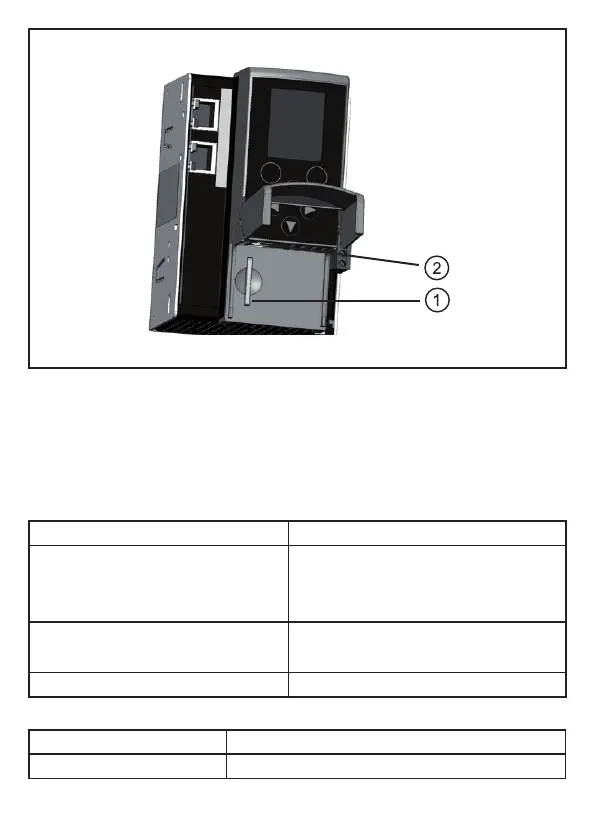
1: Slot for SD cards
2: Conguration interface (RJ45)
6.2 LED displays
6.2.1 Device LED H1
A diagnostic LED on the Profinet / AS-i gateway informs you of the state of the
device and the connected systems�
LED status Description
The green LED is lit: > Device has been started
> There is no warning message
> There is no error message
Yellow LED flashes slowly (0�5 Hz): > There is a warning message
> There is no error message
Red LED flashes quickly (2 Hz): > There is an error message
6.2.2 Ethernet LEDs H2 and H4
LED status Description
Yellow LED flashes: Receipt of data



 To Next Page