EasyManua.ls Logo

IFM MN7 S Series - User Manual

IFM MN7 S Series
18 pages
Print Icon
To Next Page IconTo Next Page
Loading...
Original operating instructions
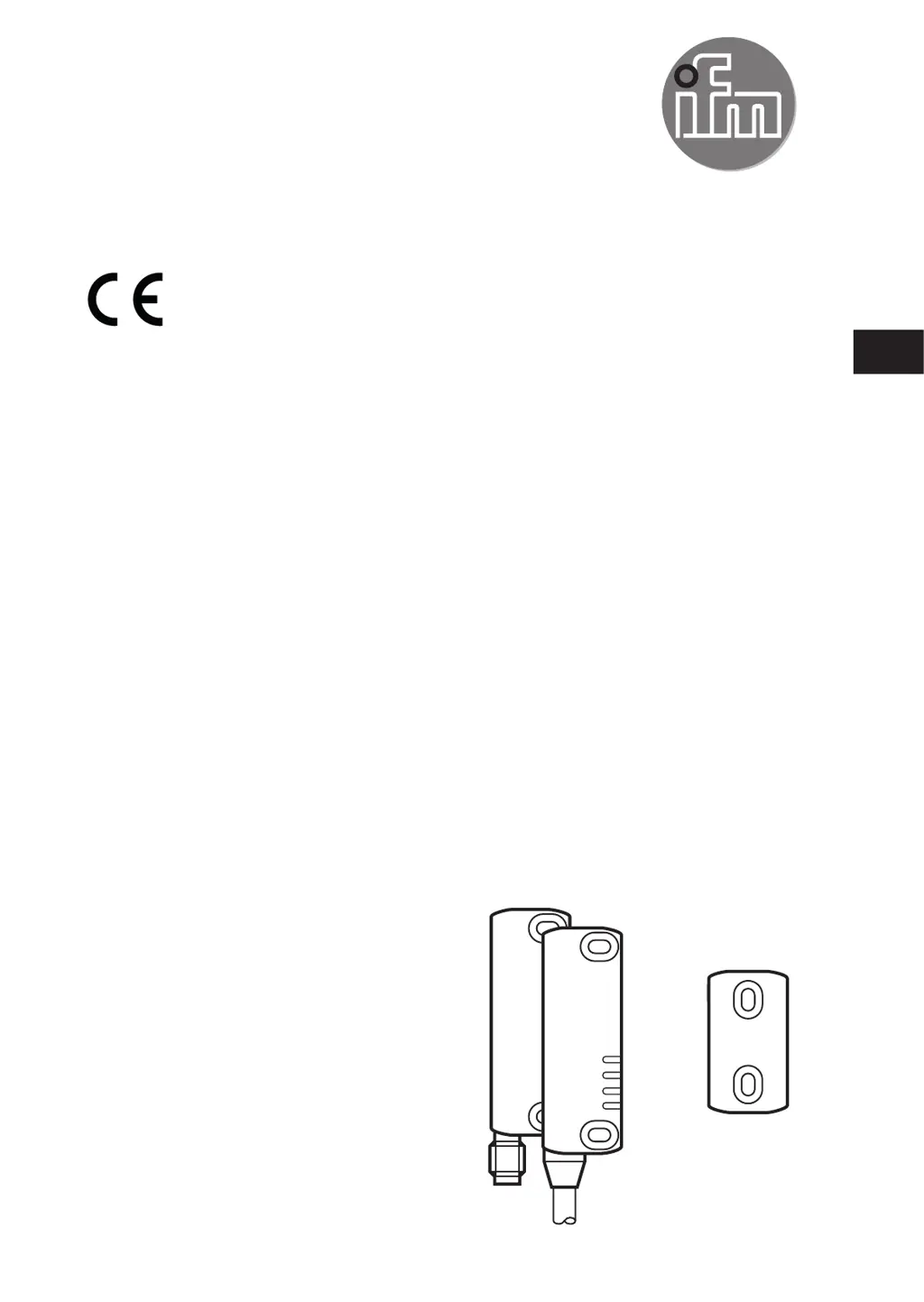
RFID-coded safety sensor
MN7xxS
UK
80256459 / 00 01 / 2018

Questions and Answers

  • A
    Andrea FosterAug 4, 2025
    What to do if my IFM MN7 S unit does not switch or only one output switches?
    • J
      Jasmine HarrisAug 4, 2025
      If your IFM Accessories unit isn't switching or only one output is working, it might be due to an error like a cross fault or short circuit. Here's what you can do: * Remove the cross fault. * Check the cables. * Check the controller. * Restart the system. * If necessary, replace the device.
  • J
    Jamie SmithAug 11, 2025
    Why is the LED [OUT] flashing red on my IFM MN7 S?
    • J
      Joseph CombsAug 12, 2025
      If the LED [OUT] on your IFM Accessories is flashing red, it indicates a short circuit to earth, output, or power supply. Try rebooting the device to resolve this issue.
  • B
    bergerbrianAug 19, 2025
    What to do if LED [PWR] flashes red on IFM MN7 S?
    • D
      David PatelAug 19, 2025
      If the LED [PWR] on your IFM Accessories is flashing red, this indicates an internal fault. A suggested solution is to reboot the device.
  • D
    David RamirezAug 27, 2025
    How to fix no LED display on IFM Accessories?
    • J
      Jennifer KimAug 27, 2025
      If there is no LED display on your IFM Accessories, it's likely due to no voltage supply. To fix this, apply voltage to the device.

Summary

Preliminary Note

Warning Signs Used

Details warning signs for serious personal injury, including potential death or irreversible injuries.

Safety Instructions

Application Safety Requirements

Ensures application safety requirements match the instructions' stated safety needs.

Functionality and Operating Ranges

Limit and Operating Ranges

Details LED states when aligning the sensor with the actuator within defined areas.

Installation

Electrical Connection

Programming

Operation

Technical Data

Troubleshooting

Maintenance, Repair, and Disposal

IFM MN7 S Series Specifications

General IconGeneral
BrandIFM
ModelMN7 S Series
CategoryAccessories
LanguageEnglish

Related product manuals