22
• Timeout:
If no button is pressed for 15 s during parameter setting, the unit returns to the
operating mode with unchanged values�
9.2 Configure display (optional)
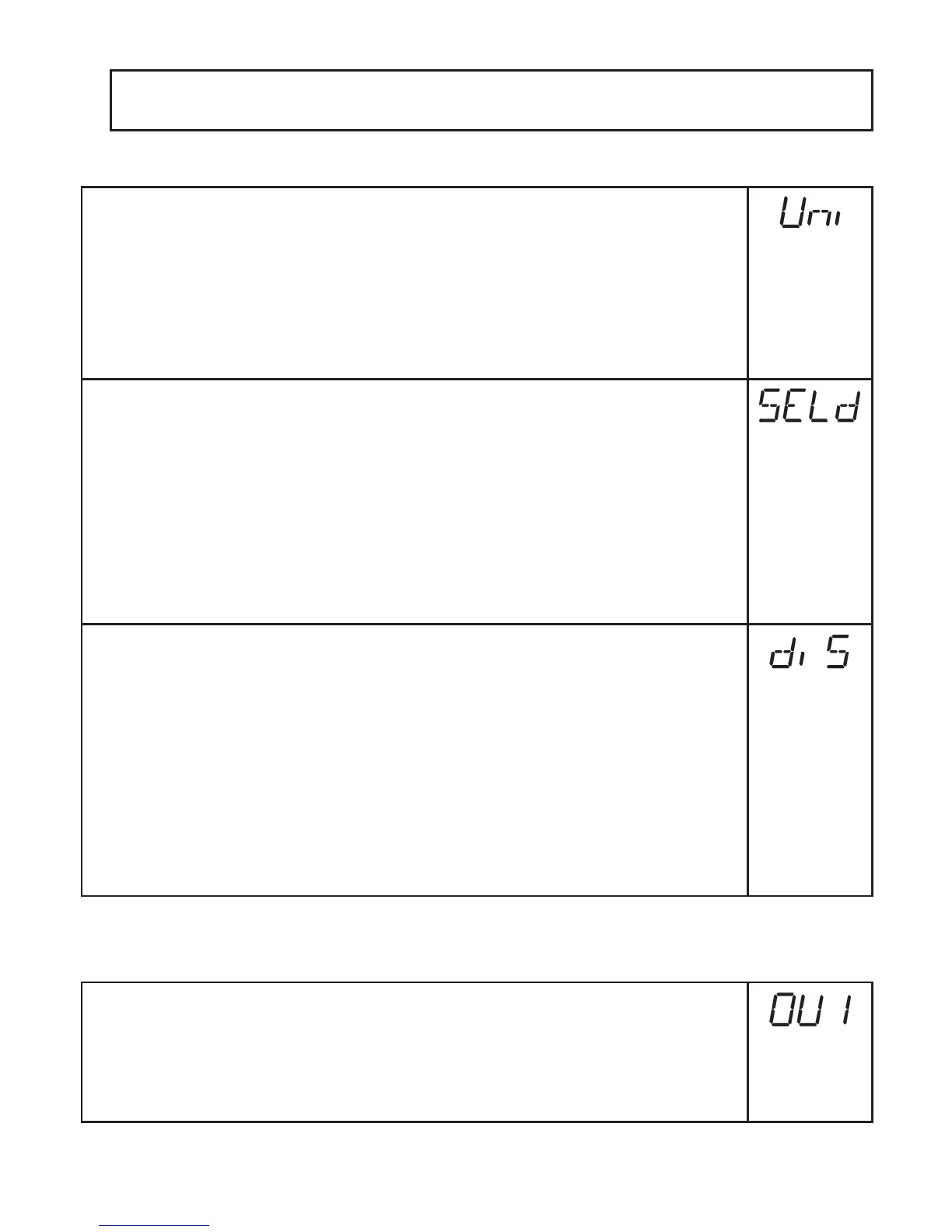
► Select [Uni] and set the unit of measurement:
- [bAr], [mbAr]�
- [MPA], [kPA]�
- [PSI] (only PI2793, PI2794, PI2795, PI2796, PI2797, PI2799)�
- [InHO] (only PI2789, PI2796, PI2797, PI2798, PI2799)�
- [mWS] (only PI2796, PI2797, PI2799)�
- [mmWS] (only PI2789 and PI2798)�
► Select [SELd] and set type of indication:
- [P]: system pressure in the unit set in Uni�
- [P%]: system pressure in % of the set scaling of the analogue output;
the following applies: 0% = ASP value / 100% = AEP value�
If OU2 has been configured as switching output, [ASP] and [AEP] are
not active� In this case the following applies: 0% = initial value of the
measuring range/ 100% = final value of the measuring range�
If [SELd] = [P%] please take the following into account: “0” does not mean
that no pressure is applied to the system!
► Select [diS] and set the update rate and orientation of the display:
- [d1]: update of the measured values every 50 ms�
- [d2]: update of the measured values every 200 ms�
- [d3]: update of the measured values every 600 ms�
- [rd1], [rd2], [rd3]: display as for d1, d2, d3; rotated by 180°
- [OFF] = The measured value display is deactivated in the Run mode�
Touching one of the buttons indicates the current measured value for
15 s� Pressing the [Mode/Enter] button again activates the display
mode� The LEDs remain active even if the display is deactivated�
Error messages are displayed even if the display is deactivated�
9.3 Set output signals
9.3.1 Set output functions
► Select [OU1] and set the switching function:
- [Hno] = hysteresis function/NO,
- [Hnc] = hysteresis function/NC,
- [Fno] = window function/NO,
- [Fnc] = window function/NC�



 To Next Page