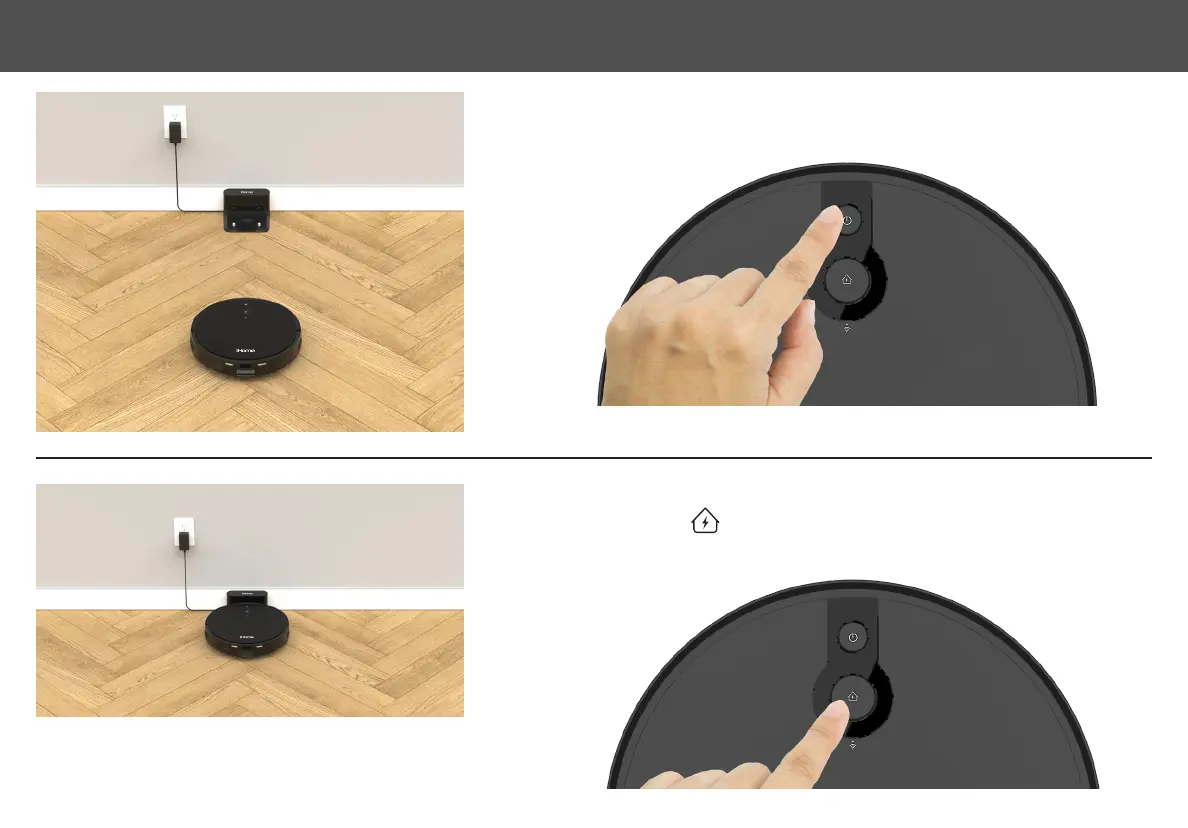
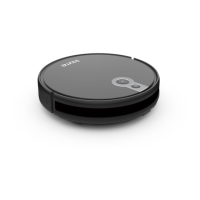
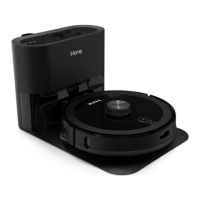
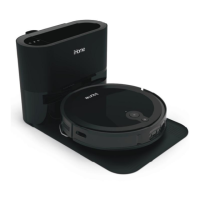
PositiontheEclipseontheoornearyourchargedockasshown.ToturnonPressandHold
the Power button until the indicator turns blue.
Now press the button.TheEclipsewillnavigatetothechargingdockandbeepwhen
properlydocked.TheHomeiconwillashgreenwhilechargingandturn solidgreenwhen
nished.
STEP 1
STEP 2
NOTE: AllowEclipsetofullycharge(upto5hours)beforerstuse.The
indicators on your robot will turn solid green when fully charged.
8
SETTING UP THE AUTOVAC


 To Next Page