Beforestartingyourrstcleaningcyclepleasecleartheoorofallobjectsotherthanfurnitureassomesmallobjectsmayobstruct,getcaughtin,ordamage
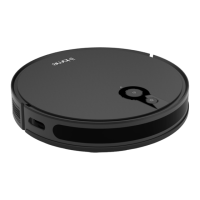
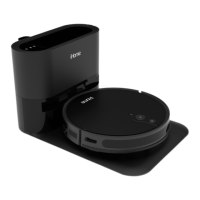
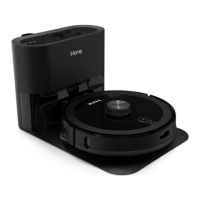
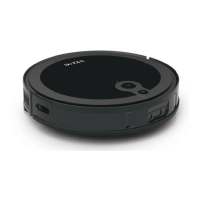
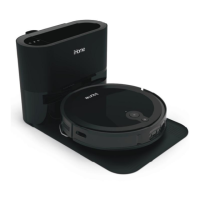
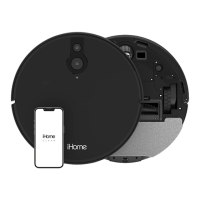
the iHome Autovac Eclipse.
FIRST CLEANING
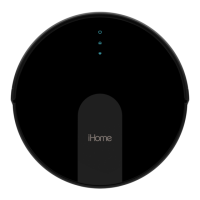
Simply press the Power button on your Eclipse to begin an Auto-Clean cycle of your home. Eclipse will start cleaning and will continue until it has covered the
entire cleaning area.
CLEANING MODES
Auto Clean - TheEclipsewillautomaticallycleanyourooruntilithascoveredtheentiresurface.OncecleaningisnishedtheEclipsewillautomaticallyreturn
backtocharge.
Manual Control - Using the navigational D-Pad on the remote control (or in the iHome Clean App) you can manually control where the Eclipse goes to clean.
Spot Clean - TheEclipsewilldeepcleanaspecicspot.First,usethemanualnavigationcontroltoguideyourEclipsetothedesiredlocation.Then,chooseSpot
Clean mode for a deep clean.
10
USING YOUR AUTOVAC


 To Next Page