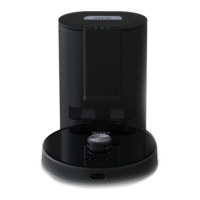
ABOUT YOUR CHARGING DOCK
SETTING UP THE CHARGING DOCK
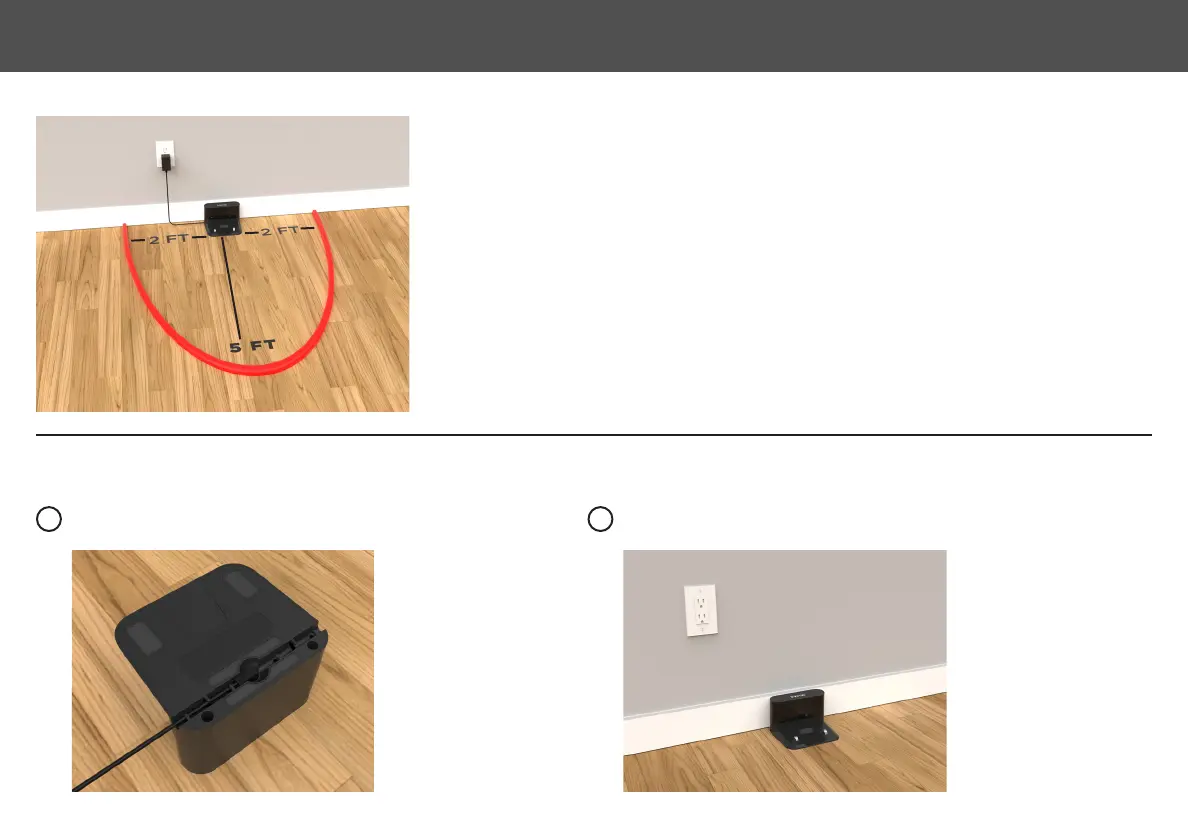
Placethechargingdockagainstthewallandmakesuretheplaceisanopen&unclutteredarea.Leavingatleast5feetin
frontofthechargingdock;2feetonbothsidesofthechargingdock.
NOTE: Clearance around the charging base is necessary to prevent
obstructions when the Eclipse returns to charge. Avoid using a power source that may inadvertently be switched off
(e.g. power strip, outlet controlled by a light switch, GFCI).
Plug the power adapter into the port on the bottom of the charging
dockandsecurethecableintothechannel.
Choosealocationonahardoorsurfacenearapoweroutlet.Placethechargingdock
against the wall as shown. Plug the power adapter into a functioning wall outlet.
1 2
7
SETTING UP THE CHARGING DOCK







 To Next Page