EasyManua.ls Logo

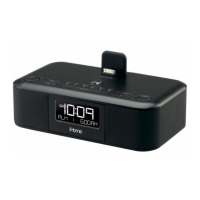
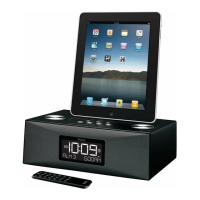
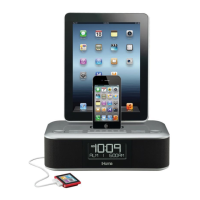
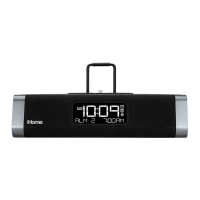
iHome ID28 - User Manual

iHome ID28
17 pages
Print Icon
To Next Page IconTo Next Page
Loading...
Questions? Visit www.ihomeaudio.com
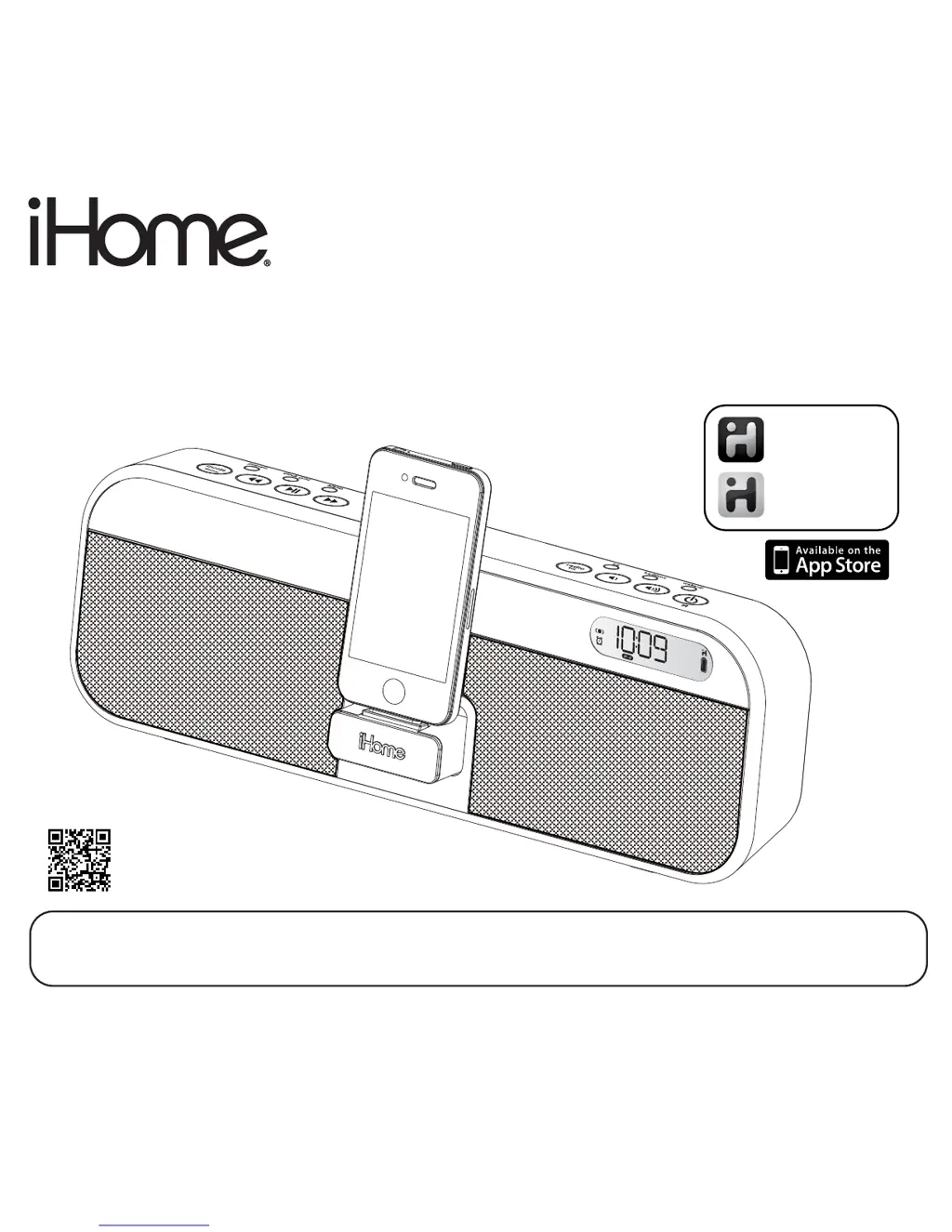
Model iD28
App-enhanced Portable
Rechargeable System for
iPad
®
, iPhone
®
and iPod
®
iD28IBinEnglishversion
Printcolor:Blacktextonwhitepaper
Sizeofmanual:178mmWx178mmH
July13,11
iHome + Sleep
works with
iHome + Radio
alarm clock app
internet radio app
Note: iHome+Sleep and iHome+Radio apps are not covered in detail in this booklet. To learn more about how
these apps can enhance your experience, please download the free iHome+Sleep app from the App Store and
review the Start Guide.
download QR code
reader app and scan

Questions and Answers

  • A
    Alexandra LeeAug 9, 2025
    What to do if my iPhone/iPad/iPod does not dock properly with my iHome Docking Station?
    • C
      Christopher McneilAug 9, 2025
      If your iPhone, iPad, or iPod isn't docking correctly with your iHome Docking Station, there may be an obstruction. Remove your device from the dock and inspect both the connectors on the dock and on your device for any obstructions. After checking, reseat your device in the dock.
  • J
    Jessica SmithAug 23, 2025
    Why is my iHome Docking Station not turning on?
    • M
      Misty BallAug 23, 2025
      Your iHome Docking Station might not be turning on because the AC adapter isn't properly plugged into the wall outlet or the power supply jack on the back of the unit. Ensure the AC adapter is securely plugged into both the wall and the docking station. Also, the wall outlet itself might not be working. Test the outlet by plugging in another device. If the outlet is functional, the internal battery of your iHome Docking Station may be dead or needs charging. Connect the AC adapter to a working outlet to charge the battery.

Summary

Controls and Indicators

Front Panel

Diagram illustrating the controls located on the front panel of the iD28 unit.

Top Panel

Diagram illustrating the controls located on the top panel of the iD28 unit.

iD28 Quick Start

Power

Instructions for connecting the AC adapter and charging the unit.

iPhone;iPad;iPod

Instructions for docking and playing audio from Apple devices.

Getting Started

Setting Up the Unit

Using the Alarm

Setting the Alarm

Step-by-step guide to setting the alarm time, sound source, and schedule.

Listening to iPhone;iPad;iPod

Listening to FM Radio

Troubleshooting

iHome ID28 Specifications

General IconGeneral
BrandiHome
ModelID28
CategoryDocking Station
CompatibilityiPod, iPhone
Connector Type30-pin Dock Connector
Power SourceAC Adapter
Speaker OutputStereo
ColorBlack
FeaturesFM Radio, Alarm Clock, Remote Control

Related product manuals