EasyManua.ls Logo

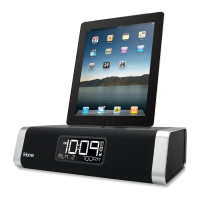
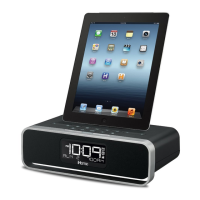
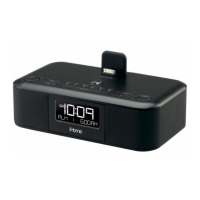
iHome iD95 - User Manual

iHome iD95
13 pages
Print Icon
To Next Page IconTo Next Page
Loading...
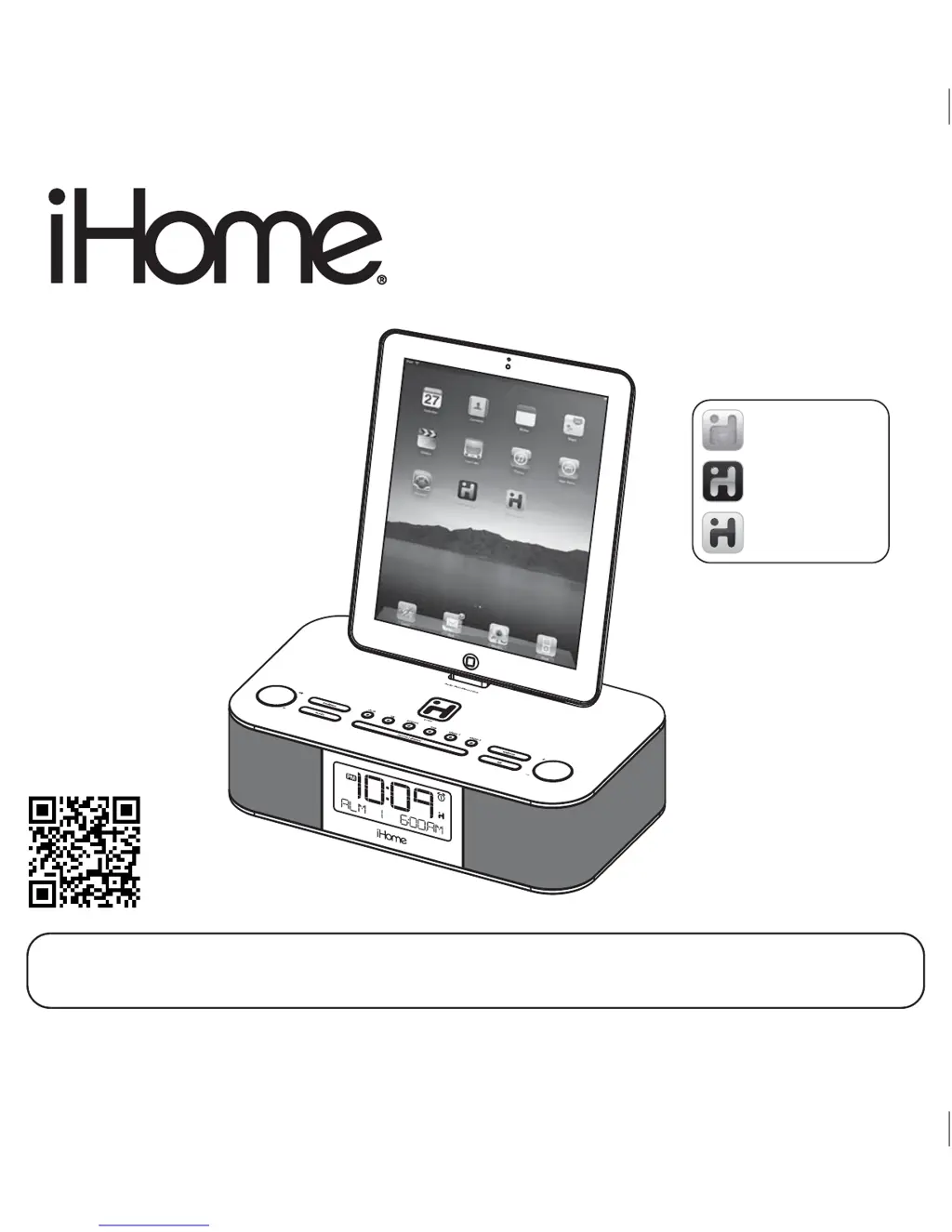
Model iD95
The Home System
For Your iPad
®
Questions? For latest instructions, visit www.ihomeaudio.com/support
iD95 IB_US version
Size: 178 x 178 mm (16 pages)
Printing color: Black
Mat’l: 90gsm book paper
Jan. 6, 12.
Note: Apps are not covered in detail in this booklet. To learn more about how apps can enhance your
experience, please visit the App Store.
P1
iHome Sleep
FREE alarm clock app
iHome Set
FREE device control app
iHome Radio
Internet radio app
works with
available on the App Store

Questions and Answers

  • K
    Kenneth NielsenAug 15, 2025
    How to fix distorted sound from iHome iD95?
    • S
      Sharon KelleyAug 15, 2025
      To address distorted sound from your iHome Docking Station, first decrease the volume level. If the original sound source (MP3) is old or of poor quality, try a different file from a trusted source like iTunes. Additionally, lower the EQ settings.
  • D
    David RileyAug 19, 2025
    Why iHome iD95 Docking Station alarm not working?
    • S
      shelby98Aug 19, 2025
      If the alarm on your iHome Docking Station isn't working, ensure the AM/PM time and alarm time are set correctly. Make sure to set the alarm time and source for the alarm icon 1 or 2 that is shown on the clock display. Also, verify that the wake schedule setting is correct.
  • W
    williamsvickiAug 21, 2025
    Why iPad/iPhone/iPod is playing but no sound comes out from iHome iD95 Docking Station?
    • G
      George TrevinoAug 21, 2025
      If your iPad/iPhone/iPod is playing but no sound is coming out, there are several potential causes. First, ensure your iPad/iPhone/iPod is properly docked, removing it to check for obstructions on the connectors and then reseating it. Also, the software on your iPad/iPhone/iPod might be outdated, requiring an upgrade via iTunes. Finally, verify the volume setting and ensure your device is working correctly before docking. The unit may not be able to control some iPod models or other devices.
  • S
    Stephanie ChungAug 25, 2025
    What to do if my iHome iD95 doesn't respond?
    • R
      rrodriguezAug 26, 2025
      If your iHome Docking Station doesn't respond, it may need a reset. First, remove your iPad/iPhone/iPod from the dock. Then, unplug the unit from the power source and remove the backup battery. Wait a few minutes before restoring the battery and resuming use. Another possible reason is that iPad/iPhone/iPod is not docked properly. Remove your iPad/iPhone/iPod from the dock and check for obstruction on the connectors in the dock and on your iPad/iPhone/iPod. Then reseat it in the dock.
  • E
    Elizabeth SanchezAug 27, 2025
    Why iPad/iPhone/iPod didn’t charge up on iHome Docking Station?
    • C
      Crystal BarnesAug 27, 2025
      If your iPad/iPhone/iPod isn't charging on the iHome Docking Station, make sure it is properly docked by removing it and checking for any obstructions on the connectors, then reseat it in the dock. Also, ensure your iPad/iPhone/iPod is working correctly before docking, as a locked or frozen device may not charge.
  • M
    Mrs. Susan RileyAug 30, 2025
    Why iHome iD95 Docking Station unit does not turn on?
    • B
      blackdavidAug 30, 2025
      If your iHome Docking Station doesn't turn on, plug the AC adapter into a working wall socket and ensure the connector is plugged into the supply jack on the unit.
  • A
    Andrea SmithSep 2, 2025
    How to adjust snooze time on iHome iD95 Docking Station?
    • E
      Eric HarperSep 2, 2025
      To adjust the snooze time on your iHome Docking Station, press and hold the Snooze button, then press the + or - button to adjust the time.
  • J
    James WilliamsSep 5, 2025
    Why iHome iD95 Docking Station battery low icon always flashing?
    • M
      mitchell42Sep 5, 2025
      If the battery low icon is always flashing on your iHome Docking Station, the battery may be weak and needs replacement. Also, check to ensure the battery was installed properly, with the + side facing outwards.
  • H
    hreyesSep 8, 2025
    Why iHome Docking Station time sync didn’t work?
    • C
      Collin WilliamsSep 8, 2025
      If the time sync feature didn't work on your iHome Docking Station, ensure you are using an iPhone or newer iPod such as touch, nano, or classic, as older iPod models like the iPod mini do not support time sync. If time sync is unavailable, set the time manually.
  • K
    Kyle JonesSep 12, 2025
    Why iHome iD95 Docking Station unit/adaptor gets warm?
    • C
      charlene82Sep 12, 2025
      It is normal for the iHome Docking Station unit or adapter to get warm after extended play at high volume. Turn the unit off for a while or lower the volume.

Summary

FCC Information

Maintenance

Controls and Indicators

Top Panel Controls

Identifies controls on the top of the unit.

Rear Panel Connections

Identifies ports and connections on the rear.

Display Features

Explains the various indicators and displays.

Quick Start Guide

Using the Unit

Powering the Unit

Instructions for connecting to power and turning the unit on/off.

Firmware Updates

Guide to updating the unit's firmware for improved performance.

Setting the Clock

How to set the clock time via AutoSync or manually.

Using the Alarms

Setting and Managing Alarms

How to set, review, arm, and disarm alarms and set wake sources.

Snooze Functionality

How to use the snooze feature and set custom snooze times.

Audio Playback Options

Sure Alarm and Device Playback

Understanding sure alarm and playing audio from Apple devices.

Audio Adjustments and Radio

How to adjust volume/EQ and listen to FM radio.

Device Operations

Regional Radio and Portable Devices

Setting regional radio frequencies and connecting external audio devices.

Sleep and Nap Modes

How to use the sleep timer and nap alarm functions.

Unit Features and Maintenance

Dimmer and Battery Replacement

How to adjust display brightness and replace the backup battery.

Important Safety Instructions

Troubleshooting - Part 1

Power, Response, and Battery Issues

Resolving issues with unit power, response, and battery.

Device and Sound Playback Problems

Fixing problems with device detection, sound output, and performance.

Time Synchronization Issues

Troubleshooting problems with the unit's time synchronization.

Troubleshooting - Part 2

Audio Distortion and Unit Warmth

Addressing sound distortion and the unit getting warm.

Alarm and Snooze Malfunctions

Resolving issues with alarm settings and snooze functionality.

Limited 1 Year Warranty Information

iHome iD95 Specifications

General IconGeneral
BrandiHome
ModeliD95
CategoryDocking Station
LanguageEnglish

Related product manuals