EasyManua.ls Logo

iHome iDN38 - User Manual

iHome iDN38
16 pages
Print Icon
To Next Page IconTo Next Page
Loading...
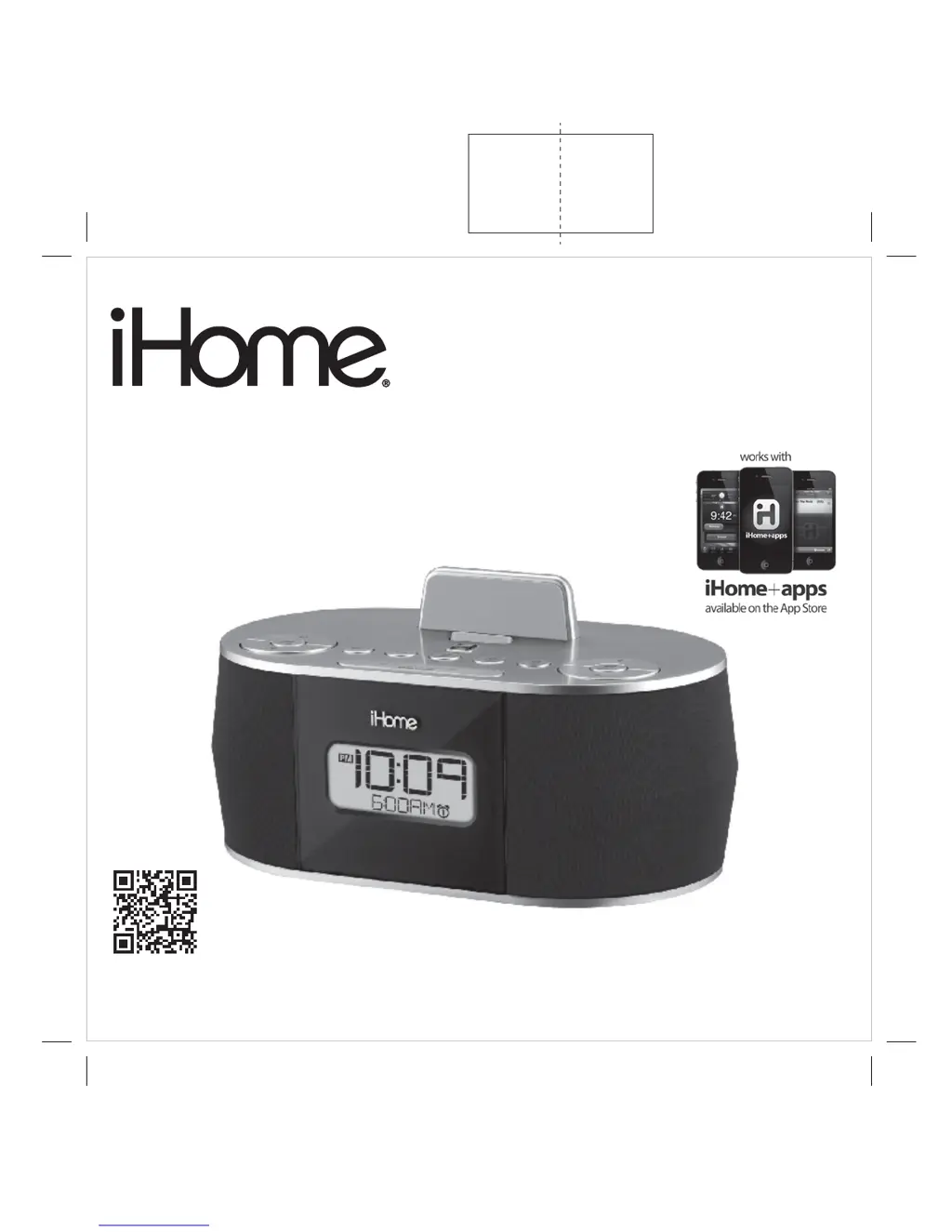
Model iDN38
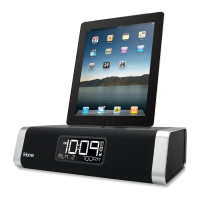
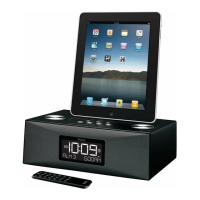
The iHome System
for Your iPad, iPhone and iPod
Questions? For latest instructions, visit www.ihomeaudio.com/support
iDN38 IB - US version-r2
Size: 178W x 178H mm
Printing color: Black
Mat’l: 90gsm white paper
Mar 15, 2013
P1
Ihome
Warranty

Questions and Answers

  • B
    bryan63Aug 8, 2025
    Why didn't my iHome iDN38 charge my iPhone/iPod/iPad?
    • T
      Tyler DelacruzAug 8, 2025
      If your iPhone/iPod/iPad isn't charging on the iHome Docking Station, start by removing your device from the dock and checking for any obstructions on the connectors of both the dock and your device; then, reseat it firmly. Ensure your device is properly connected to the USB cable and the unit's USB port. If you are using an iPad model with a Lightning connector, use the charging cable that came with the device to charge it. Note that the USB port will not charge iPad models. Also, make sure your device is working properly before docking it into the unit.
  • H
    hwebbAug 13, 2025
    What to do if my iHome iDN38 Docking Station iPod is playing but no sound comes out?
    • J
      jeffreydavisAug 13, 2025
      If your iPod is playing but no sound is coming from the iHome Docking Station, first, remove your device from the dock, inspect the connectors on both the dock and your device for any obstructions, and then firmly reseat it. Also, ensure that the volume is properly adjusted. If the issue persists, consider upgrading your device's software via iTunes. If the issue still continues, ensure your device is working properly by consulting its manual.
  • K
    Kyle CruzAug 18, 2025
    How to reset iHome Docking Station when it doesn't respond?
    • T
      Tiffany CannonAug 19, 2025
      If your iHome Docking Station is plugged in but not responding, try resetting it. First, remove your device from the dock. Then, unplug the unit from the power source and remove the backup battery. Wait a few minutes, then restore the battery and resume use. If the problem is still present, remove your device from the dock and check for any obstructions on the connectors in the dock and on your device. Then reseat it in the dock.
  • W
    Wendy MartinezAug 23, 2025
    Why is my iHome iDN38 performance erratic?
    • Z
      Zachary RasmussenAug 25, 2025
      If your iHome Docking Station's performance is erratic, it might be reacting to external interference. Try moving the unit away from potential sources of interference, such as computers, modems, wireless devices (like routers), or fluorescent lights.
  • Z
    zpinedaAug 28, 2025
    Why is the battery low icon always flashing on my iHome iDN38?
    • J
      Jennifer WhiteAug 28, 2025
      If the battery low icon is always flashing on your iHome Docking Station, it could mean the battery is weak and needs replacing. Replace it with a new battery. Also, ensure the battery is installed correctly, with the + side facing outwards.
  • L
    Lauren WalkerSep 2, 2025
    How to turn on iHome Docking Station?
    • W
      Walter WilliamsSep 2, 2025
      To turn on your iHome Docking Station, plug the AC adapter into a working wall socket and then plug the connector into the DC jack on the unit.

Summary

Getting Started and Controls

Quick Start Guide

Setting Clock with AutoSync

Steps to automatically sync the clock time from a connected device.

Playing iPad;iPhone;iPod via Dock or USB

How to connect and play audio from your Apple devices.

Setting Alarms

Detailed steps for setting individual alarms, including time, source, and schedule.

Using the iDN38

Setting Clock Time Using AutoSync

Explains the AutoSync feature and how to adjust its settings.

Setting the Alarms

Guide to setting up dual alarms with various wake-to sources and schedules.

Safety, Troubleshooting, and Warranty

Important Safety Instructions

Critical safety guidelines for proper unit usage and placement.

Troubleshooting Common Issues

Solutions for problems like unit not turning on or device response issues.

iHome iDN38 Specifications

General IconGeneral
TypeDocking Station
ModeliDN38
Connector30-pin Dock Connector
Alarm ClockYes
Remote ControlYes
Power SourceAC Power Adapter
Weight1.5 lbs
CompatibilityiPhone, iPod
RadioAM/FM
DisplayLCD
Auxiliary Input3.5mm Aux Input
Audio OutputStereo Speakers
ChargingYes

Related product manuals