EasyManua.ls Logo

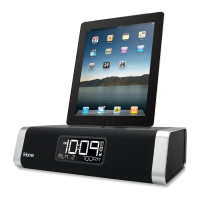
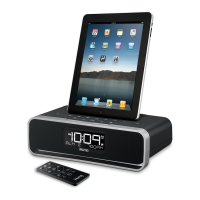
iHome iD7 - User Manual

iHome iD7
11 pages
Print Icon
To Next Page IconTo Next Page
Loading...
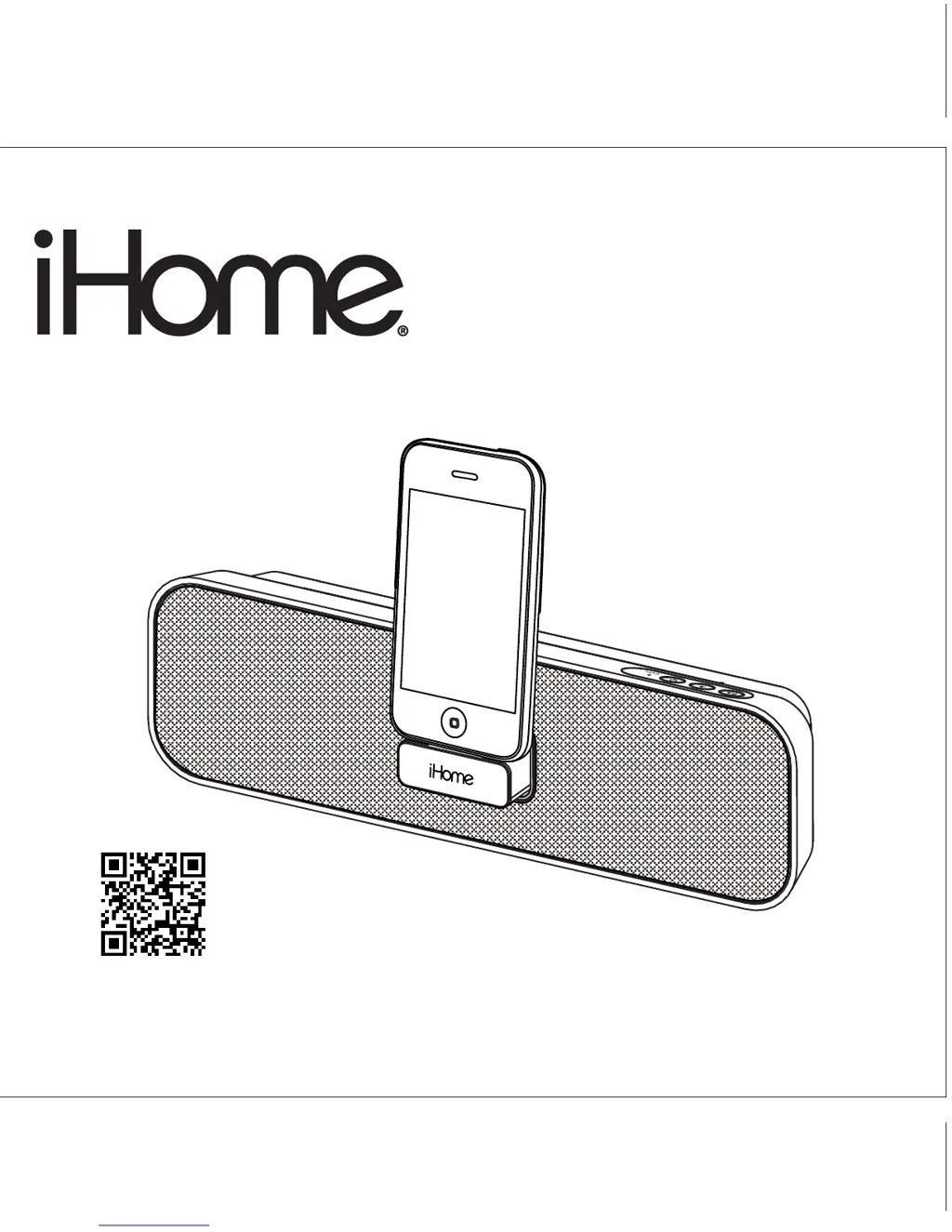
Model iD7
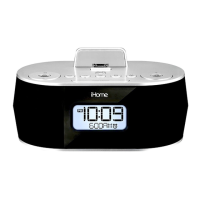
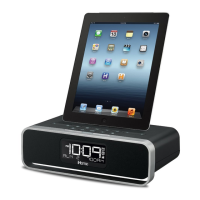
Portable Stereo Speakers for
your iPad/iPhone/ iPod
®
Questions? Visit www.ihomeaudio.com
iD7IBinEnglishversion
Printcolor:Blacktextonwhitepaper
Sizeofmanual:178mmWx178mmH
Nov21,11
P1

Questions and Answers

  • S
    Stephen GibsonJul 26, 2025
    How to troubleshoot iHome iD7 when it has no power?
    • C
      Christina FletcherJul 26, 2025
      If your iHome Docking Station doesn’t respond or power on, here are a few things to check: 1. Make sure the AC adapter is properly plugged into both a functioning wall outlet and the power supply jack on the back of the dock. If the wall outlet isn't working, try plugging another device into it or ensure the associated power switch is turned on. 2. If your unit uses batteries, replace them with 4 new AA batteries.
  • W
    Wayne AndersonAug 3, 2025
    What to do if my iPad/iPod/iPhone does not respond to the iHome Docking Station?
    • A
      Aaron ThomasAug 3, 2025
      If your iPad/iPod/iPhone isn't responding to the iHome Docking Station, consider the following: * Ensure your iPad/iPod/iPhone is properly docked. Remove it, check for any obstructions on the connectors of both the dock and your device, and then reseat it. * Update the software on your iPad/iPod/iPhone via iTunes, as an outdated version might be the cause. * Make sure your iPad/iPod/iPhone is working correctly before docking it. * Note that the unit cannot control 1st or 2nd generation iPod, iPod shuffle or other devices. Use the Line-in jack to play these devices.
  • A
    Adam BarreraAug 10, 2025
    Why my iPad/iPod/iPhone does not dock properly on iHome iD7 Docking Station?
    • T
      troygutierrezAug 10, 2025
      If your iPad/iPod/iPhone isn't docking properly on the iHome Docking Station, remove your device and inspect the connectors on both the dock and your device for any obstructions. If you are using a case or 'skin' on your iPad/iPod/iPhone, try removing it before reseating the device in the dock.
  • A
    Alvin GarrettAug 17, 2025
    What to do if my iPad/iPod/iPhone does not come on immediately on iHome iD7?
    • K
      Katrina WilkersonAug 17, 2025
      If your iPad/iPod/iPhone doesn't turn on immediately when docked in the iHome Docking Station: * If the device hasn't been used for a while, it might be in deep sleep mode. Try pressing the Menu button on your iPod/iPhone. * The iPad/iPod/iPhone battery might be too low. Charge it for about 5 minutes.

Summary

FCC Information and Maintenance

FCC Compliance

Details on compliance with FCC rules and potential interference mitigation.

Maintenance Guidelines

Instructions for proper cleaning and placement to ensure unit longevity.

Controls and Indicators Overview

Front Panel Controls

Identifies buttons, indicators, and the dock on the front of the device.

Rear Panel Connections

Details the ports and features located on the rear of the iD7 unit.

iD7 Quick Start Guide

Battery Installation for Portable Use

Step-by-step guide for inserting AA batteries for portable operation.

Setting Up the Device Stand

Instructions on how to deploy the integrated stand for upright use.

Connecting the AC Power Adapter

Procedure for connecting the unit to AC power for charging and operation.

Docking Apple Devices

Instructions for docking and playing audio from iPad, iPhone, or iPod.

Operating the iD7

Portable Battery Operation

Guide for installing and replacing batteries for portable use and their limitations.

Battery Usage Precautions

Important notes and warnings regarding battery types and handling.

Charging and Playing Devices

Steps to connect, charge, and play audio from docked devices.

Using the Aux Line-in Jack

Instructions for connecting external audio devices via the 3.5mm line-in jack.

Product Safety Information

Important Safety Instructions

Critical safety guidelines for installation, use, and maintenance of the unit.

Troubleshooting Common Issues

Warranty and Service Details

Limited 1 Year Warranty

Terms and conditions for the one-year limited warranty on the product.

Warranty Disclaimer and Limitations

Explains exclusions, limitations, and legal rights related to the warranty.

iHome iD7 Specifications

General IconGeneral
BrandiHome
ModeliD7
CategoryDocking Station
CompatibilityiPod, iPhone
Audio OutputStereo
Power SourceAC Adapter
FeaturesFM Radio, Alarm Clock

Related product manuals