1
P2
Table of Contents
What’s in the Box
What’s in the Box..................................................................................................................................................................... 1
Product Care ........................................................................................................................................................................... 1
Controls Overview................................................................................................................................................................... 2
Display..................................................................................................................................................................................... 3
Installing and Replacing Backup Batteries.............................................................................................................................. 3
Set Up ..................................................................................................................................................................................... 4
Charging and Using the iPB2 Power Bank...........................................................................................................................4-5
Charging Devices Using the USB Port.................................................................................................................................... 6
Setting the Time ...................................................................................................................................................................... 7
Setting and Using Alarms................................................................................................................................................... 8-10
Dimmer...................................................................................................................................................................................11
Battery Cautions & Tips..........................................................................................................................................................11
Safety Information ................................................................................................................................................................. 12
Troubleshooting..................................................................................................................................................................... 13
Warranty Information............................................................................................................................................................. 14
Product Care
• Place the unit on a level surface away from sources of direct sunlight or excessive heat.
• Keep product and removable battery cell away from moisture
• Protect your furniture when placing your unit on a natural wood and lacquered finish. A cloth or other protective material
should be placed between it and the furniture.
• Clean your unit with a soft cloth moistened only with mild soap and water. Stronger cleaning agents, such as thinner or
similar materials can damage the surface of the unit.
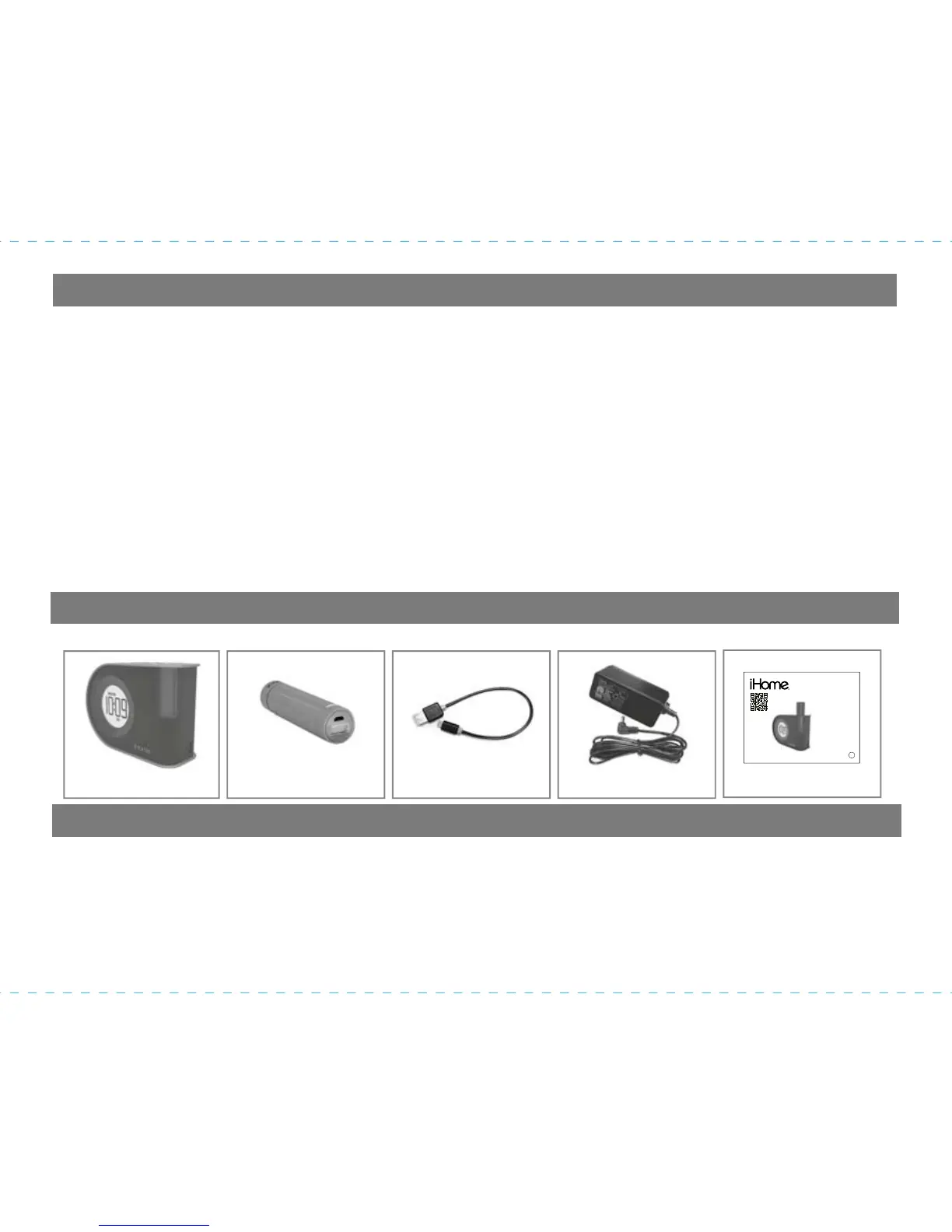
This product ships with the following items. Make sure all are present.
1.
iH402 Alarm Clock
2.
Removable iPB2
Power Bank Cell
3.
USB Charging Cable
4.
AC Adaptor
5.
User Guide
CHARGE
BATTERY
PAC K
BEFORE
USE
Dual Alarm Clock
with USB Charging
Removable Rechargeable Battery
BC
iH402
instruction manual
Questions? Contact Customer Service at 1-800-288-2792
n


 To Next Page