EasyManua.ls Logo

iHome iP15 - User Manual

iHome iP15
8 pages
Print Icon
To Next Page IconTo Next Page
Loading...
Model: iP15 ( for US & Canad)
Instruction Manual (English)
Date: Jan 7, 2011
Print color : Black text on white paper
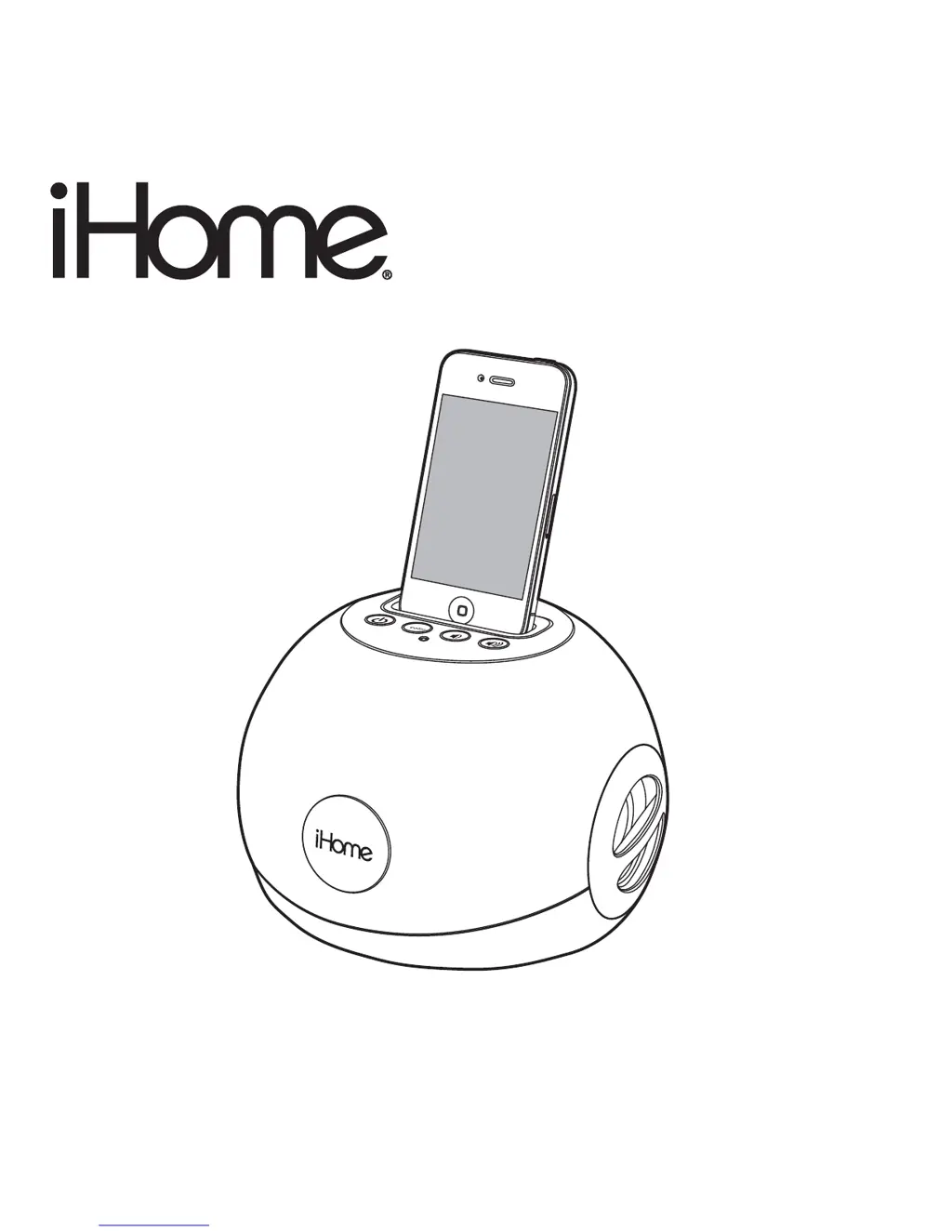
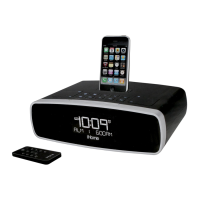
Model iP15
LED Color Changing
Stereo System to Charge
and Play Your iPhone / iPod
Questions? Visit www.ihomeaudio.com

Other manuals for iHome iP15

Questions and Answers

Summary

A Consumer Guide to Product Safety

Getting Started

Instructions for initial setup, including connecting power and installing the iPhone/iPod insert.

Controls and Indicators

Top panel

Details the buttons and dock on the top panel of the iP15 unit.

Back panel

Details the connections and ports located on the back panel of the iP15 unit.

iP15 Quick Start

Maintenance

Guidelines for placing, protecting, and cleaning the iHome iP15 unit.

Playing and Charging your iPhone;iPod

Color Change Mode

Using the Line-in Jack

IMPORTANT SAFETY INSTRUCTIONS

General Safety Precautions

Covers water, ventilation, heat, power, cleaning, and object entry safety guidelines.

Electrical Safety and Maintenance

Details surge protection, overloading, servicing, and unit care during non-use.

Trouble Shooting

Unit doesnt respond (no power)

Steps to resolve issues where the unit does not power on or respond.

iPhone;iPod cannot dock properly

Troubleshooting tips for incorrect iPhone/iPod docking or fit.

Playing iPhone;iPod but no sound

Solutions for no audio output when iPhone/iPod is docked or playing.

iPhone;iPod didnt charge up

Steps to take if the iPhone/iPod is not charging while docked.

Sound is distorted

Diagnosing and fixing distorted audio playback issues.

Limited 1 Year Warranty Information

Summary

A Consumer Guide to Product Safety

Getting Started

Instructions for initial setup, including connecting power and installing the iPhone/iPod insert.

Controls and Indicators

Top panel

Details the buttons and dock on the top panel of the iP15 unit.

Back panel

Details the connections and ports located on the back panel of the iP15 unit.

iP15 Quick Start

Maintenance

Guidelines for placing, protecting, and cleaning the iHome iP15 unit.

Playing and Charging your iPhone;iPod

Color Change Mode

Using the Line-in Jack

IMPORTANT SAFETY INSTRUCTIONS

General Safety Precautions

Covers water, ventilation, heat, power, cleaning, and object entry safety guidelines.

Electrical Safety and Maintenance

Details surge protection, overloading, servicing, and unit care during non-use.

Trouble Shooting

Unit doesnt respond (no power)

Steps to resolve issues where the unit does not power on or respond.

iPhone;iPod cannot dock properly

Troubleshooting tips for incorrect iPhone/iPod docking or fit.

Playing iPhone;iPod but no sound

Solutions for no audio output when iPhone/iPod is docked or playing.

iPhone;iPod didnt charge up

Steps to take if the iPhone/iPod is not charging while docked.

Sound is distorted

Diagnosing and fixing distorted audio playback issues.

Limited 1 Year Warranty Information

iHome iP15 Specifications

General IconGeneral
TypeDocking Station
ModeliP15
CompatibilityiPod, iPhone
ChargingYes
Power SourceAC adapter
FeaturesReson8 speaker chambers
ConnectivityAuxiliary input
Audio OutputStereo

Related product manuals