EasyManua.ls Logo

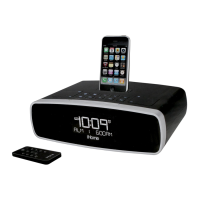
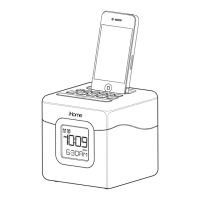
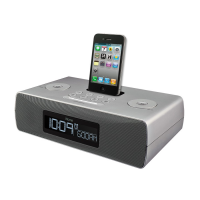
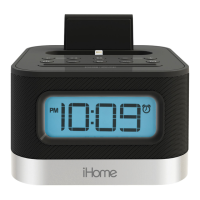
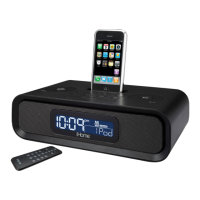
iHome IP39 - User Manual

iHome IP39
12 pages
Print Icon
To Next Page IconTo Next Page
Loading...
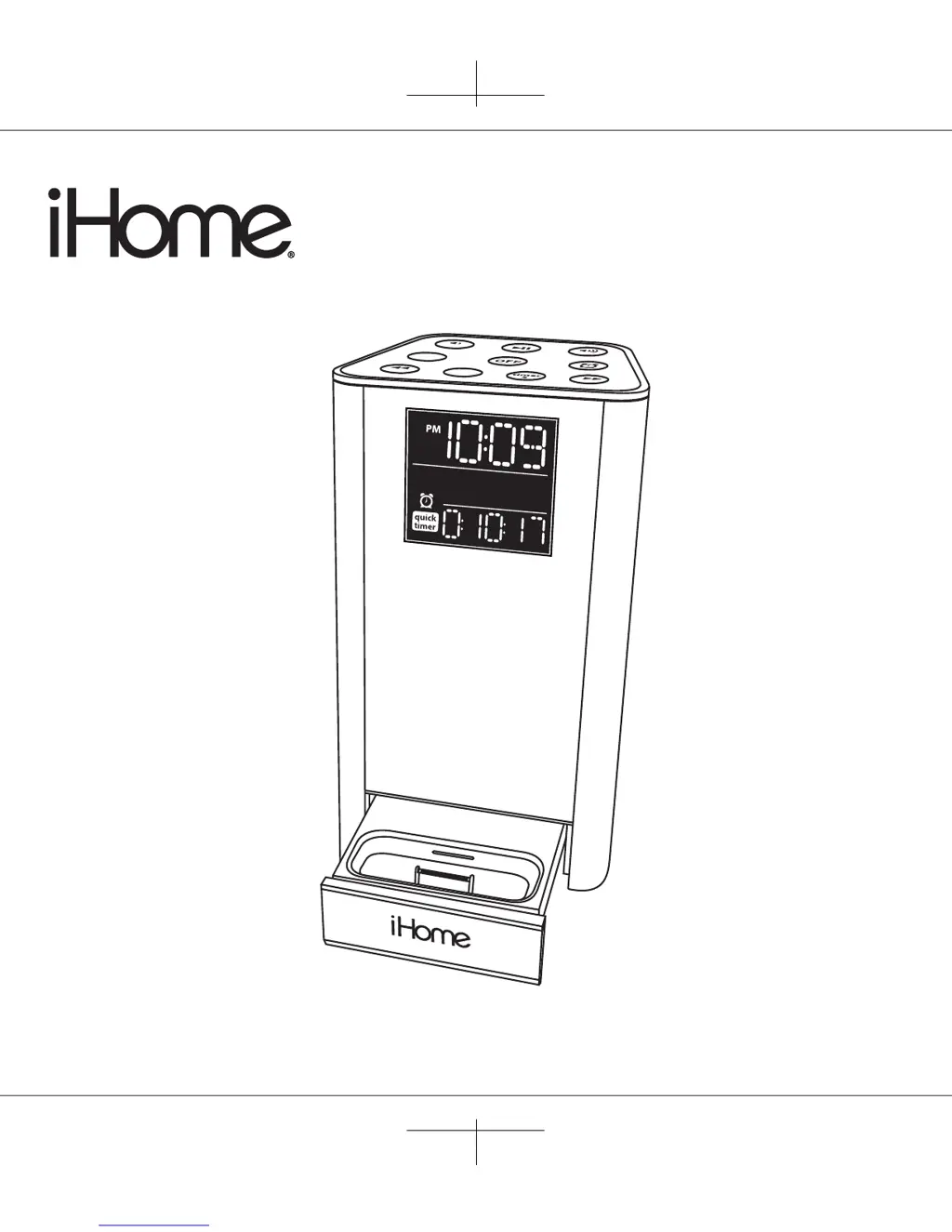
Model iP39
FM stereo system
with dual timers
for iPhone and iPod
Questions? Visit www.ihomeaudio.com
iP39 IB
size: 178 x 178
color: Black
Mar 02, 2010
+
1
mi
n
ut
e
qui
ck
time
r
+5
min
ut
e
-
s
e
c
.
- m
i
n
.
+
s
e
c
.
+
m
i
n
.
mod
e

Questions and Answers

  • J
    Jason CruzJul 26, 2025
    Why isn't my iPod/iPhone charging on the iHome IP39 Docking Station?
    • D
      David HallJul 26, 2025
      If your iPod or iPhone isn't charging on the iHome Docking Station, remove it and check for any obstructions on the connectors, both on the dock and your device. Reseat it firmly in the dock. Also, ensure your iPod/iPhone is working properly. If the issue persists, it could be related to the iPod/iPhone battery itself.
  • S
    Stacey MortonJul 31, 2025
    What to do if my iPod/iPhone does not respond to the iHome Docking Station?
    • L
      Lisa WoodsJul 31, 2025
      If your iPod or iPhone isn't responding to the iHome Docking Station, remove it from the dock and check for any obstructions on the connectors of both the dock and your device. Then, reseat it properly. Ensure your iPod/iPhone software is up to date by upgrading it via iTunes. Also, confirm that your iPod/iPhone is working correctly before docking it. Note that the iHome Docking Station (iP39) does not support 3rd generation iPods.
  • A
    alistephanieAug 6, 2025
    What to do if my iHome IP39 doesn’t respond or has no power?
    • V
      Veronica MorrowAug 6, 2025
      If your iHome Docking Station isn't responding or has no power, first, check that the AC adapter is properly plugged into both a functioning wall outlet and the power supply jack on the back of the unit. To verify the wall outlet is working, plug another device into the same outlet.
  • D
    David MartinezAug 12, 2025
    Why doesn't my iHome IP39 remote control work?
    • S
      Sharon ThomasAug 12, 2025
      If your iHome Docking Station remote control isn't working, first, replace the battery with a new one. If that doesn't solve the problem, make sure you're pointing the remote control directly at the unit's IR window and are within 10 feet of the unit.
  • R
    Robin AlexanderAug 19, 2025
    What to do if the sound is distorted on my iHome Docking Station?
    • S
      sophia75Sep 12, 2025
      If the sound from your iHome Docking Station is distorted, try decreasing the volume. If the sound source, like your iPod or iPhone, has poor quality, this can cause distortion, especially with high-power speakers. Try using a different audio source, such as a music CD. If you are using an iPod Shuffle or an older generation iPod, try reducing the output volume on the device itself and turn off bass boost.

Summary

iP39 Quick Start Guide

Connect AC Power

Connect the AC adapter cable to the DC jack and plug into a wall outlet.

Access and Dock iPhone;iPod

Open the dock, select an insert, and gently place your iPhone or iPod into the dock.

iP39 Getting Started

iP39 Timer and Alarm Functions

iP39 Product Safety Information

Important Safety Instructions

Details essential safety precautions for operating the iP39 unit to prevent hazards.

iP39 Troubleshooting Guide

No Power or Unit Unresponsive

Solutions for when the unit does not power on or respond.

iPod;iPhone Docking Issues

Troubleshooting problems with docking your iPhone or iPod.

iPod;iPhone Connectivity Problems

Resolving issues with the unit not recognizing or responding to the docked device.

iPod;iPhone Charging Failures

Fixes for when your iPhone or iPod does not charge.

iHome IP39 Specifications

General IconGeneral
FM radioYes
USB 2.0 ports quantity1
Compatible productsiPhone, iPod

Related product manuals