EasyManua.ls Logo

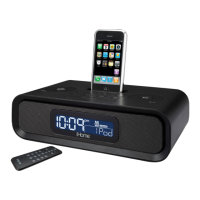
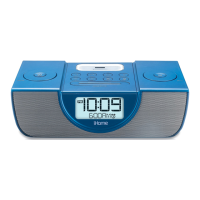
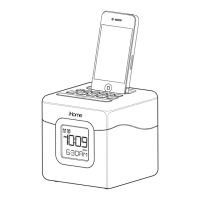
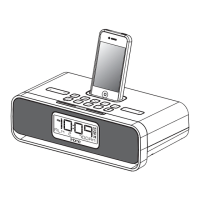
iHome IP87 - User Manual

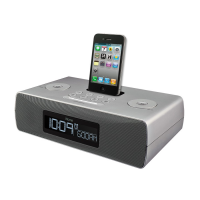
iHome IP87
13 pages
Print Icon
To Next Page IconTo Next Page
Loading...
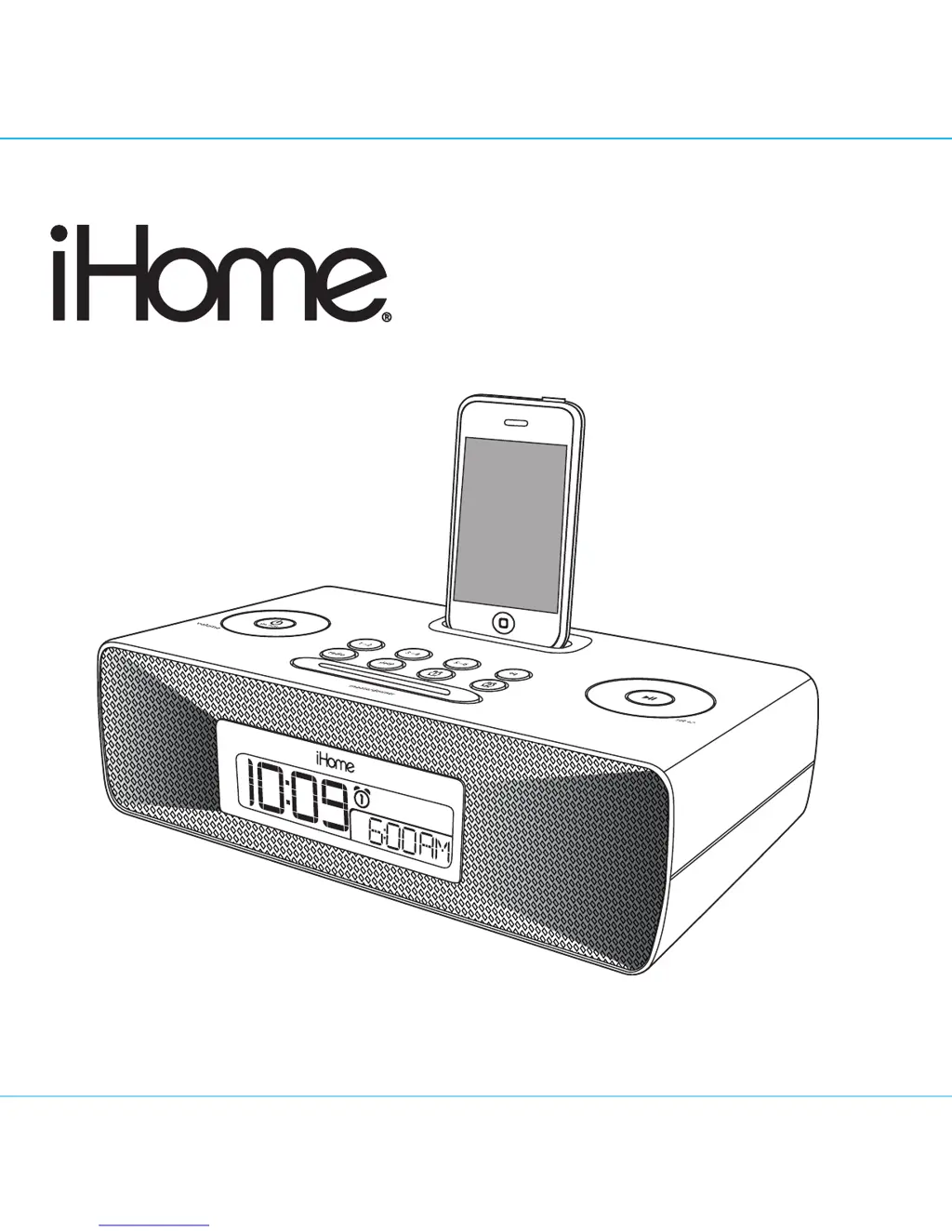
Model iP87
The Home System
For Your iPhone
®
or iPod
®
Questions? Visit www.ihomeaudio.com

Questions and Answers

  • J
    Jessica PatelJul 28, 2025
    What to do if my iHome Docking Station iP87 doesn’t respond?
    • R
      Rachel SmithJul 28, 2025
      If your iHome iP87 Docking Station is plugged in but not responding, it might need a reset. Here's what you can do: * Remove your iPhone/iPod from the dock. * Unplug the unit from the power source. * Remove the backup batteries. Wait for one hour before resuming use. Also, ensure your iPhone/iPod is correctly docked by removing it, checking for any obstructions on the connectors of both the dock and your device, and then reseating it.

Summary

Consumer Product Safety Guide

Quick Start Guide

Power and Antenna Setup

Connecting the AC adapter and setting up AM/FM antennas.

Device Docking and Inserts

Selecting and using the correct dock inserts for iPhone/iPod models.

Time Zone and Playback

Setting the time zone and initiating audio playback from connected devices.

Controls and Indicators Overview

Setting Up the iP87

Power Source Connection

Steps for connecting the unit to its power source.

Alarm Setup and Functions

How to set and configure the dual alarm system for wake-up.

Using the iP87 Functions

Replacing iP87 Backup Batteries

Important Product Safety Instructions

Troubleshooting Guide

iHome IP87 Specifications

General IconGeneral
BrandiHome
ModelIP87
CategoryDocking Station
LanguageEnglish

Related product manuals