EasyManua.ls Logo

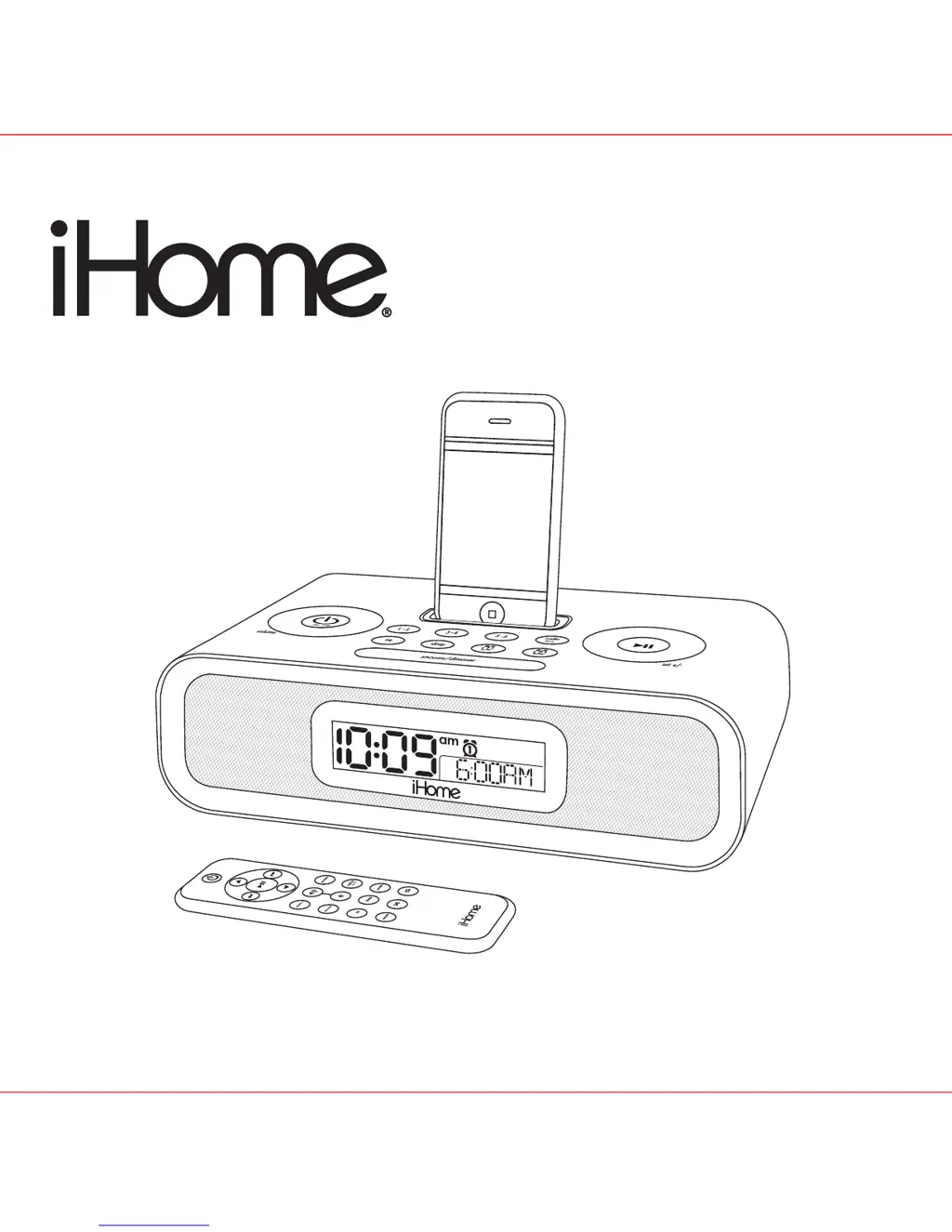
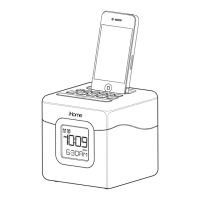
iHome IP98 - User Manual

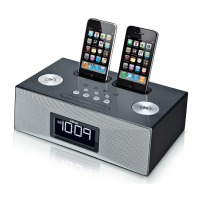
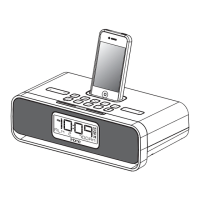
iHome IP98
13 pages
Print Icon
To Next Page IconTo Next Page
Loading...
Model iP98
The Home System
For Your iPhone
®
or iPod
®
Questions? Visit www.ihomeaudio.com

Questions and Answers

  • K
    katherinejonesJul 30, 2025
    What to do if my iHome Docking Station iP98 doesn’t respond?
    • T
      Tonya WallaceJul 30, 2025
      If your iHome Docking Station iP98 is plugged in but not responding, it might need a reset. Here's how to reset it: 1. Remove your iPhone/iPod from the dock. 2. Unplug the unit from the power source. 3. Remove the backup batteries. 4. Wait one hour, then try using it again. Also, ensure your iPhone/iPod is properly docked. Remove it, check for any obstructions on the connectors (both on the dock and your device), and then reseat it firmly in the dock.
  • M
    Matthew BryantAug 13, 2025
    How to turn on iHome Docking Station iP98?
    • A
      ashley16Aug 13, 2025
      To turn on your iHome Docking Station iP98, ensure the AC adapter is correctly plugged into a working wall socket and that the connector is securely plugged into the supply jack on the unit.

Summary

Product Safety and Maintenance

Consumer Safety Guidelines

Important safety instructions for proper use and operation of the device.

Quick Start Guide

Device Controls and Indicators

Controls Overview

Identification and function of buttons, wheels, and ports on the iP98.

Using the iP98

iPhone;iPod Docking and Playback

Docking, playing, charging, and controlling your iPhone or iPod.

Expanded Product Safety Instructions

General Usage Precautions

Important safety instructions regarding water, heat, ventilation, and power sources.

Troubleshooting Common Issues

iP98 and iPhone;iPod Problems

Common problems and solutions for the unit and docked devices.

Limited 1 Year Warranty Information

iHome IP98 Specifications

General IconGeneral
CompatibilityiPod, iPhone
Speaker TypeStereo Speakers
ModelIP98
ChargingYes
Power SourceAC Adapter
FeaturesFM radio, dual alarm
TypeAlarm Clock Radio Docking Station

Related product manuals