EasyManua.ls Logo

iHome IPHONE IA91 - User Manual

iHome IPHONE IA91
13 pages
Print Icon
To Next Page IconTo Next Page
Loading...
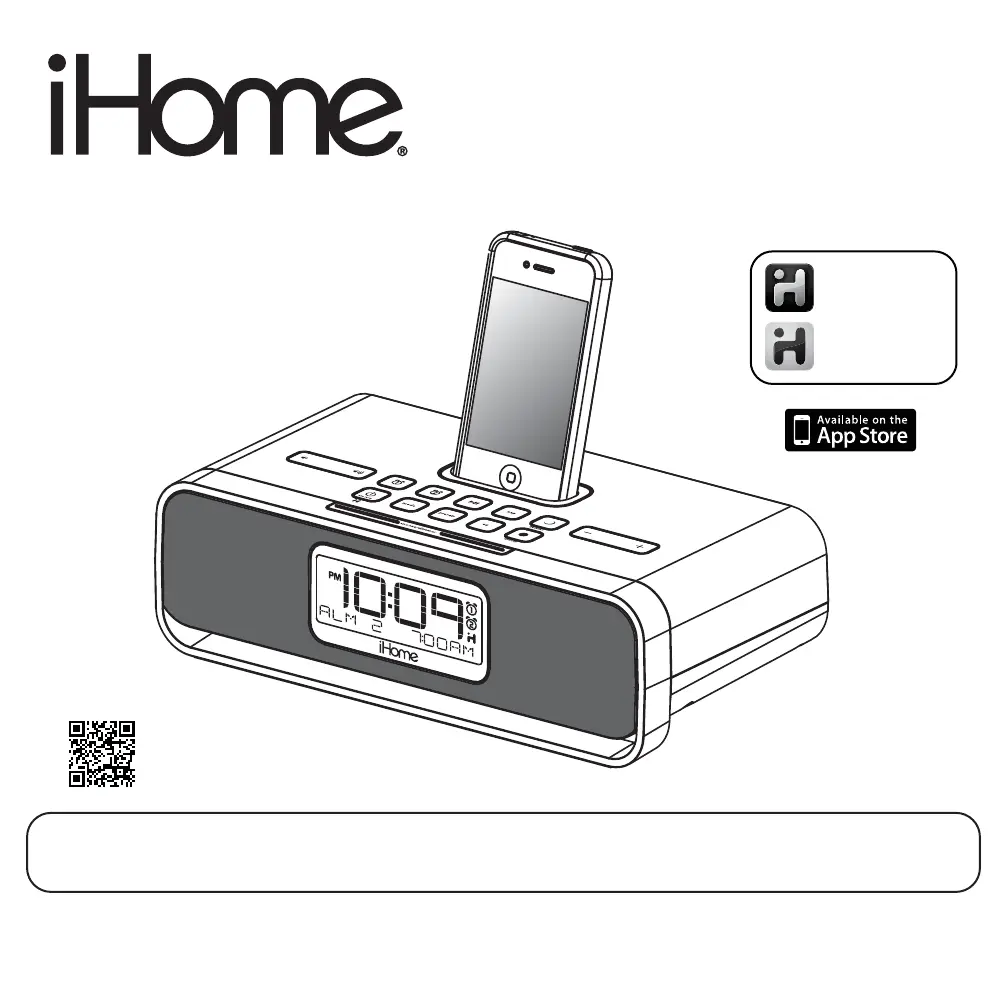
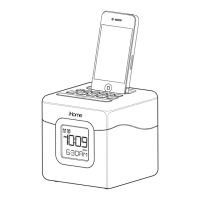
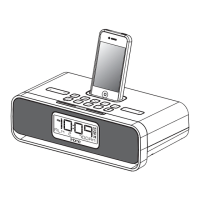
Model iA91/iA92
The App-enhanced
Home System
For Your iPhone
®
or iPod
®
Questions? For latest instructions, visit www.ihomeaudio.com/support
iA91/iA92 IB_US version
Size: 178 x 178 mm (16 pages)
Printing color: Black
Mat’l: 90gsm book paper
Apr. 14, 11.
iHome + Sleep
works with
iHome + Radio
alarm clock app
internet radio app
Note: iHome+Sleep and iHome+Radio apps are not covered in detail in this booklet. To learn more about how
these apps can enhance your experience, please download the free iHome+Sleep app from the App Store and
review the Start Guide.
P1
download QR code
reader app and scan

Questions and Answers

  • M
    Michael BryantAug 18, 2025
    What to do if my iPhone/iPod didn’t charge up on iHome IPHONE IA91 Docking Station?
    • S
      sheilabenderAug 18, 2025
      If your iPhone/iPod isn't charging on the iHome Docking Station, remove it from the dock. Inspect the connectors on both the dock and your device for any obstructions, then reseat it firmly. Also, ensure that your iPhone/iPod is working properly before docking it.
  • M
    Melissa ThompsonAug 20, 2025
    How to fix iHome IPHONE IA91 Docking Station that does not turn on?
    • R
      Ray GallowayAug 20, 2025
      If the iHome Docking Station doesn't turn on, ensure the AC adapter is correctly plugged into a working wall socket and into the power supply jack on the back of the unit.
  • P
    Philip TrujilloAug 23, 2025
    Why is the sound distorted on my iHome IPHONE IA91 Docking Station?
    • L
      Leslie Martin IIIAug 23, 2025
      If the sound from your iHome Docking Station is distorted, first decrease the volume. If the sound source (iPhone/iPod file) is of poor quality, try a different audio file from a trusted source. If using an external sound source, reduce its output volume and try turning bass boost OFF or lowering EQ settings.
  • E
    Erin WarrenAug 26, 2025
    What to do if iHome IPHONE IA91 Docking Station doesn’t respond?
    • K
      Kim BennettAug 26, 2025
      If your iHome Docking Station is plugged in but not responding, try resetting it. First, remove your iPhone/iPod. Then, unplug the unit from the power source and remove the backup batteries. After a few minutes, replace the batteries, plug the unit back in, and resume use. Also, remove your iPhone/iPod from the dock and check for any obstructions on the connectors, then reseat it properly.
  • F
    fhermanAug 28, 2025
    How to fix no sound from iHome Docking Station?
    • R
      Robert Willis Jr.Aug 28, 2025
      If there is no sound coming from your iHome Docking Station, ensure that the volume is turned up.
  • B
    brendaedwardsAug 30, 2025
    Why is the AM band radio so noisy on my iHome Docking Station?
    • J
      John EspinozaAug 30, 2025
      If the AM band radio on your iHome Docking Station is very noisy, move the AM loop antenna away from the main unit AC adapter and rotate it to find the best reception.
  • T
    tylermedinaSep 2, 2025
    Why is there no AM band radio sound on my iHome IPHONE IA91?
    • M
      Michael LeeSep 2, 2025
      If there is no AM band radio sound but other functions are working on your iHome Docking Station, plug the AM loop antenna connector into the jack on the back of the unit.
  • R
    Ronald IrwinSep 5, 2025
    Why is my iPhone/iPod not responding to my iHome IPHONE IA91 Docking Station?
    • J
      John ReeseSep 5, 2025
      There are several reasons why your iPhone/iPod might not be responding to the iHome Docking Station or why the iPod is playing but no sound is coming out. First, remove your iPhone/iPod from the dock, check for any obstructions on the connectors, and reseat it. Also, ensure your iPhone/iPod software is up to date by upgrading it via iTunes. Check the volume setting and make sure your iPhone/iPod is working properly before docking it. Note that the system cannot control 1st or 2nd generation iPod, iPod Shuffle or other devices.
  • B
    Breanna BoydSep 7, 2025
    Why is the battery low icon always flashing on my iHome IPHONE IA91?
    • N
      navarrojoannSep 7, 2025
      If the Battery Low icon is always flashing on your iHome Docking Station, replace the batteries with new ones. Also, check that the batteries are installed correctly, ensuring the polarity (+ and - ends) matches the diagram in the battery compartment.
  • J
    John MoranSep 9, 2025
    Why is the performance of my iHome Docking Station erratic?
    • E
      emilyboydSep 9, 2025
      If the performance of your iHome Docking Station, iPhone, or iPod is erratic, move the unit away from potential sources of external interference such as computers, modems, wireless devices (routers), or fluorescent lights.

Summary

Quick Start Guide

Controls and Indicators Overview

Top Panel Controls

Identifies controls and buttons on the top surface of the unit.

Rear Panel Connections

Details the ports and connections on the back of the unit.

Unit Display Explained

Explains the information shown on the device's digital display.

Setting Up Your iHome Device

Power Connection and Firmware Update

Instructions for connecting the unit to power and updating its firmware.

Clock and Time Zone Configuration

Methods for setting the clock, time zone, and calendar manually or via sync.

Alarm System

Setting and Managing Alarms

Detailed steps for configuring alarm times, sources, and frequencies.

Reviewing, Arming, and Disarming Alarms

How to check, activate, and deactivate set alarms.

Resetting Alarms for Next Day

Procedure to reset a sounding alarm for the next scheduled occurrence.

Snooze and Sleep Modes

Snooze Operation Details

Explains how to use the snooze function and set custom snooze times.

Sleep Mode Usage Guide

Guide to using sleep mode for gradual volume decrease and timed shutdown.

iPhone;iPod and Radio Playback

Charging and Listening to iPhone;iPod

Instructions for charging and playing music from a docked iPhone or iPod.

Radio Setup and Tuning

Steps for setting up the antenna and tuning into AM/FM radio stations.

Auxiliary Input and Additional Features

Using the Aux Line-in Jack

How to connect and play audio from external devices via the Aux-in port.

Nap Operation and Dimmer Control

How to set a nap alarm and control display brightness.

Regional Settings and Battery Replacement

Adjusting radio frequency and replacing backup batteries.

Product Safety and Maintenance

Consumer Safety Guidelines

General safety guidelines for using the product.

Maintenance Procedures

Guidelines for cleaning and maintaining the unit's physical condition.

Important Safety Instructions

Troubleshooting Common Issues

Common Problems and Solutions

Addresses frequent problems and provides step-by-step solutions for the unit.

Limited 1 Year Warranty Information

iHome IPHONE IA91 Specifications

General IconGeneral
BrandiHome
ModelIPHONE IA91
CategoryDocking Station
LanguageEnglish

Related product manuals