EasyManua.ls Logo

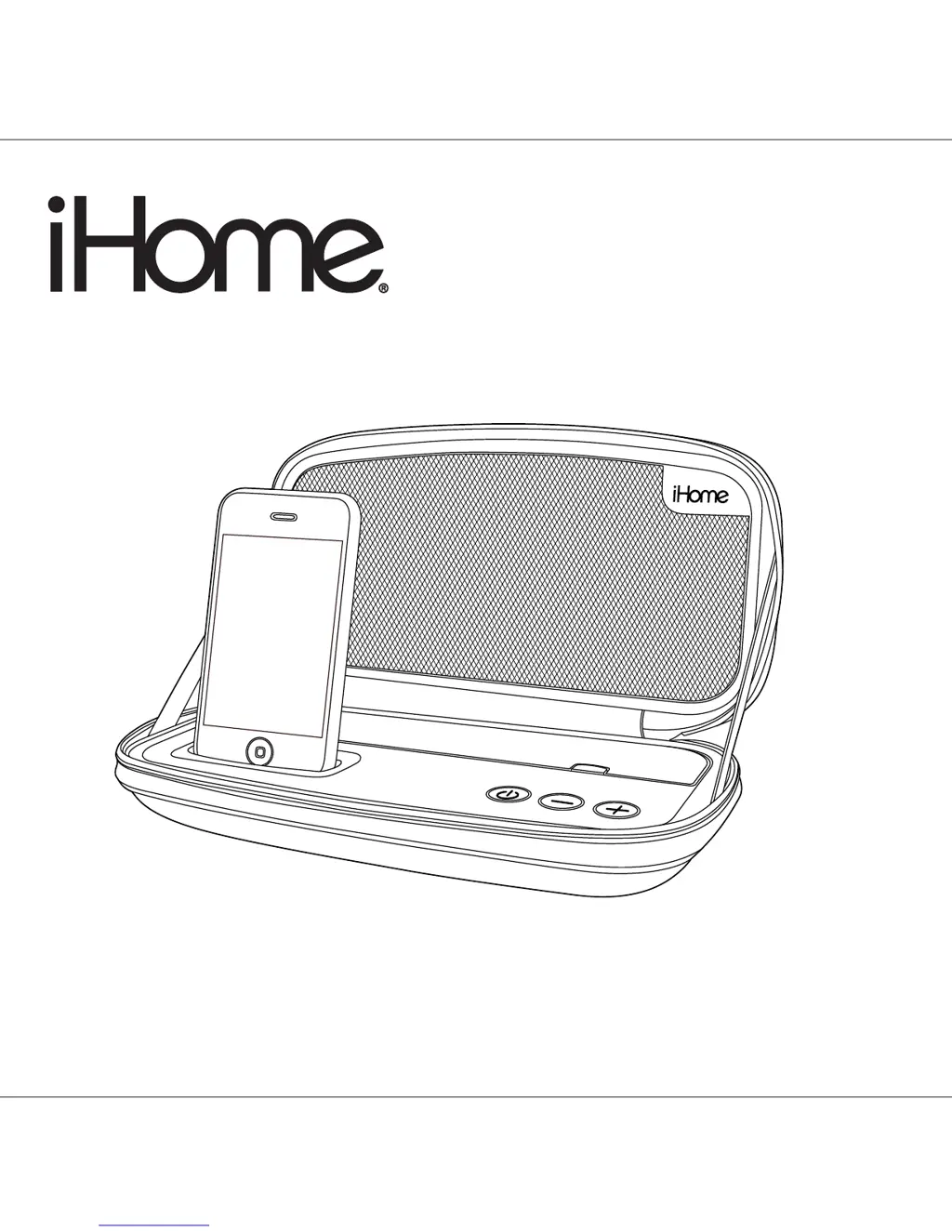
iHome iP37 - User Manual

iHome iP37
11 pages
Print Icon
To Next Page IconTo Next Page
Loading...
Model iP37
Portable Stereo Speakers
for your iPhone/iPod
®
Model:iP37(Englishversion)
Printcolor:Blacktextonwhitepaper
Sizeofmanual:178mmWx178mmH
Date:DEC4,2009
P1
Questions? Visit www.ihomeaudio.com

Questions and Answers

  • R
    Ryan BrownJul 30, 2025
    What to do if my iHome iP37 doesn't respond (no power)?
    • D
      David LoweryJul 30, 2025
      If your iHome Docking Station isn't responding, there could be a few reasons. First, ensure the AC adapter is properly plugged into both a functioning wall outlet and the power supply jack on the back of the dock. Test the wall outlet with another device to confirm it's working and the associated power switch is on. Also, if using batteries, try replacing them with new ones.
  • S
    santanadanielleAug 6, 2025
    Why doesn't my iPod/iPhone dock properly with my iHome Docking Station?
    • B
      brian37Aug 6, 2025
      If your iPod/iPhone isn't docking properly with your iHome Docking Station, it might be due to an incorrect or missing dock insert. Ensure you're using the correct insert for your specific iPod/iPhone model. Also, remove your iPod/iPhone, inspect the connectors on both the dock and your device for any obstructions, and make sure there's no case or 'skin' on your iPod/iPhone. Then, try reseating it in the dock.
  • K
    Kathleen Foster PhDAug 14, 2025
    What to do if my iPod/iPhone does not respond to my iHome iP37?
    • D
      David SilvaAug 14, 2025
      If your iPod/iPhone isn't responding to the iHome Docking Station, first, remove your iPod/iPhone from the dock. Check for any obstructions on the connectors of both the dock and your iPod. Then, reseat it in the dock. Additionally, if you are using 1st or 2nd generation iPod, iPod shuffle or other devices, note that the unit cannot control those iPod models or other devices. Use the Line-in jack to play these devices.
  • S
    steven07Aug 21, 2025
    How to fix an iPod/iPhone that doesn't come on immediately on my iHome Docking Station?
    • J
      Jesse TurnerAug 22, 2025
      If your iPod/iPhone doesn't turn on immediately when docked in your iHome Docking Station, it may have entered 'deep sleep' mode if it hasn't been used for a while. Try pressing the Menu button on your iPod/iPhone. Alternatively, the iPod/iPhone battery might be too low; try charging it for about 5 minutes.

Summary

iP37 Quick Start Guide

Installing Batteries

Instructions for inserting and using AA batteries for power.

Connecting the AC Adaptor

Instructions for connecting the AC adapter for charging and playback.

Using Docking Inserts

Guide for selecting and using dock inserts for different iPod/iPhone models.

Docking Your iPod;iPhone

Steps for gently placing and connecting the device to the dock.

Controls and Indicators Overview

Front Panel Controls

Identification and explanation of controls and indicators on the front of the unit.

Side Panel Ports

Identification and explanation of ports and connectors on the side of the unit.

Getting Started with Your iP37

Install iPhone;iPod Insert

Detailed steps for installing the correct insert into the dock.

Connect to Power Source

Instructions for connecting the AC adapter for power and charging.

Install or Replace Speaker Batteries

Steps for installing or replacing the AA batteries in the unit.

Playing and Charging Your iPhone or iPod

Using the Line-in Jack

Consumer Safety Guide

Troubleshooting Common Issues

Limited 1 Year Warranty Information

iHome iP37 Specifications

General IconGeneral
Frequency range- Hz
RMS rated power- W
Audio output channels- channels
AUX inYes
BluetoothNo
Headphone connectivity-
Battery typeAA
Battery voltage1.5 V
AC input voltage100 - 240 V
Power source typeAC, Battery
Number of batteries supported4
Product colorBlack
Apple docking compatibilityiPhone, iPod
Sound enhancement technologySRS TruBass

Related product manuals