EasyManua.ls Logo

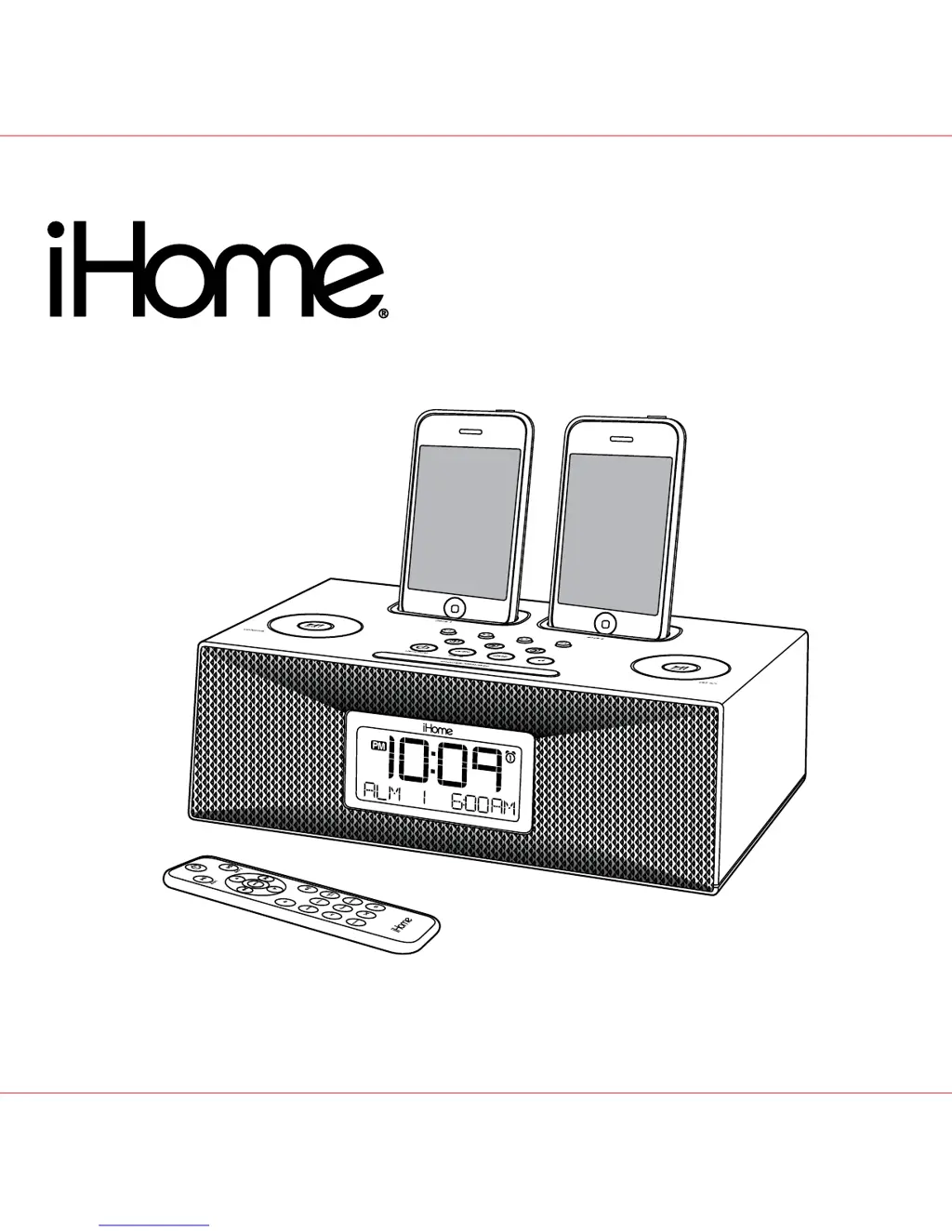
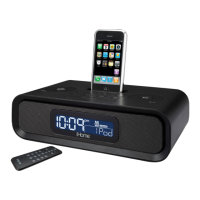
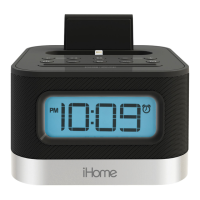
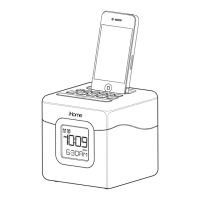
iHome iP88 - User Manual

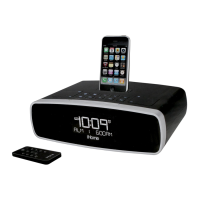
iHome iP88
14 pages
Print Icon
To Next Page IconTo Next Page
Loading...
Model iP88
The Home System
For Your iPhone
®
or iPod
®
Questions? Visit www.ihomeaudio.com

Questions and Answers

  • K
    kparkerJul 29, 2025
    How to fix iHome Docking Station iP88 when it does not turn on?
    • E
      Elizabeth LeeJul 29, 2025
      If your iHome Docking Station iP88 does not turn on, ensure the AC adapter is plugged into a working wall socket and that the connector is securely plugged into the supply jack on the unit.
  • H
    Holly HoweAug 12, 2025
    What to do if iHome Docking Station iP88 doesn’t respond?
    • R
      rgonzalezAug 12, 2025
      If your iHome Docking Station iP88 is plugged in but not responding, it may need a reset. To reset the unit: 1. Remove your iPhone/iPod from the dock. 2. Unplug the unit from the power source. 3. Remove the backup batteries. 4. Wait one hour, then resume use. Also, remove your iPhone/iPod from the dock and inspect the connectors on both the dock and your device for any obstructions. Then, reseat it in the dock.

Summary

Quick Start Guide

Power Connection

Connect the AC adaptor cable to the iP88 and plug into a wall socket.

Antenna Setup

Snap the AM antenna into its stand and connect the cable to the iP88.

Dock Inserts

Select and place the correct dock insert for your iPhone or iPod model.

Time Zone Setting

Set the correct time zone for your location using the Time Zone button.

iPhone;iPod Docking

Gently dock your iPhone or iPod into the unit; it will charge while docked.

Radio Operation

Press the Radio button to select AM/FM band and use the Set Wheel to tune.

Controls and Indicators Overview

Top Panel Controls

Details of buttons, wheels, and jacks on the top surface of the iP88.

Rear Panel Connections

Identifies ports and connections located on the back of the iP88.

iP88 Display Information

Explanation of the iP88's digital display elements and indicators.

Setting Up Your iP88

Power Connection

Connect the AC adaptor to the unit and a wall socket for operation.

Setting Time and Calendar

Manually set the clock, year, month, and date, and choose 12/24 hour format.

Time Synchronization

Sync the iP88's time with your connected iPhone or iPod.

Radio Frequency Selection

Choose the correct FM radio frequency step for your region.

Alarm Setup

Configure up to three alarms with different wake sources and frequencies.

Using the iP88

Alarm Management

Review, arm, and disarm alarms; reset alarms for the next day.

Snooze and Sure Alarm

Utilize the snooze function and understand the sure alarm feature.

iPhone;iPod Charging and Playback

Charge docked devices and play music from your iPhone/iPod.

Radio Operation

Set up the antenna, tune stations, and set radio presets.

Line-in Jack Usage

Connect and play audio from external devices via the line-in jack.

Sleep and Dimmer Modes

Configure sleep timer settings and adjust display brightness.

Backup Batteries

Replacing Backup Batteries

Instructions for installing or replacing the backup batteries.

Battery Safety Warnings

Important safety precautions for handling and using batteries.

Remote Control Operation

Remote Control Functions

Overview of buttons and functions controlled by the remote.

Remote Battery Replacement

Guidance on replacing the battery in the remote control.

Consumer Safety Guide

Important Safety Instructions

Essential safety guidelines for using the iP88 to prevent hazards.

Troubleshooting Common Issues

Unit Power and Response Problems

Solutions for the iP88 not turning on or responding.

Battery and Docking Issues

Fixes for low battery icon and iPhone/iPod not docking or responding.

Audio and Sound Problems

Resolving issues with no sound or distorted sound from the unit.

Remote and Performance Issues

Troubleshooting the remote control and erratic device performance.

Charging and Radio Reception

Solutions for iPhone/iPod charging failures and AM band noise.

Sound Distortion and Unit Warmth

Addressing sound distortion and the unit getting warm during use.

Snooze and Alarm Malfunctions

Fixes for incorrect snooze times and non-functioning alarms.

Warranty Information

Limited 1 Year Warranty

Details the product's one-year warranty coverage and terms.

Warranty Disclaimer

Explains limitations, exclusions, and conditions of the warranty.

iHome iP88 Specifications

General IconGeneral
TypeDocking Station
CompatibilityiPod, iPhone
Power SourceAC Adapter
ChargingYes
FeaturesFM Radio, Alarm Clock

Related product manuals