ENGLISH
28 OPERATING THE MONITOR
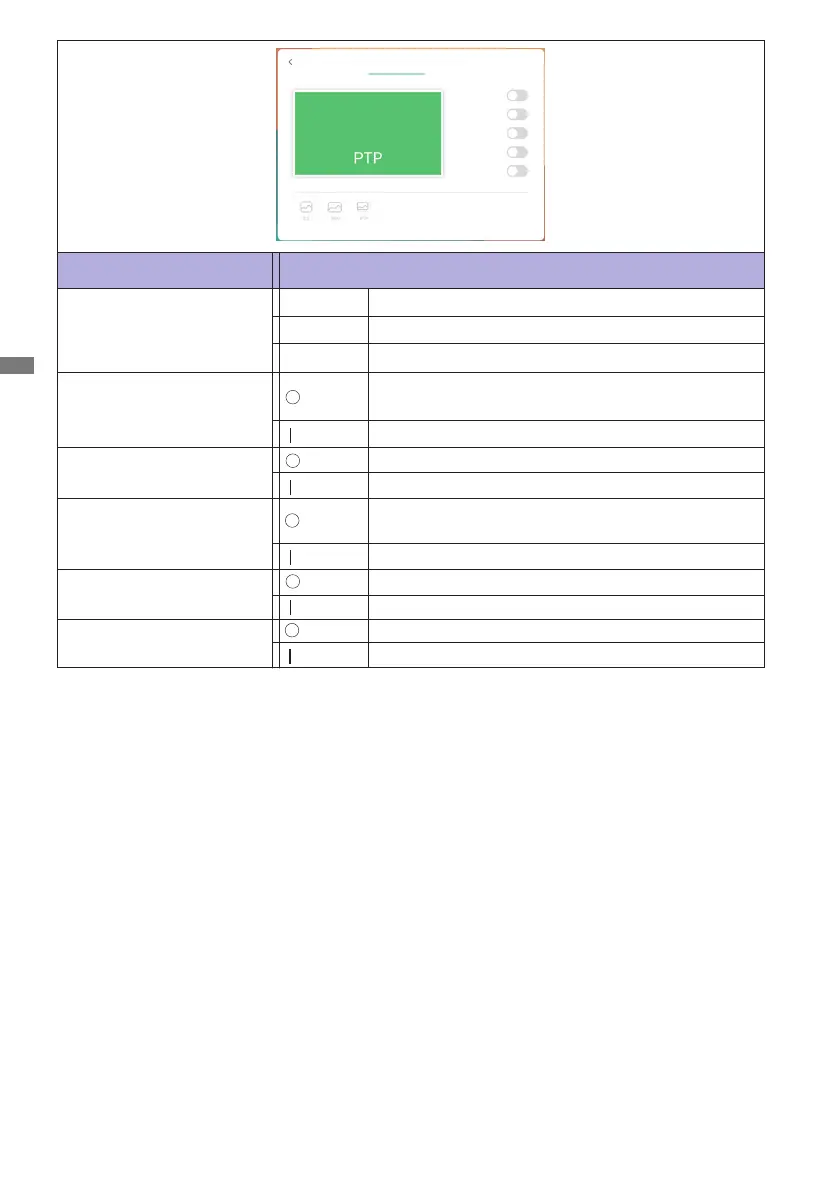
Aspect ratio
PTP *
Display the picture point to point.
16:9
4:3
Displays all picture in 4:3 aspect ratio.
Displays all picture in 16:9 aspect ratio.
Adjustment Item Problem / Option Button to Press
Screen setting
*
Point To Point, to optimize touch performance when 3840 ×2160 input.(notavailable under
Android or not 3840 ×2160inputtiming)
Pixel Shift
Pixel Shiftisturnedo.
The screen image will move around slightly every 2
minutes.
ECO
AdjustDisplayScreenAudio
Auto Light
Pixel Shift
Eye care
DCR
Eye Careisturnedo.
Auto Lightisturnedo.
ECOisturnedo.
Eye Care
Auto Light
ECO
Blue light is reduced.
The image brightness can be automatically adjusted
according to the ambient light.
Brightness of back-light is reduced.
ECR
Enhanced Contrast Ratio
ECRisturnedo.








 To Next Page