16 | P a g e IM100 User Manual – Android, v1.41 Illuminati Instrument Corp.
Corded Flash Metering
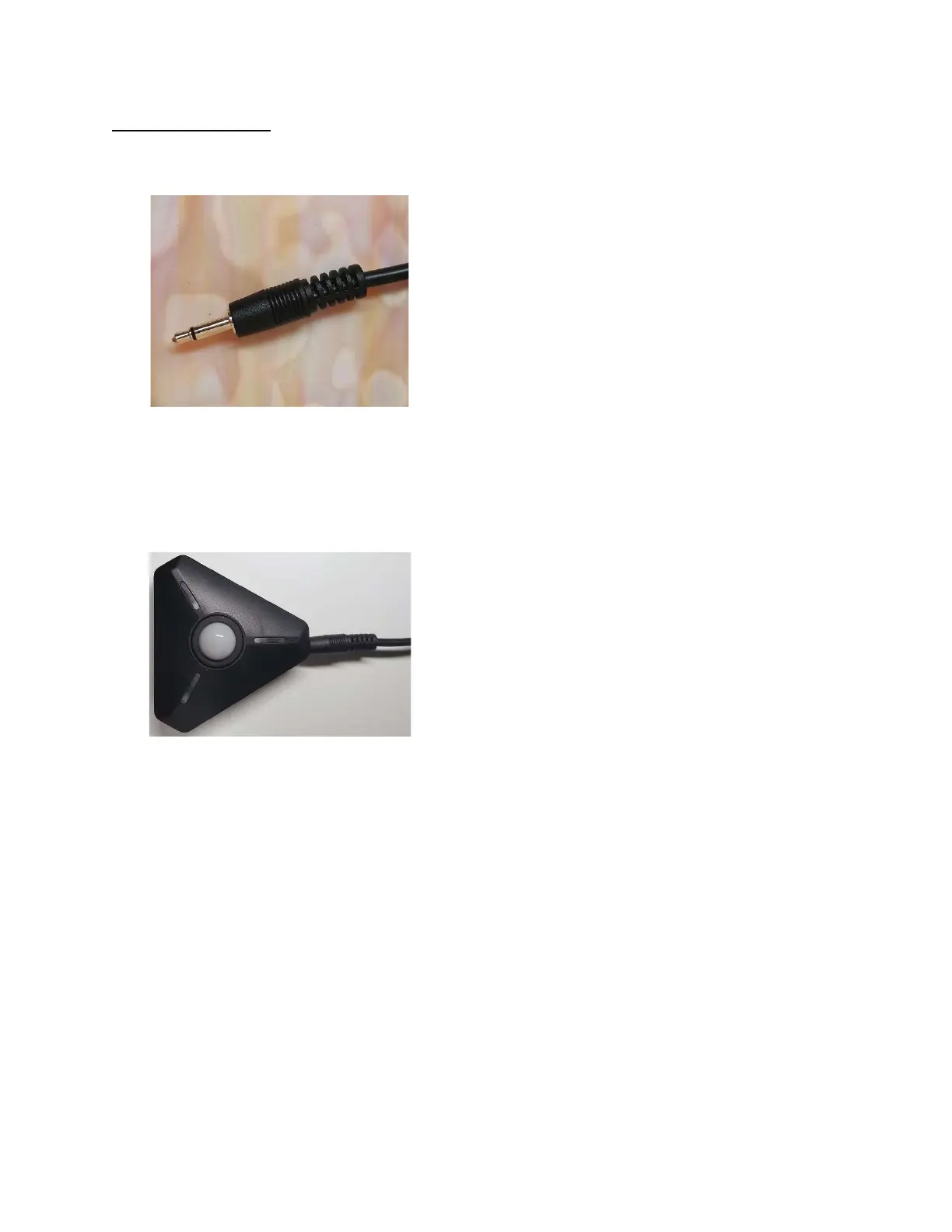
The Illuminati Meter will accept a cord with a
plug like that shown in the image below.
Cable tip for flash metering
The receptacle on the meter is for a 3.5 mm
mono miniphone sync male plug. A 3.5mm
audio cable is not suitable, even though it
physically will fit into the 3.5mm receptacle.
Flash cable plugged into meter
With the cable, it is possible to trigger the flash
two ways:
1. Press the meter’s power button to fire the
flash and trigger a reading.
2. Tap the shutter icon in the app on the
lower-right of the Still Exposure screen.
The flash will fire, and the reading will be
recorded by the app.



 To Next Page