Illuminati Instrument Corp. IM100 User Manual – Android, v1.41 P a g e | 7
Connect
The app finds the meter and connects
automatically. You will know this has happened
when you see the LEDs briefly flash bright green
and then turn off.
If the spinning circle in the connect screen stops
spinning, swipe your finger down the screen to
make it search again.
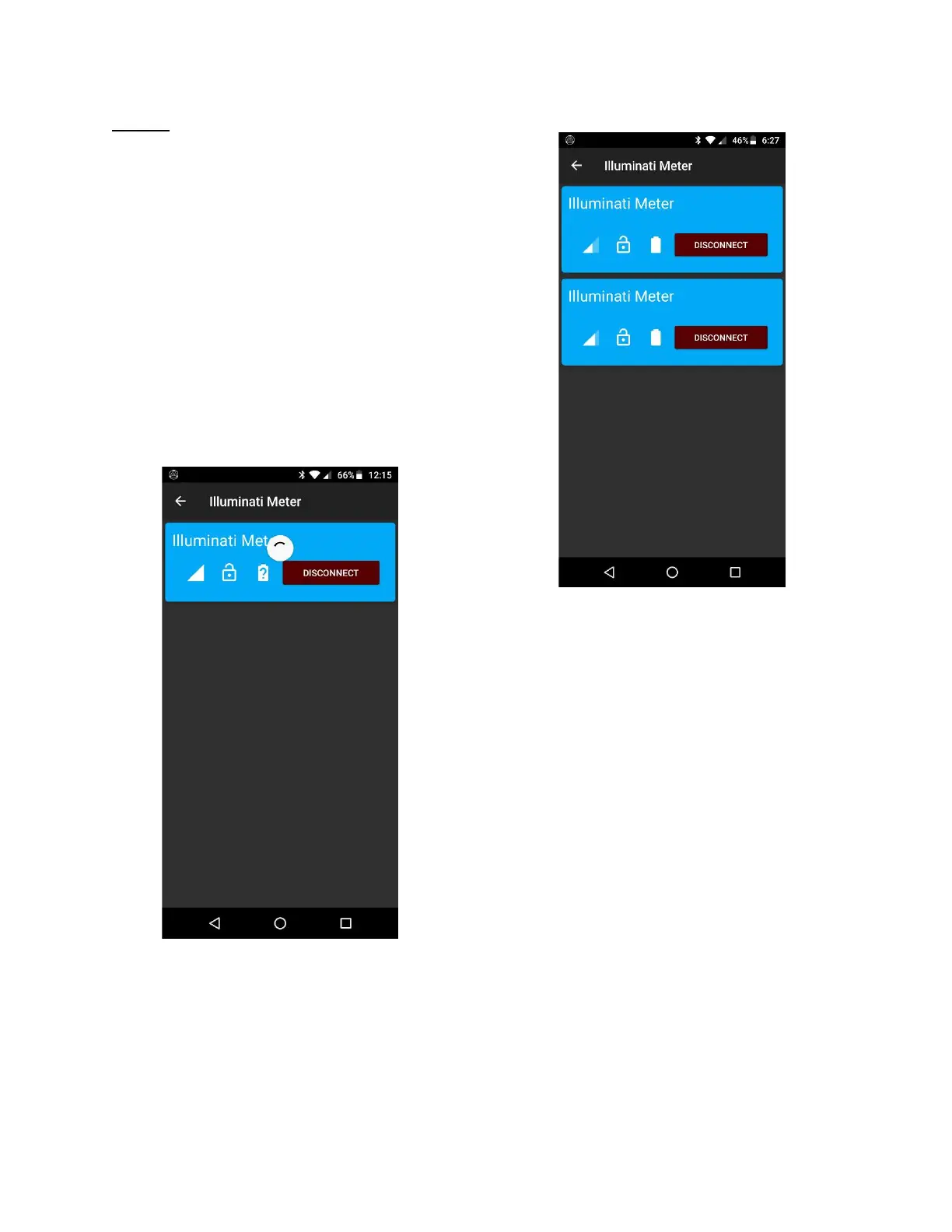
When the meter and the phone connect, the
app will display a blue band with the device’s
name on it, as in the illustration below.
If you are having problems getting connected,
please see the Troubleshooting Guide on page
XX.
Devices screen showing connection
to one meter.
If you connect more than one Illuminati meter,
the app will find them and connect. Simply
power on the Illuminati meters and use the
Devices screen to connect.
Example of a connection to more
than one Illuminati Meter.



 To Next Page