8 | P a g e IM100 User Manual – Android, v1.41 Illuminati Instrument Corp.
Tiles for Meter Readings
Default, or “Combo”, Tile
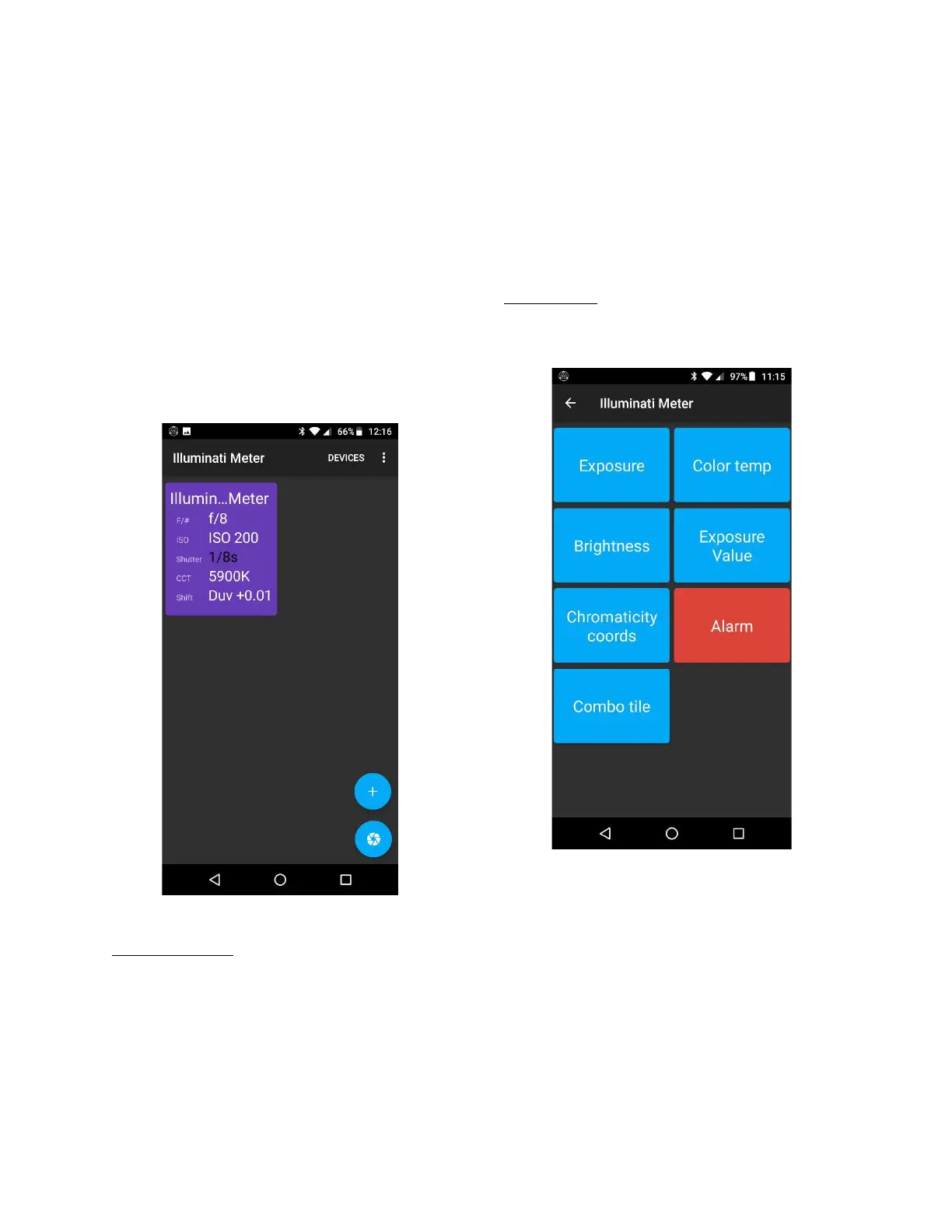
A new tile with a purple background will be
created for you automatically using the meter’s
current default settings. This tile has the most-
used information for still photography.
For video exposure, press the purple tile to view
the STILL Exposure tab, then tap the VIDEO
Exposure tab. Then return to the Tiles view. The
Tile will show you exposure using video terms.
Tiles View
Monitor Ambient
If your readings are not updating, or you want
to change the exposure parameters, tap on the
tile to see the exposure screen. At the bottom
of the screen you will see a checkbox for
“Monitor ambient”. When selected, the meter’s
LEDs will blink yellow-green every time the
meter returns a reading. New readings appear
at a regular interval that is set in the Device
Settings screen.
The Tiles view can be customized to suit your
needs, reporting the information you select.
Managing Tiles
Creating Tiles
Tap the “+” icon in the bottom right of the
screen to see the options.
Tiles Options
If more than one meter is connected, you will
be asked to select the meter whose readings
will be used to display on the tile.
Below is a display of all the tile types that can
be created.



 To Next Page