26
EN
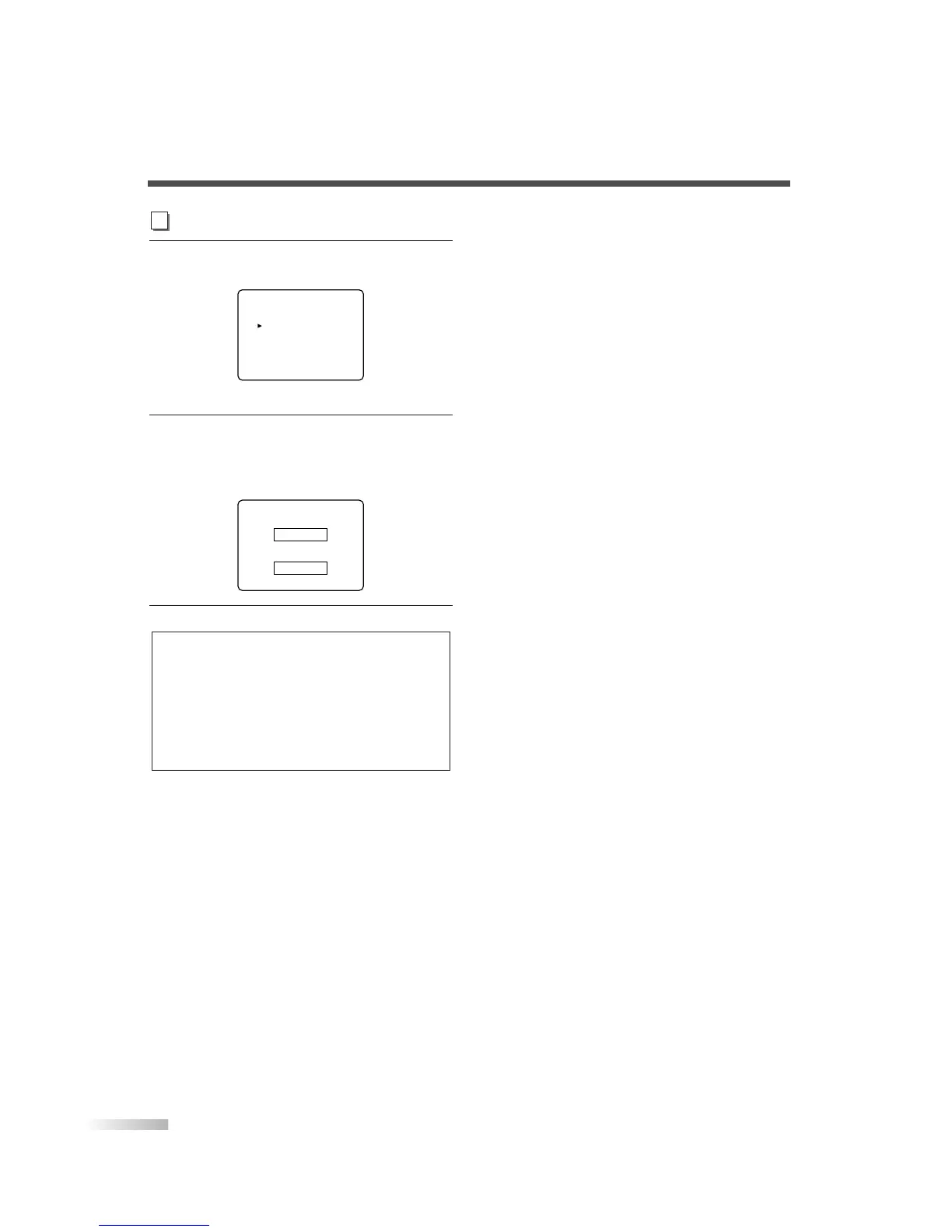
4 Display the "CHANGE CODE" screen.
• Using
[CH
K
/
L
], select "CHANGE CODE".
• Press
[VOL
X
].
5 Change the access code.
• Use
Channel number buttons on the remote
control and enter the NEW CODE (4-digit).
• Enter code again in CONFIRM CODE box.
6
To exit the menu, press [MENU].
NOTES:
• Make sure to enter the exact same new code in the "CON-
FIRM CODE" space as one in the "NEW CODE" space. If
they are different, the "NEW CODE" space is cleared for
reentering.
• Your personal access code will be erased and return to the
default (0000) when a power failure occurs or when you turn
off the power using a wall switch. If you forget the code,
unplug the power cord for 10 seconds to restore the access
code to 0000.


 To Next Page