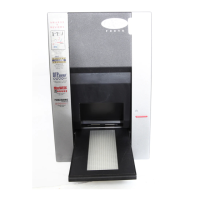
Imacon Flextight Progression UserÕs Guide
Hardware ReferenceÑFlextight Progression
Operating Instructions
20
English
7. Go to your computer and run the scanning software. Follow the
directions given in the ColorFlex software manual to set the origi-
nal format, take a preview, make settings, and take the Þnal scan.
8. When you are Þnished scanning using the glass plates, remove
your originals and replace the electrostatic plate as described in
ÒReplacing the Electrostatic PlateÓ on page 14.
9. Press the drawer button again. The top layer of the ßatbed drawer
is automatically drawn back into the scanner, leaving the drawer
support extended. Gently press the drawer support into the scan-
ner.



 To Next Page