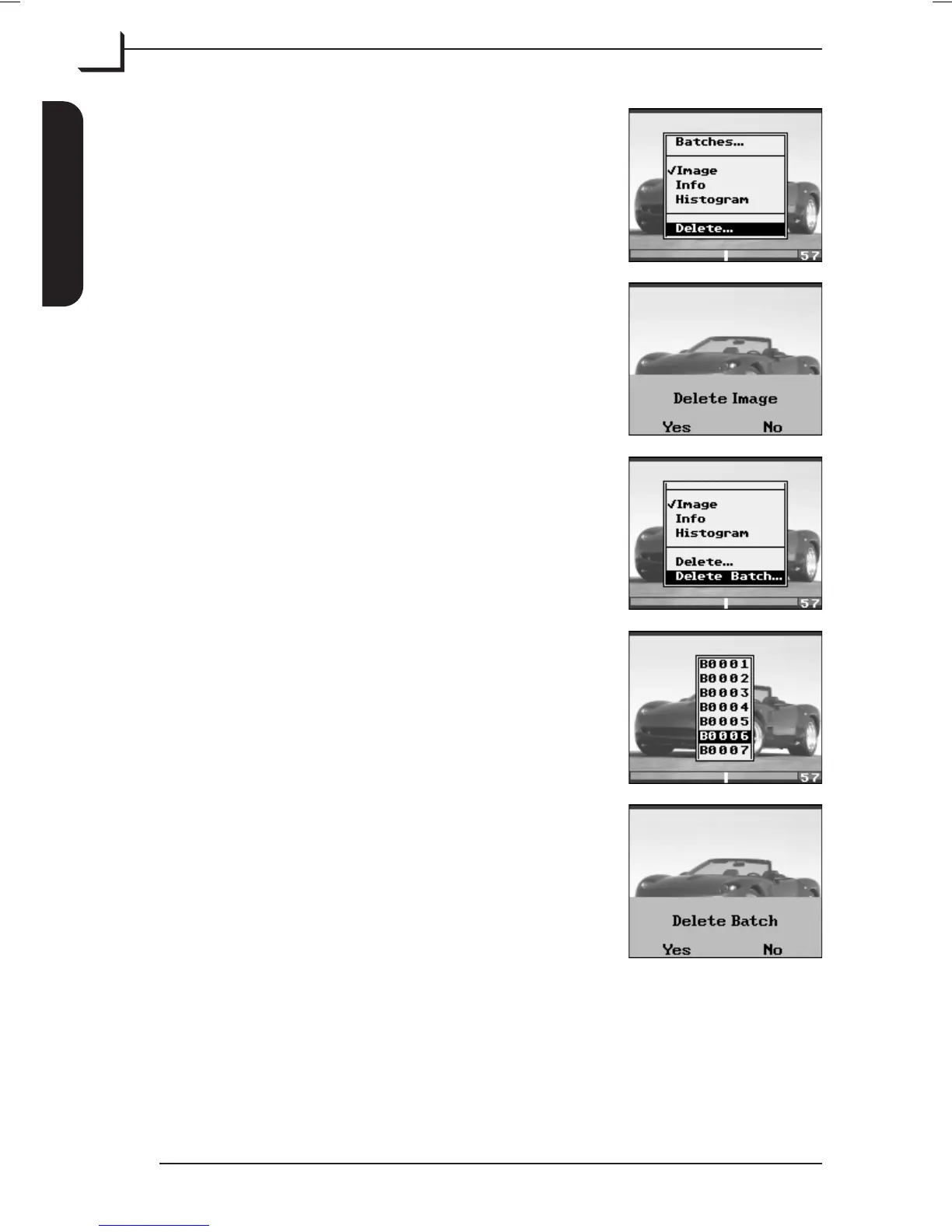
Alternatively press OK button to enter "Browse"
mode, use Browse/Scroll button to find the
image you want to delete and press MENU
button.
In the menu highlight Delete... and press OK
button.
Press Yes (OK button) to delete image or No
(MENU button) to cancel.
If you want to delete a whole batch of images
select Delete Batch... from the menu and press
OK button.
In the appearing batches list highlight the batch
you wish to delete and press OK button.
Press Yes (OK button) to delete batch or No
(MENU button) to cancel.
User's Guide - Imacon Ixpress
English
The Ixpress Camera Back
20
Using the Control Panel



 To Next Page