Q770 Technical Service Manual
--17--
4-6 Focus
- Video Signal : Reverse " Full H " character pattern in 64kHz 1024 mode
- Adjust H/V Focus VR on the top and middle of the FBT so that the image of whole screen
looks clear
5. X-Ray Protection Test
- In any signal input condition, short RH12 (main board) by using the JIG.
- At this moment, check out whether raster disappears.
- Remove the JIG.
- After the power switch of the set off and on, check out proper working
6. AGING and Self Test Mode
The monitor has an enhanced level of self-diagonostics.
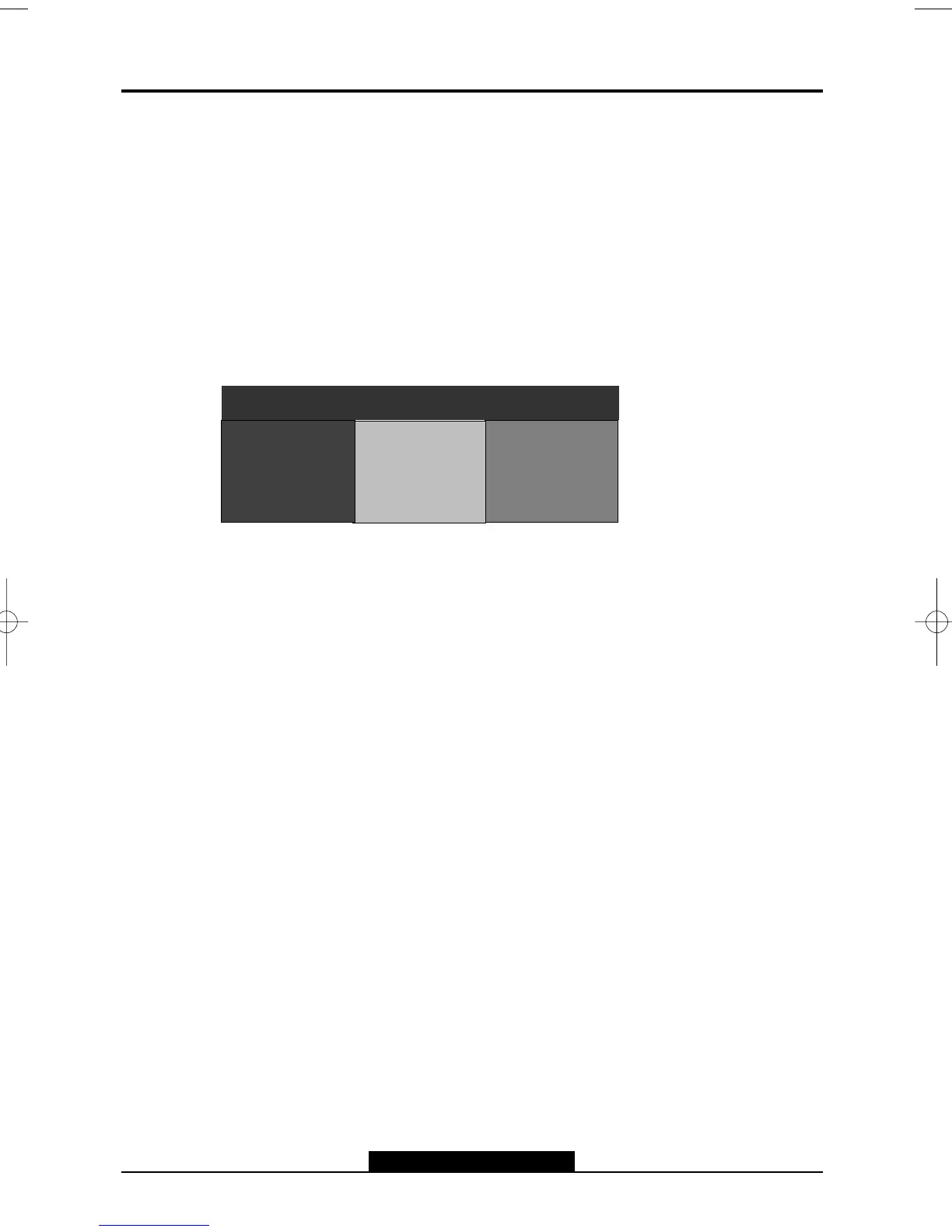
When the signal cable is removed The monitor is operated to self test mode(Following OSD
Image) and The Signal Isn’t detected, the monitor is operated to OFF-Mode.
Picture A (MODE FOR END USER)
(OSD MESSAGE is moving around the screen)
NO SIGNAL
NO SIGNAL
1024 768/ 75Hz
R
G
B



 To Next Page