Using your SuperDisk drive
Formatting Diskettes
To format or erase a diskette:
1
Insert a diskette into the SuperDisk drive and click on the diskette icon.
2
Turn off File Sharing from Control Panels (only when formatting a diskette).
3
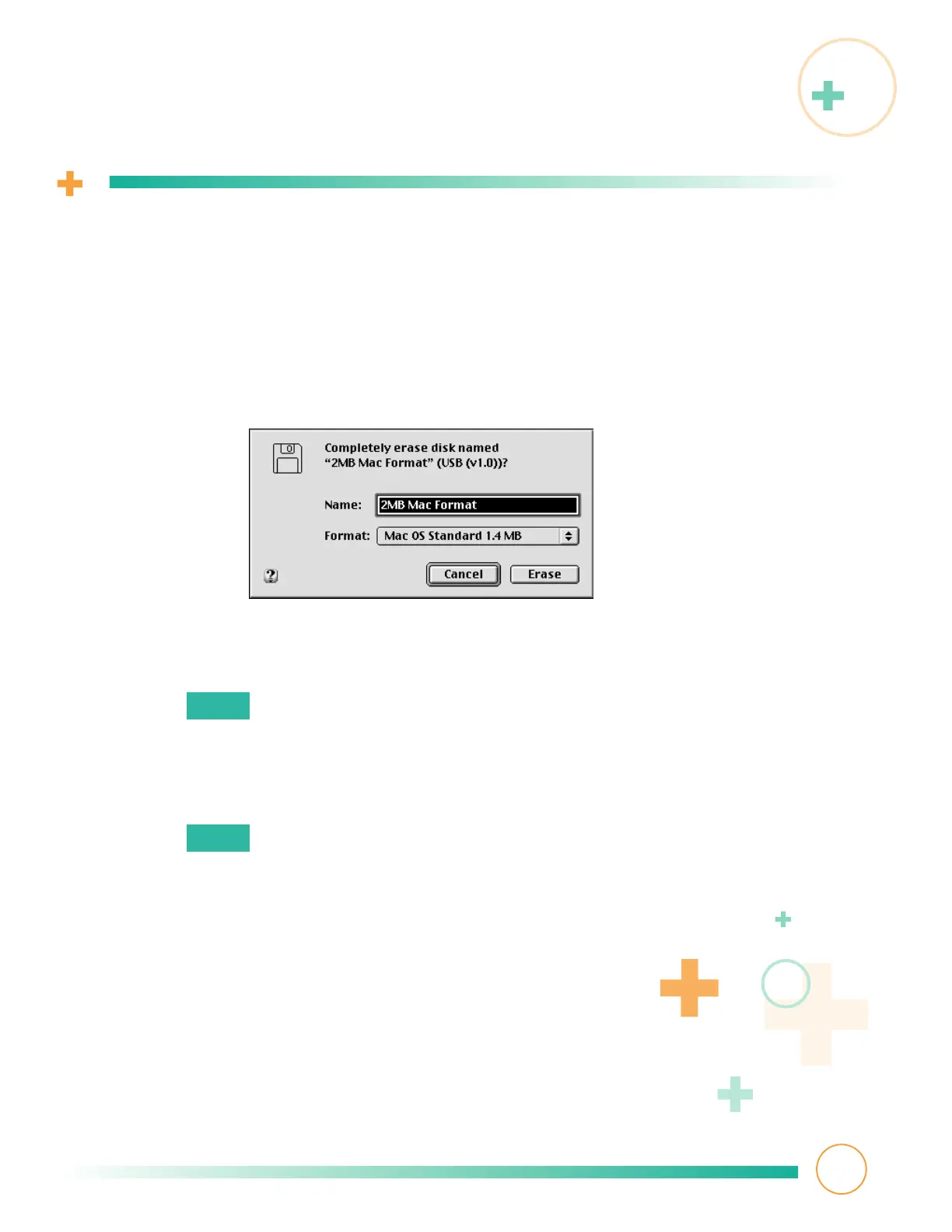
Choose Erase Disk from the Special menu in the Finder.
4
Select one of the formatting options from the menu (for example, Mac OS
Standard, Mac OS Extended, or DOS).
Select the DOS formatting option for 1.4MB and 720KB diskettes only.
Do not reformat SuperDisk diskettes to DOS format.
See
Troubleshooting
for more information.
5
Click Erase.
Erasing a diskette may change your SuperDisk diskette icon’s appearance.
For more information on how to restore the icon, see
Troubleshooting
.
9
Note:
Note:



 To Next Page