2
Note:
Getting Started
1
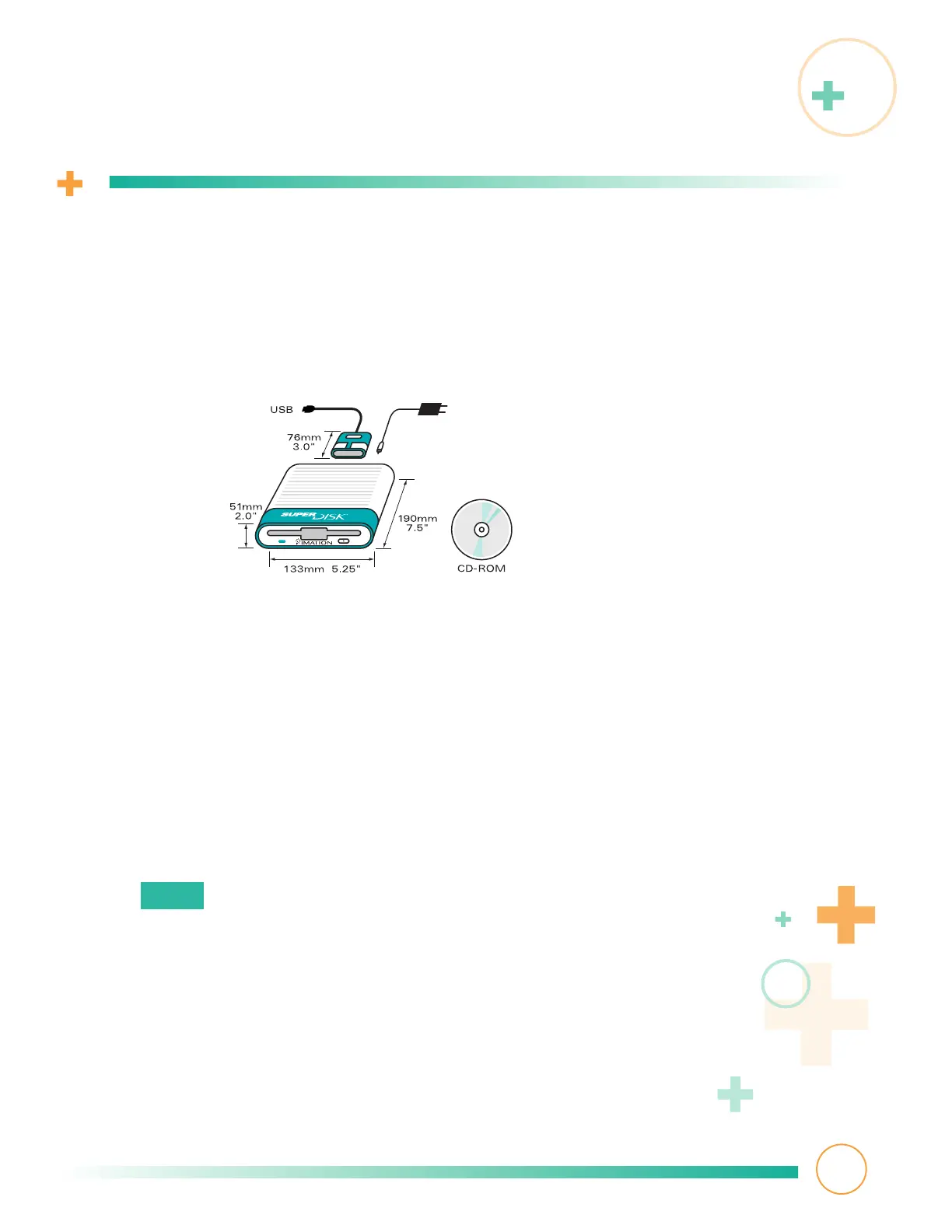
Make sure the following items are included in your box:
• Imation SuperDisk USB drive
• Auto-switching power supply and cord
• USB interface cable
• Installation CD-ROM (containing driver software and this guide)
2
Make sure you have an iMac or Macintosh with all of the following:
• Mac OS
™
8.1 or higher
• Available USB port
• CD-ROM drive
• 16MB of RAM
• 5MB of available hard disk space
•
For iMacs only:
➥ iMac Firmware Update 1.0
➥ iMac OS Update 1.0 (if your Mac OS is 8.1) or iMac OS Update 1.1
(if your Mac OS is 8.5.x)
For more information, visit
http://support.info.apple.com/support/imac/index/html
3
Read the following tips to get the best results from your SuperDisk drive:
Diskettes
• Use Imation SuperDisk diskettes for Macintosh. Supported Mac and PC diskette types
are listed in
Specifications
. 800KB and 400KB Mac format diskettes do not
work in this drive.



 To Next Page