Getting Started
Compatibility issues
• Before installing your drive, disable any security software (for example, Onguard™ or
At Ease™) installed on your computer. Remember to enable this software after drive
installation is complete. For more information, see your security software manual.
Safety—follow laser safety guidelines at the end of this guide.
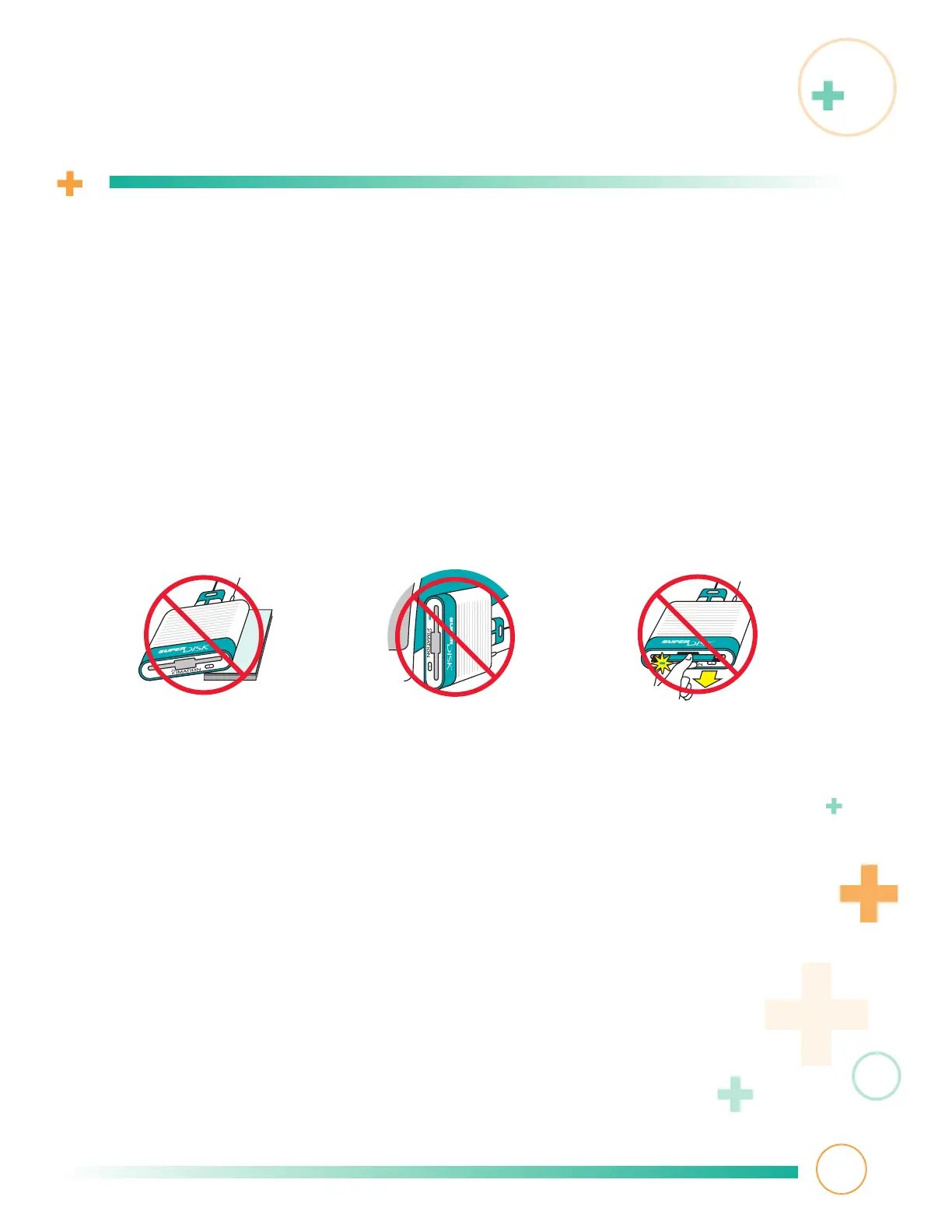
Using your drive
• Always eject any diskette from your SuperDisk drive before disconnecting the drive
from your computer. Doing so may prevent data loss.
•
Never remove a diskette from your SuperDisk drive while your drive is making an
operating sound or the green activity light is lit or blinking.
•
Always operate your drive indoors where it’s dry. Make sure the drive rests
on a flat surface.
4
To keep up-to-date with product and software news, visit our web site.
Make sure to register your drive on-line by following the links at:
http://www.imation.com/register/
3



 To Next Page