Using your SuperDisk drive
Once you insert a SuperDisk or HD diskette into your drive, the diskette
icon on your desktop operates just like your hard disk icon. You can
drag-and-drop files to the diskette icon to move or copy files or folders.
Just double-click the icon to see the files and folders on the diskette.
Ejecting Diskettes
There are three ways to eject a diskette:
1
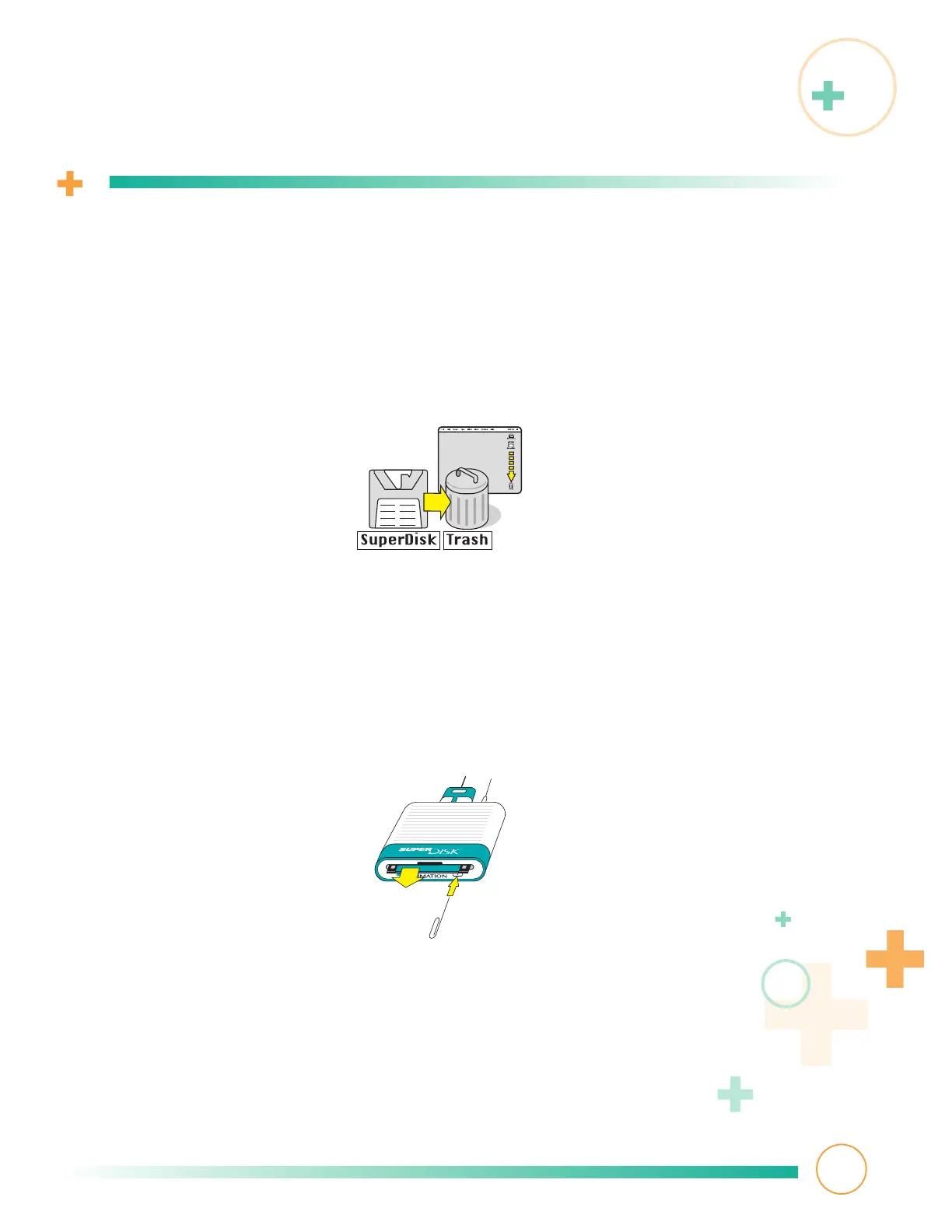
Drag the icon to the trash icon.
2
Press the apple z and E keys at the same time.
3
Manual eject—if the diskette appears stuck or your drive does not have
power, straighten out a paper clip, insert it into the small hole in the
center of the Eject button, and gently push it in until the diskette ejects.
8



 To Next Page