1
Make sure your SuperDisk drive is
not
connected.
2
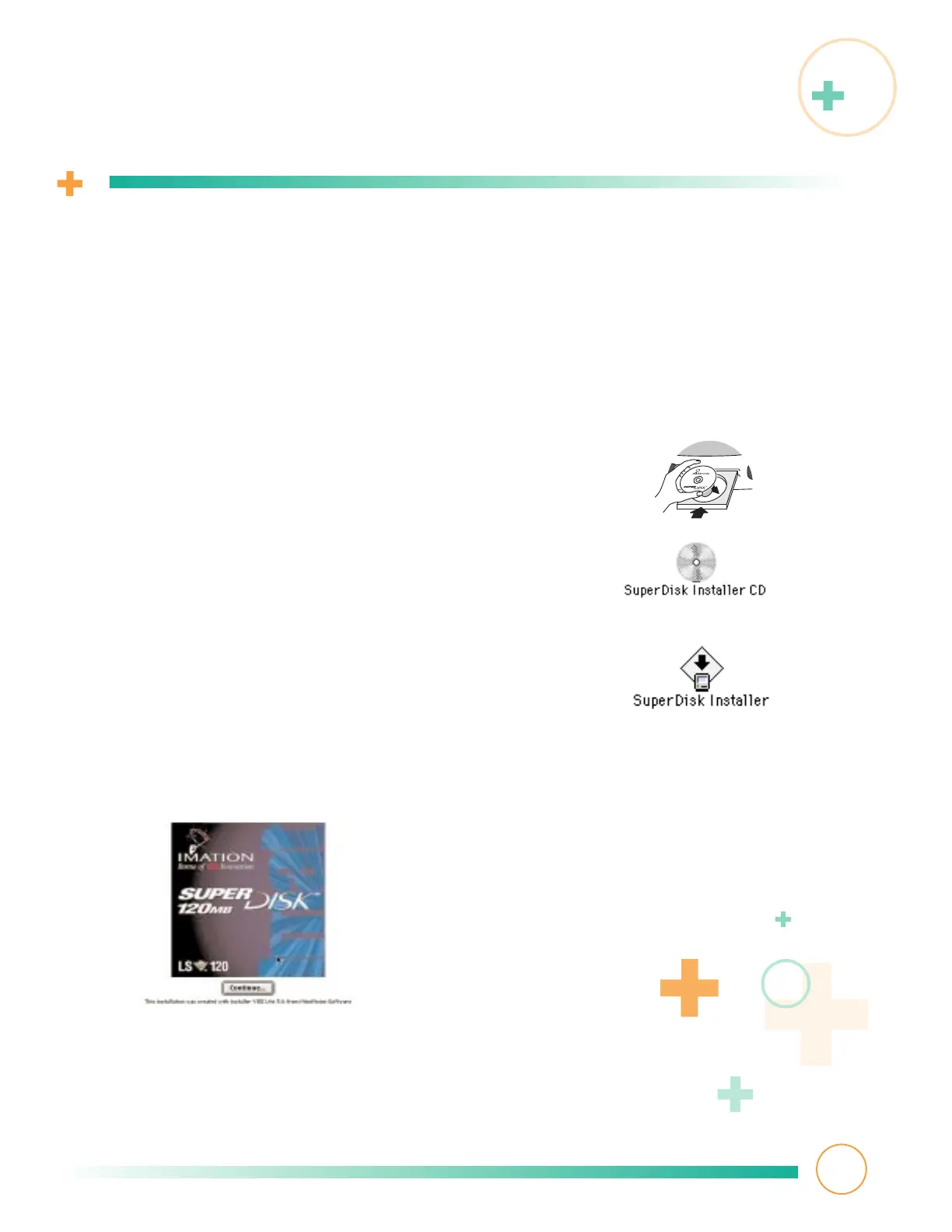
Carefully insert the installation CD-ROM printed
side up into its drive tray and close the tray.
3
Double-click the CD icon. After a few seconds,
the CD window opens.
4
Double-click the SuperDisk Installer icon.
5
The installer program displays this introductory screen.
Click Continue.
Installing driver software
If your computer is a new-generation iMac or Macintosh G3, it comes with driver
software pre-installed. You can skip to
Connecting the SuperDisk drive
if you wish.
However, if you don’t have a new-generation computer, or if you want to make sure
your new-generation computer has the most recent driver
(www.imation.com/superdisk/), perform the following:
4



 To Next Page