6
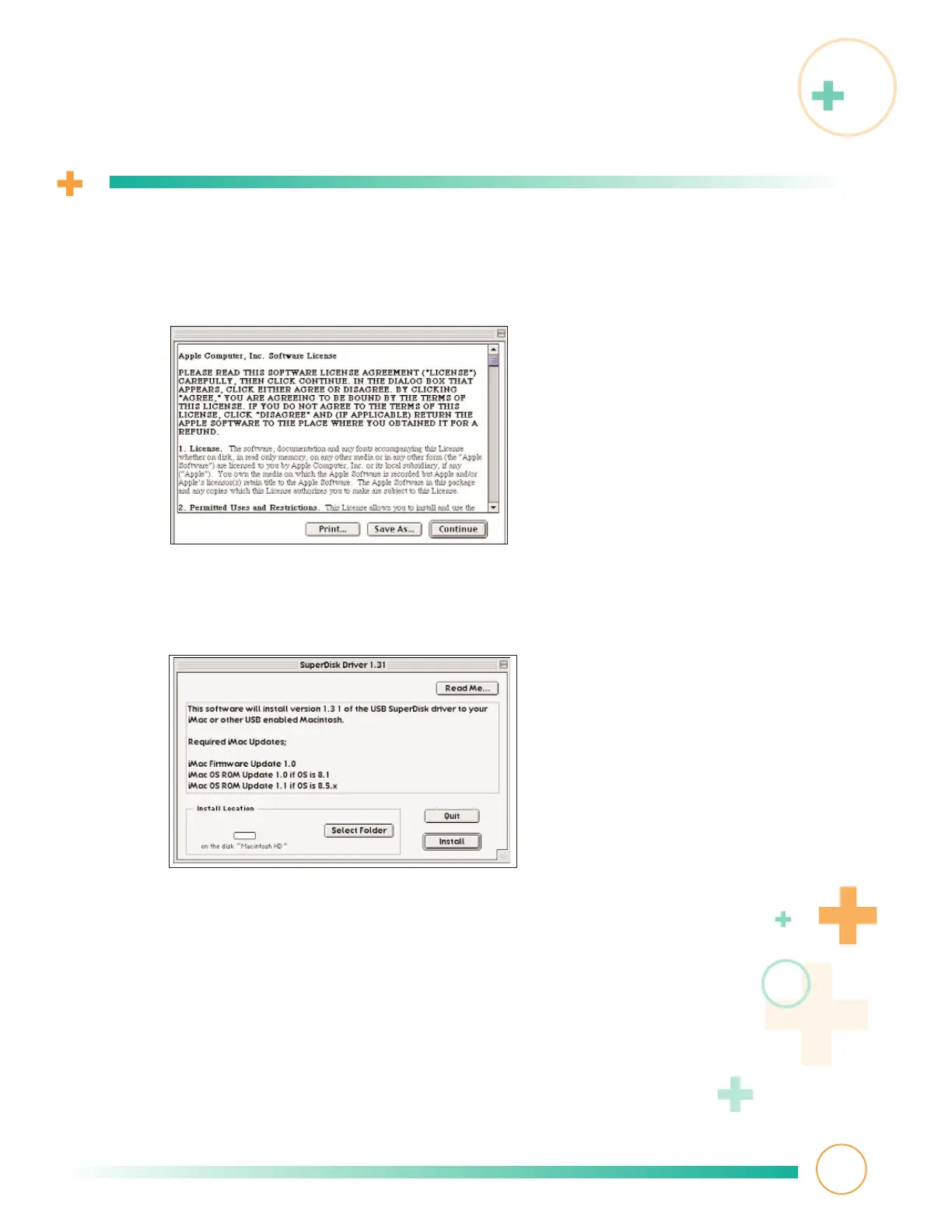
Software license agreement information appears. Read it and click Continue.
7
This USB driver screen appears. Read it and click Install to load version
1.31 onto your hard drive.
The installer program searches for any previously installed driver and
determines whether it’s more recent then the one you’re presently installing.
If it is, the installer program prompts:
No installation was necessary. The files to be installed are
already on your disk, or are not needed for your hardware setup.
Click Quit to exit from the installation process. Skip to
Connecting your
SuperDisk drive.
Installing driver software
5



 To Next Page