8
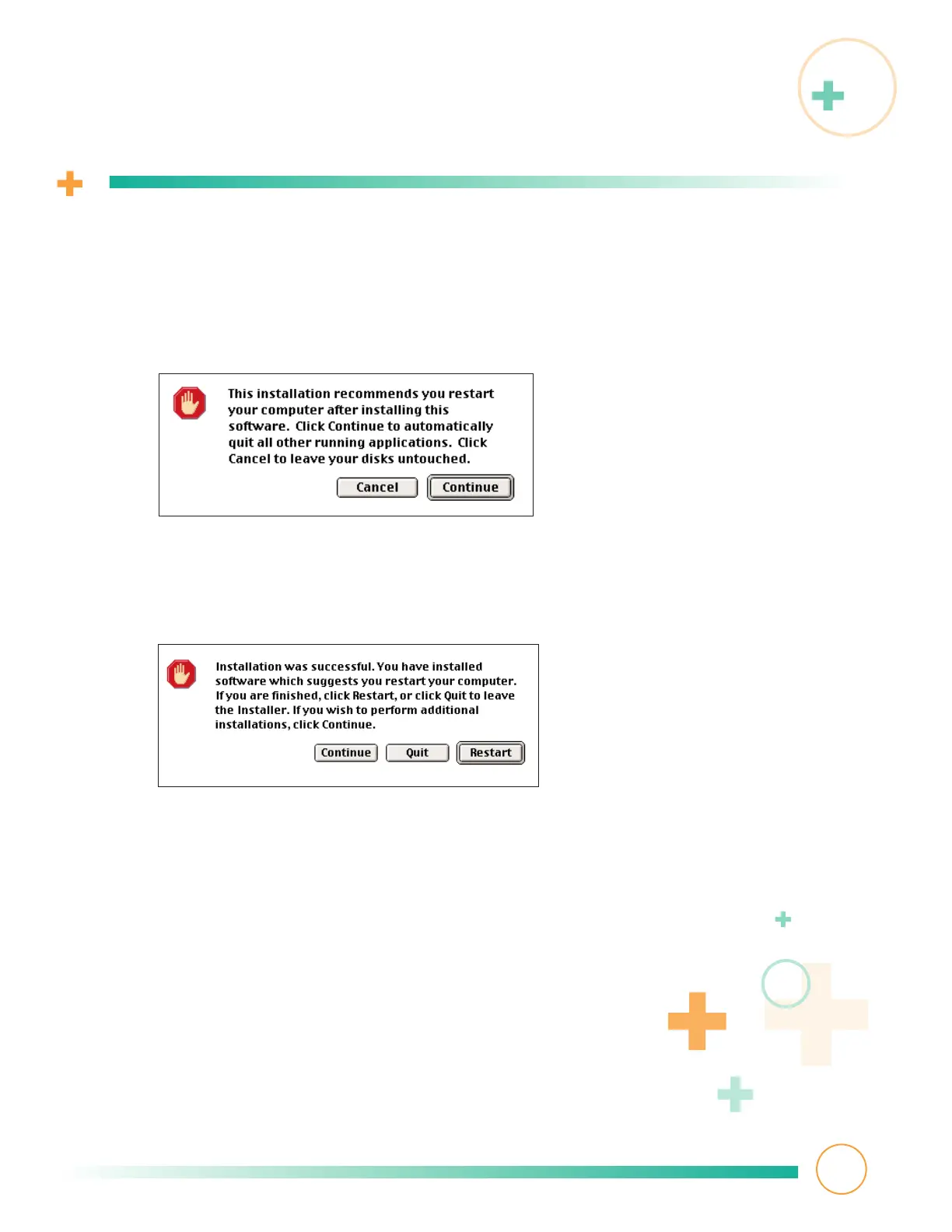
This warning screen appears, reminding you to restart your computer when
installation is complete. Click the Continue button on the right.
9
This screen appears, telling you driver software installed successfully.
Remember to click the Restart button on the far right.
Installing driver software
6
Software installation is complete! Connect your SuperDisk drive next.



 To Next Page