ATTENTION!
All users must be informed of this procedure and be aware of the operation of the machinery's safety systems.
19. USING THE EMERGENCY BUTTON
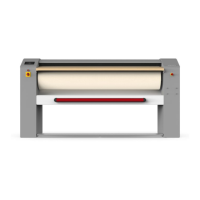
In case of emergency and need for a quick stop of the machine, press the emergency button on the side of the machine.
When the emergency button is pressed, the ironing roller stops at the same time the lay is lifted.
When the emergency has been resolved, rearm the emergency button, rotating it according to the indications on the
fungus itself.
Press the red RESET button to re-enable the operation of the machine.
Stop Category 1: Controlled stop with power available to the actuators to achieve shutdown and then power removal
when the stop is reached.
20. START AND STOP
Turn on the machine by bringing the main switch, described in the earlier paragraph, to the "I" position.
Make sure that the emergency button is in the resting position, and that it has not been activated during transport or
before the last shutdown of the machine.
Before starting the machine, always perform the safety check procedure (check the relevant paragraph).
When you turn on the machine, the display shows for a few moments the software version of the installed
microprocessor and its release date.
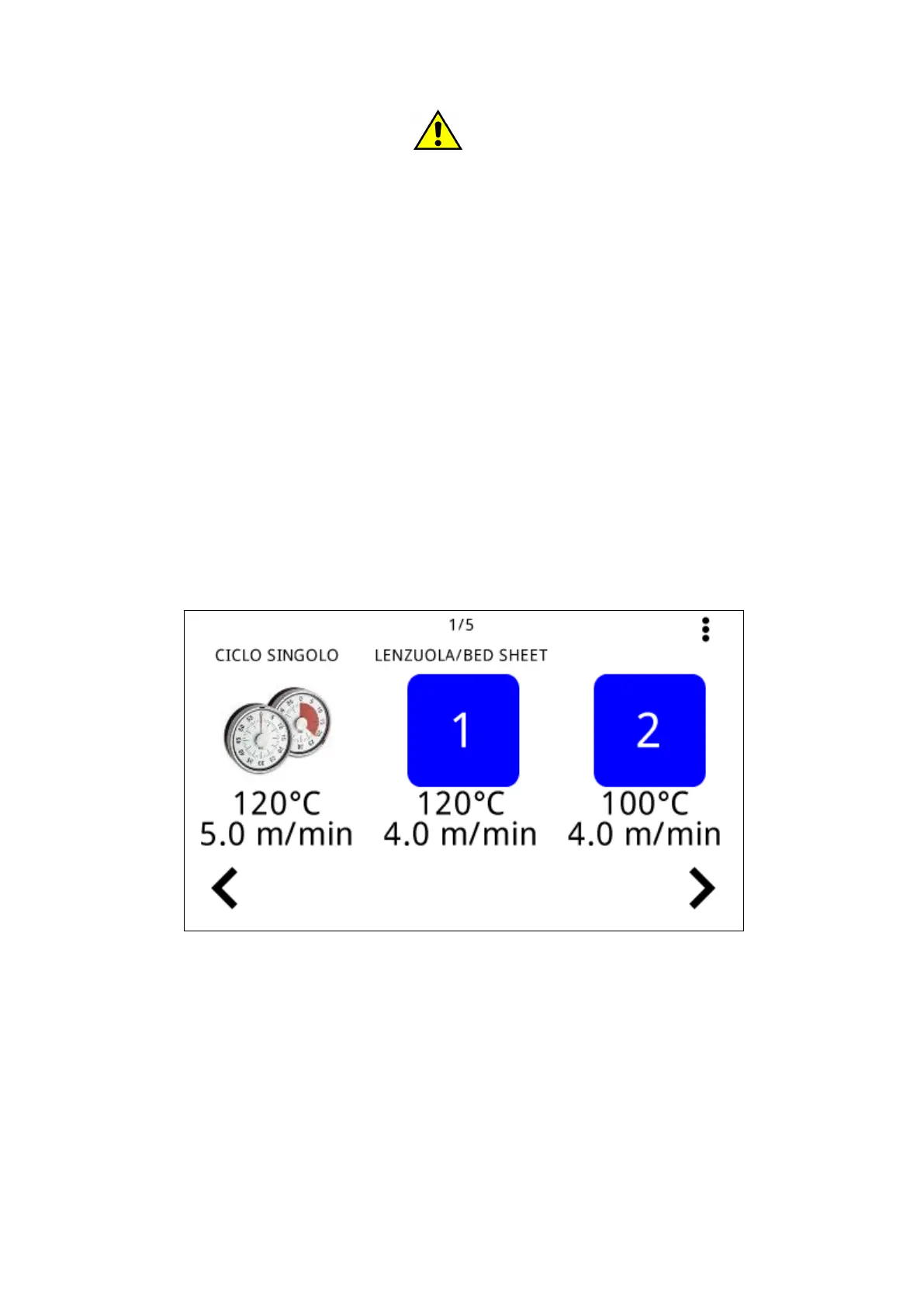
Then view the menu for the choice of the program:
To select a program simply tap on the desired icon.
To view added programs in memory, slide the screen, or tap one of the two arrows.
When a program is selected, its numerical storage and characteristics appear on the display, for example:



 To Next Page