The Camera Settings
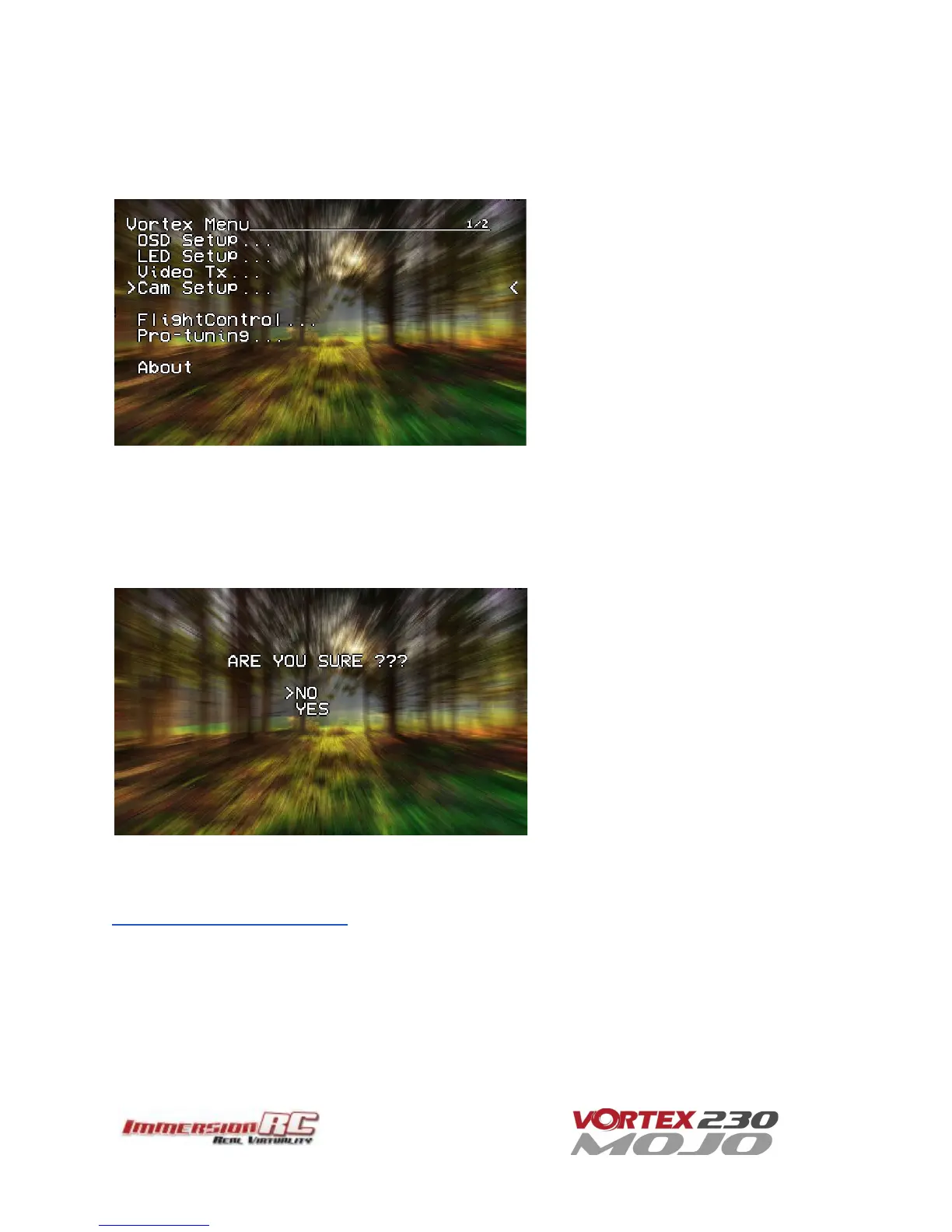
The Camera Settings menu allows the camera settings to be modified using the camera’s built-in OSD.
Ideal for tweaking settings to optimize the camera for challenging lighting conditions.
A confirmation prompt appears before entering the camera’s OSD menu. When selecting YES, the OSD controls
will change slightly from those used in the Vortex OSD.
For Mode 2 users, the right-stick becomes the OSD setup joystick (up/down/left/right), and the Vortex OSD
‘Enter Menu’ control (left stick back and left) becomes the ‘select’ function.
A long ‘Enter Menu’ control (1 second or more) returns control to the Vortex OSD.
If for any reason the camera OSD control doesn’t function, even if the cameras has been changed for a different
model, please follow the guide located in the following blog post:
Vortex OSD Control of Camera OSDs



 To Next Page