DSMX Mode
For the DSMX mode, several of the more recent Spektrum™ radios (see table below) can set the video
transmitter channel using the LCD directly on the radio.
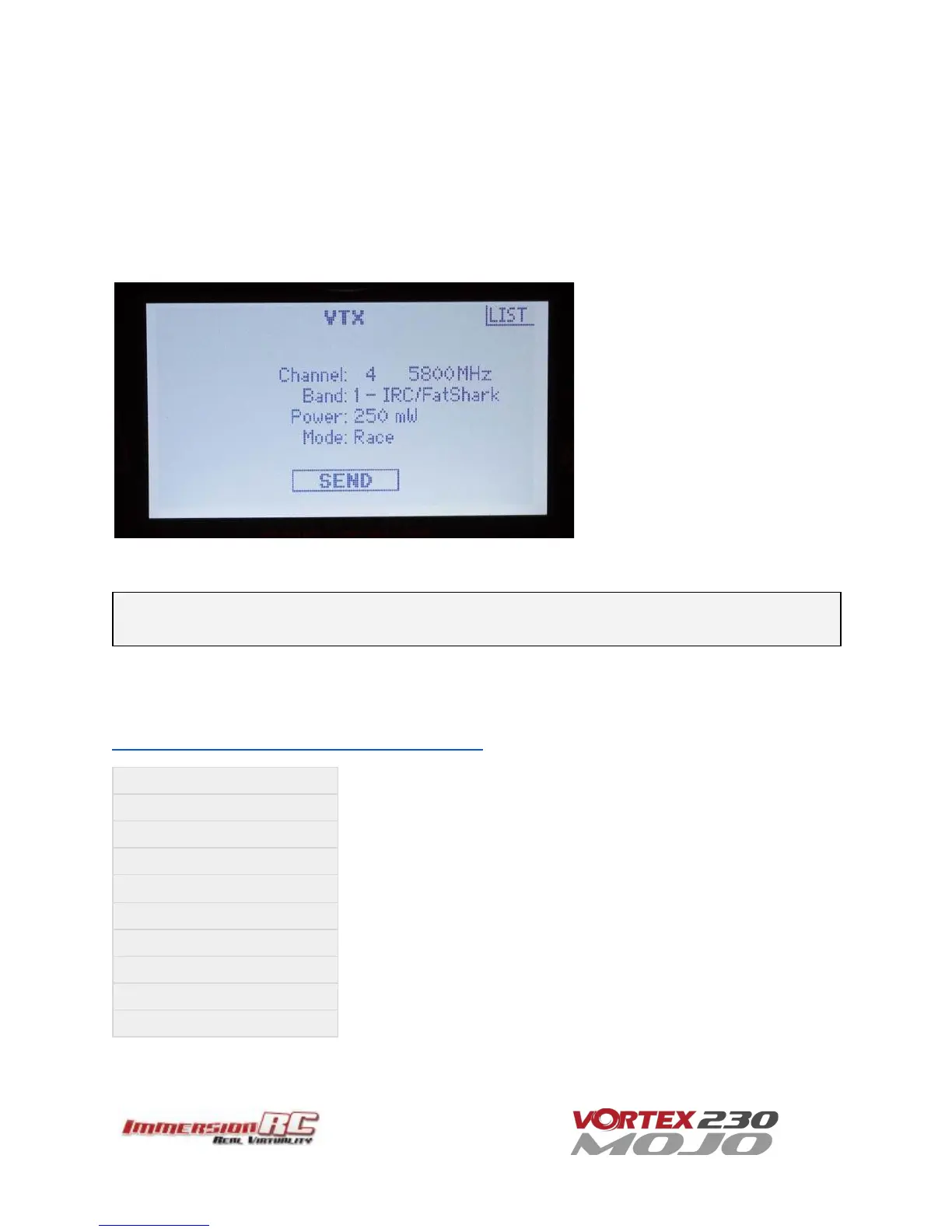
An example of the settings from the DX9 are shown below.
Set the channel, band, and power level from the LCD, and select ‘Send’ to send the settings to the Vortex.
Note: To use DSMX to set the Tx settings, but not transmit immediately at power-up, select the PitStick
channel following the procedure above.
The following Spektrum™ radios are either compatible out of the box (DX6e) or may be upgraded to support the
vTx control menu. To create an account on the Spektrum site, and register your radio, visit the following site:
https://www.spektrumrc.com/MyAccount/Register.aspx



 To Next Page