14
Driver Program Installation (For Windows OS)
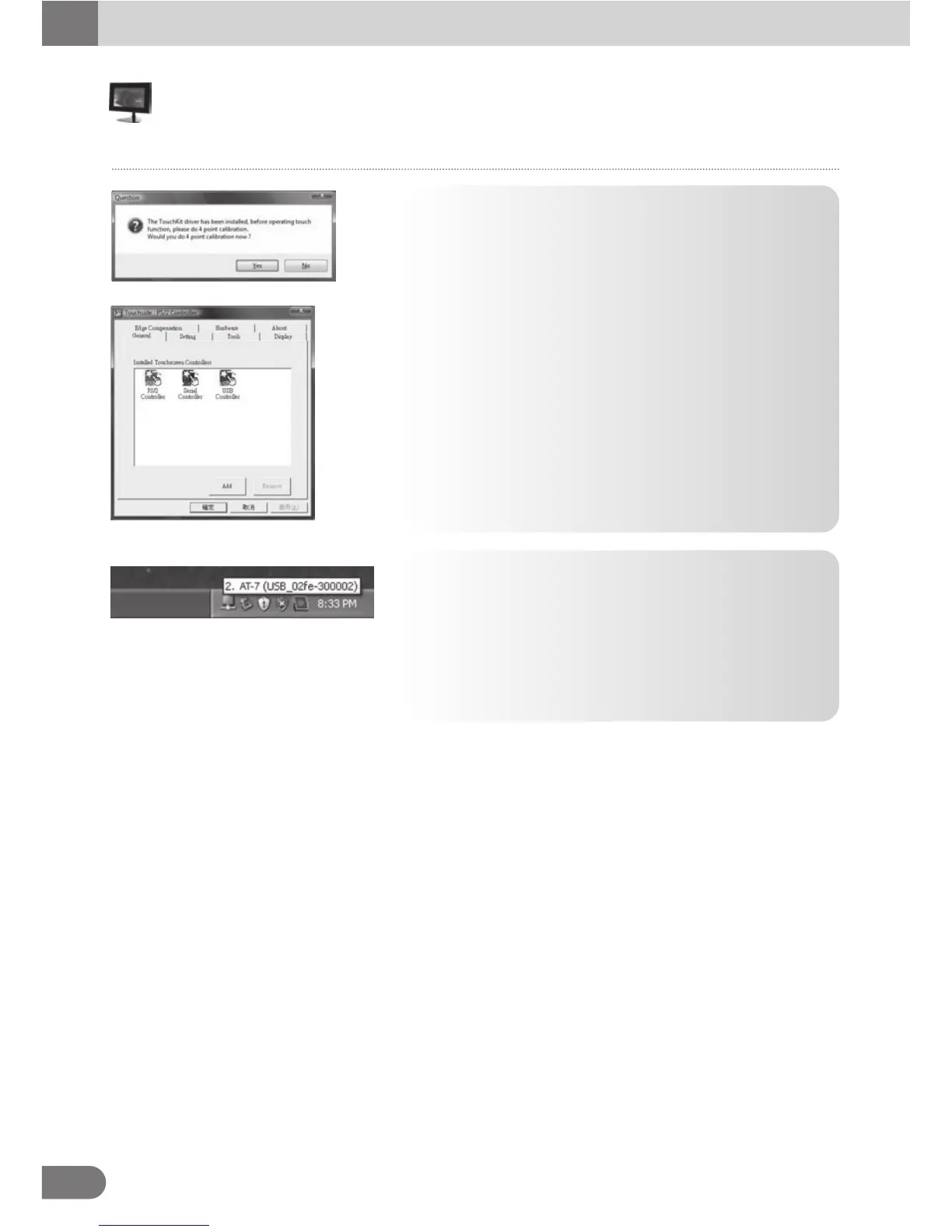
13. After driver installed, below dialog pops up so that users do
calibration now.
14. Finally, the Touchside utility is launched. If PS/2 interface
of driver is installed, it needs to reboot system to make
sure the driver is installed.
● When [Touch side] icon is formed at the right corner of
the task bar, Touch driver installation is completed.
● Remove the CD from the PC.
● Use [Remove Hardware Safely] function to remove the
USB cable safely.
● Reboot the PC.
Touch



 To Next Page