13
AT-7 User Guide
Driver Program Installation (For Windows OS)
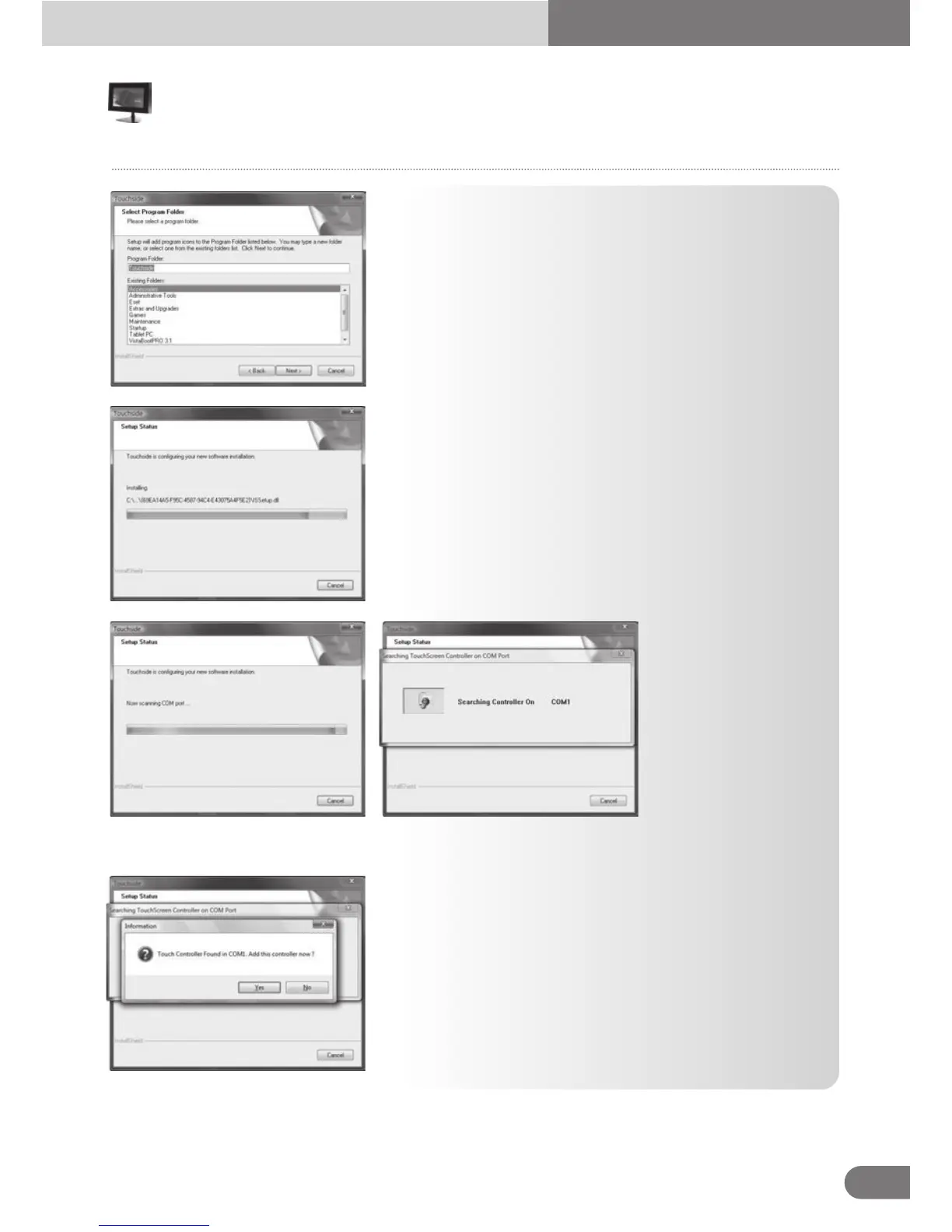
9. The installation wizard pops up below dialog to show
the program folder. Press [Next]to continue.
11. After files copied, the wizard begins searching Touchside devices on COM ports.
10. The driver software files are being copied.
12. Once the serial Touchside device is found, the below
dialog pops up for user to confirm to install kernel mode
driver for this device.
Touch



 To Next Page